Copyright ©2023 Ruko All Rights Reserved. 34
F11 PRO User Manual
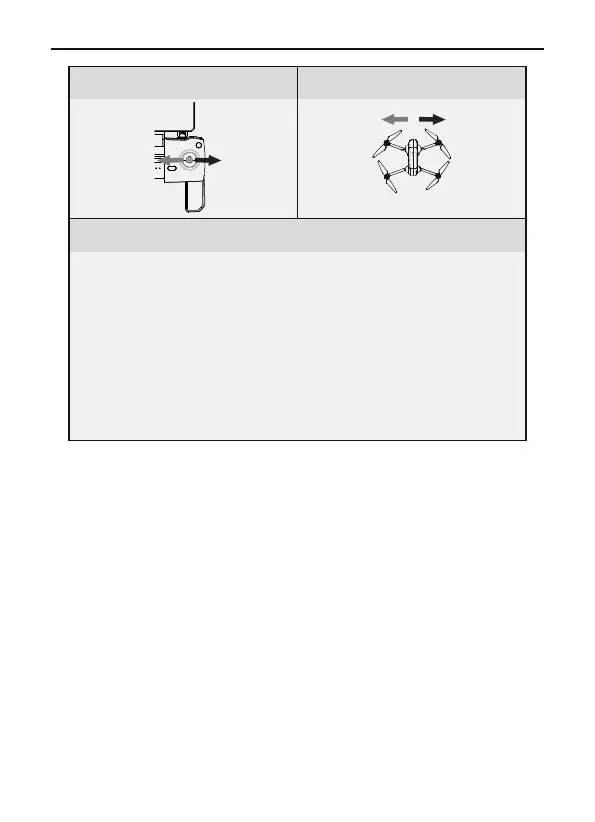
Push the direction stick left/right to control the aircraft to fly
left and right.
Hit the stick to the left, the aircraft tilts to the left and flies to
the left. Hit the stick to the right, the aircraft tilts to the right
and flies to the right. The left and right directions of the
aircraft remain horizontal in the middle position.
The joystick offset corresponds to the angle of the aircraft’s
left and right tilt. The greater the offset, the greater the tilt
angle and the faster the flight speed.
Aircraft DirectionTransmitter (Defalut Mode)
Remarks



 To Next Page