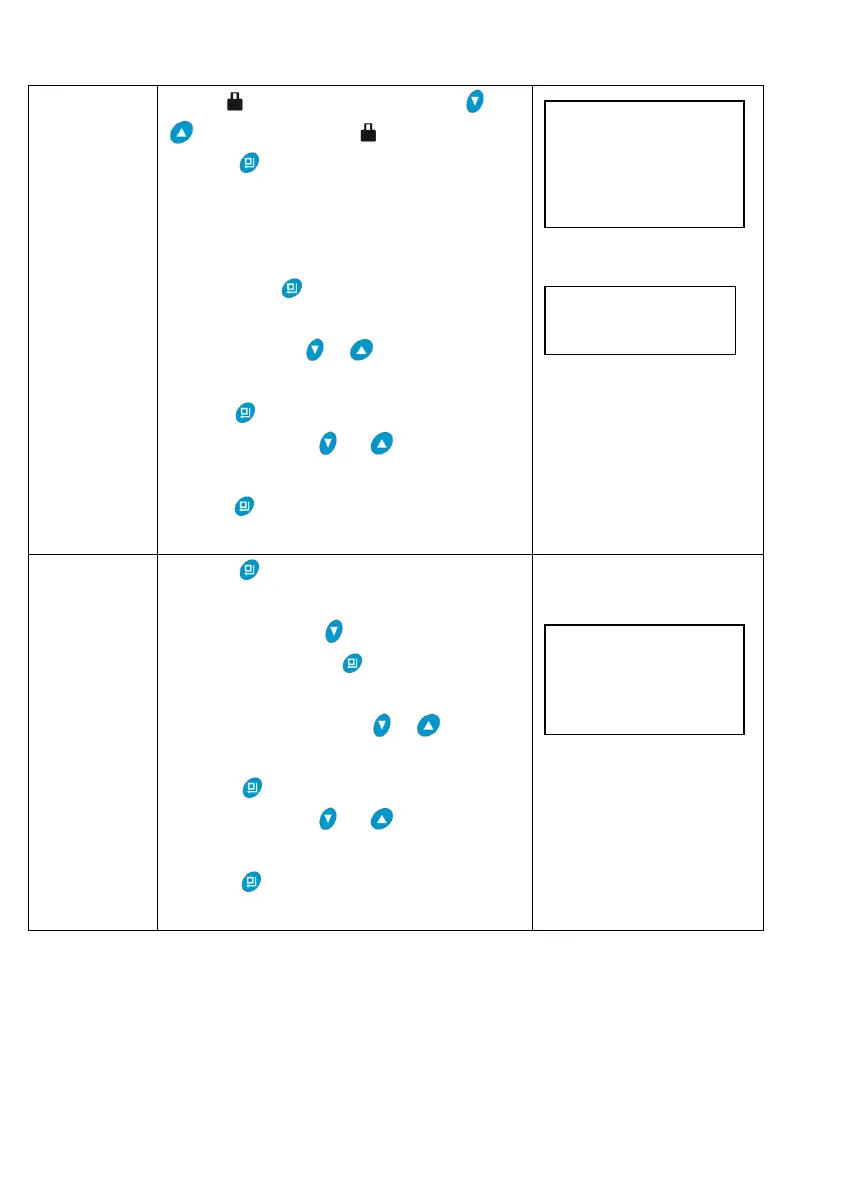
When lights on, press and hold and
for 5 seconds until lights off.
1.Press to enter into parameter setting
as Figure LR1. The option of “Set Time of
Day” will be selected by system
automatically.
2.Then press , the setting interface will
display as Figure LR2; Hour value 12
flashes, through or to adjust the hour
value.
3.Press again, then minute value 30
flashes, through or to adjust the
minute value.
4.Press and hear a sound “Di”, then
finish adjustment.
1.Press to enter into parameter setting
as Figure LR1.
2.Then press to select “Set
Regen.Time”; Press , regeneration time
setting shows as Figure LR3; When hour
value 02 flashes, press or to adjust
the hour value.
3.Press again, then minute value 00
flashes, through or to adjust the
minute value.
4.Press and hear a sound “Di”, then
finish adjustment.



 To Next Page