EN
SV
DA
NO
FI
DE
FR
ES
IT
PT
NL
RU
PL
HU
CS
RO
SK
HR
ET
LT
LV
SL
BG
TR
UK
ENGLISH
13
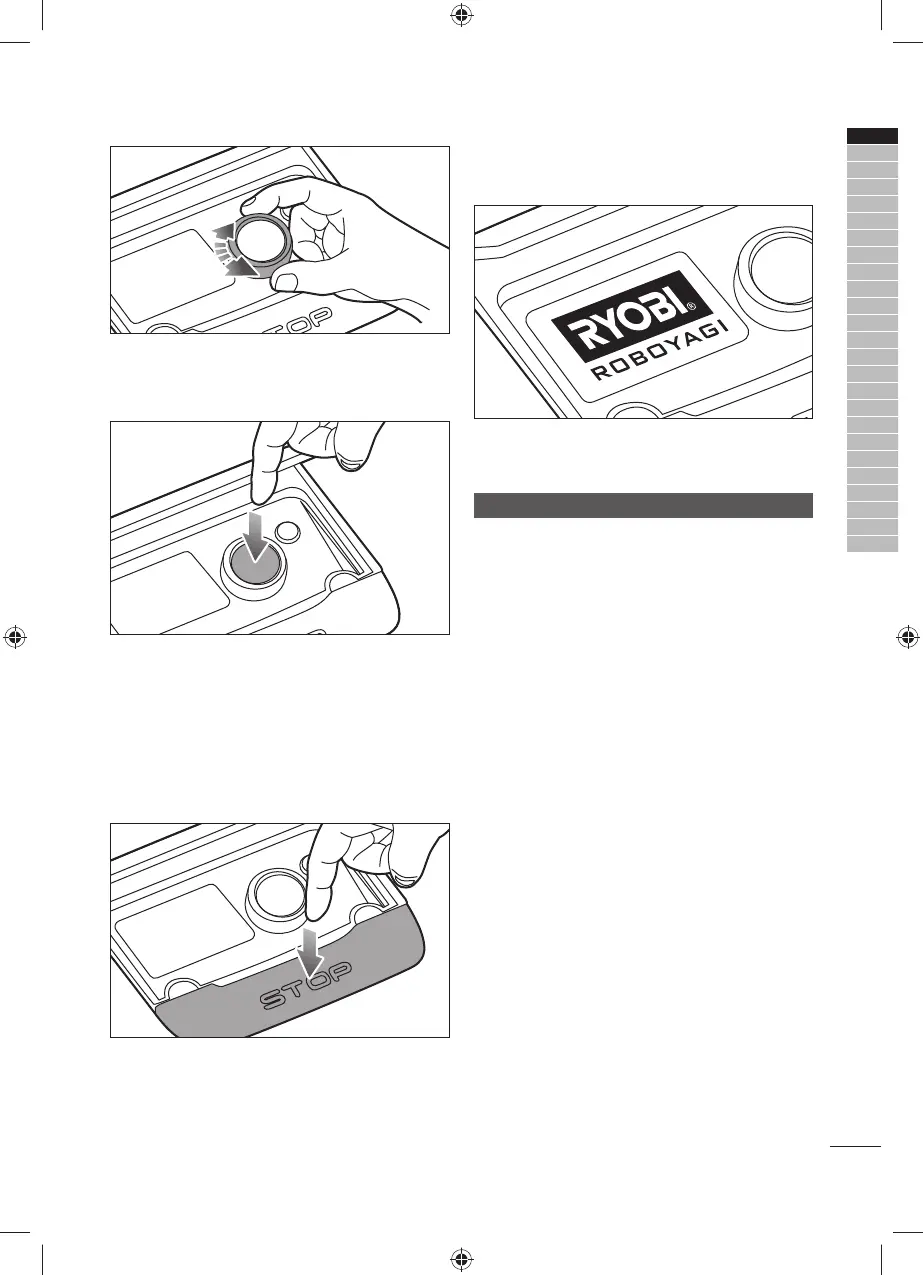
2. Selector knob
This knob navigates through various items for
selection.
3. Confi rm button/On-Off button
This button is used to confi rm the selection of a
highlighted item. This button also functions as an
on/off button while the master switch is turned on.
Press this button to turn on the product. Press and
hold this button to turn off the product.
NOTE: This button is disabled when the master
switch is turned off.
4. Stop button
This button stops the product and opens the control
panel cover.
NOTE: Close the control panel cover to resume
operation.
5. Display
The display screen shows the status of the product
and the menu options.
SETTING UP FOR FIRST-TIME USE
NOTE: Make sure the master switch is turned on and
the mower is properly docked.
1.
Press and hold the confi rm button until the RYOBI
logo appears.
2. Using the selector knob, choose a preferred
language. Press the confi rm button.
3. Read through the information and press the confi rm
button.
4. Choose the fi rst digit of your security PIN. Press
the confi rm button. Repeat the step to choose the
succeeding digits of your security PIN.
5. Re-enter your security PIN.
If the security PIN setup is successful, a confi rmation
screen appears. If PIN code mismatch appears,
repeat step 4.
6. Press the confi rm button.
7. To set up Wi-Fi, select one of the following:
● [YES]: Set up the Wi-Fi connection. For
instructions, refer to the “Wi-Fi Setup” section.
● [NO]: Set up the Wi-Fi connection at a later time.
If there is no Wi-Fi signal or if [NO] is chosen,
manually set the date and time.
8.
On the [Date/Time Setup] screen, choose the date.
a. With [dd] highlighted, choose the day. Press the
confi rm button.
b. With [mm] highlighted, choose the month. Press
the confi rm button.
c. With [yy] highlighted, choose the year. Press the
confi rm button.
9. Choose the time.



 To Next Page
 Loading...