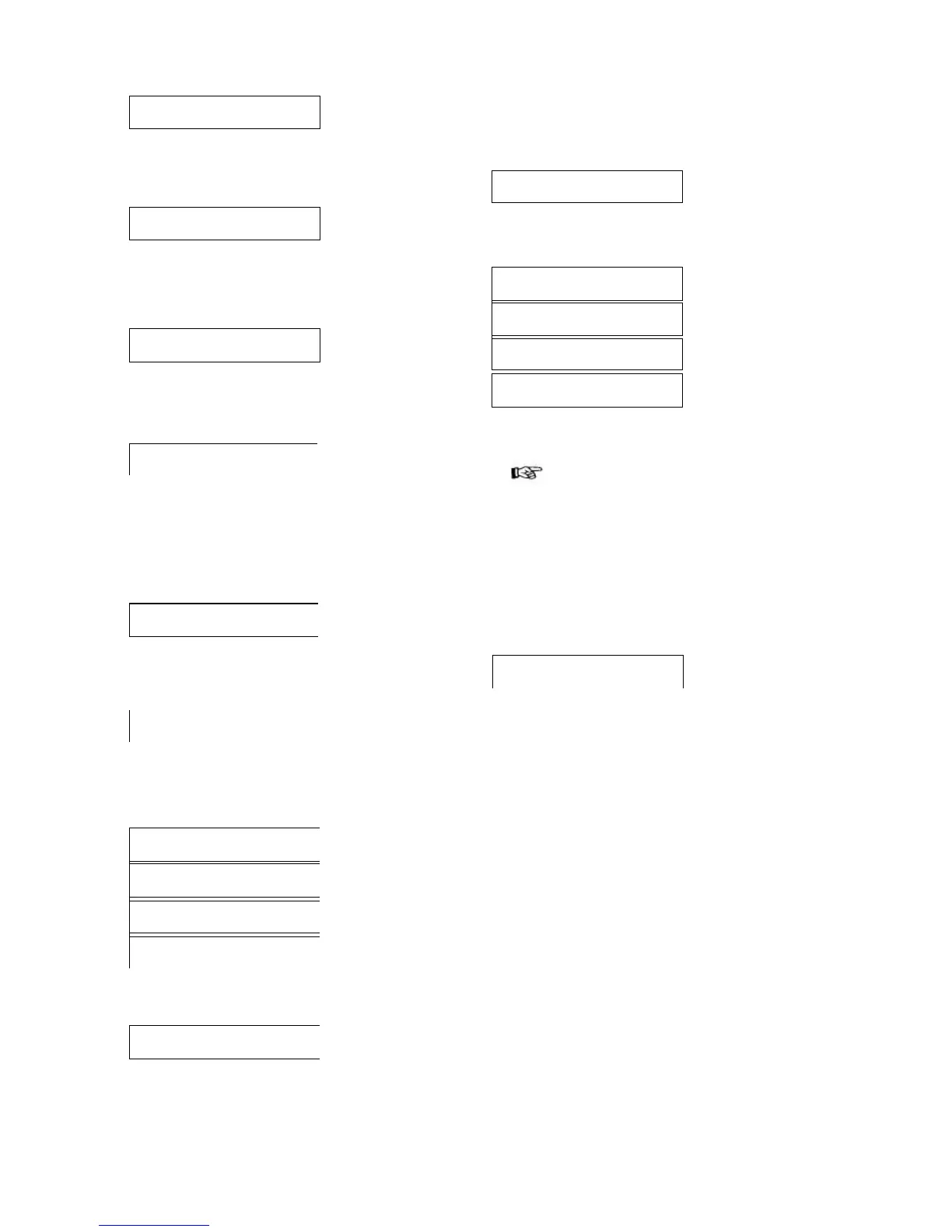
It represents the quantity of soluble product used in the drink
C (ref.
3, fig. 17).
Pressing the "DOWN" key moves the display to the next item.
BEVERAGE C
WATER 1: 030
It represents the quantity of hot water dispensed in drink C
with the
soluble product.
Pressing the "DOWN" key moves the display to the next item.
BEVERAGE C
% SOLUB. 1:160
It indicated the speed with which the soluble product in the container (ref. 1, fig. 1 8)
and water are dispensed in drink C (ref. 3,
fig. 17).
Pressing the "DOWN" key moves the display to the next item.
BEVERAGE COFFEE: C 050
It represents the quantity of ground coffee used in the drink C (ref.
3, fig. 17).
Pressing the "DOWN" key moves the display to the next item.
Fourth main item of the
programming menu
SALES MANAGEMENT
dure described in chapter "7.5 Changing and saving parameters".
Use the "UP" and "DOWN" keys to move to a further "PRICE...:..." item.
Repeat the operation sequence for each price whose value is to be modified.
BEVERAGE PRICES
This function allows the Association of each drink with one of the prices previously
set in "BEVERACE PRICES". Press "ENTER" to access item display.
BEVERAGE PRICES 1- 0000
This level displays in sequence the Price/Drink associations set for each single item.
Important
In model D.A. 3P the second line of the display only shows
the letters abc, because the price has to be associated with
only three drinks.
Press "ENTER" to change the Drink/Price associations.
PRICE VALUES
This function allows the setting a value for each price.
Steps and ranges are pre-set.
Press "ENTER" to access the display of the price va ues.
PRICE VALUES PRICE 01:
00000
PRICE VALUES PRICE 02:
00000
PRICE VALUES PRICE 03:
00000
PRICE VALUES PRICE 04:
00000
This level displays in sequence prices and their values, Press "ENTER" to
access the change of the single values.
PRICE VALUES PRICE 01:
00000
The second line of the display shows a first group of digits "1- 0200..." that cannot
be changed in this function because they're the previously set prices. The second
group of digits "...:abcde" shows the dispensable drinks, model D.A. 5P dispensing
keys A - B - C - D (ref. 3, fig. 17), model D.A. 3P dispensing keys A - B - C (ref. 3,
fig. 17), which can be associated with prices.
N.B: LOWER CASE LETTERS indicate that the drink IS NOT associated with the
displayed price, while UPPER CASE LETTERS indicate that the drink IS
associated with the displayed price.
- Use the "UP" and "DOWN" keys to scroll all the available price values.
Press "ENTER" to change the Price/ Drink association The flashing cursor
appears under the first letter. If the displayed price is to be associated with one of
the five possible drinks, the chosen letter should be transformed from lower to
upper case by using the "UP" and "DOWN" keys. Press "ENTER" to store to
memory. The cursor automatically moves to the second letter. Follow the same
procedure to set the remaining letters.
- Use the "UP" and "DOWN" keys to move to a further "BEVERAGE PRICES" item.
To exit the function press the D (ref. 3, fig. 6).
19
Press "ENTER" to access the item functions.
The second line of the display shows the currently assigned value (e.g.
item "PRICE 01:00200".
to scroll the values, and eventually change them, follow the proce-







 To Next Page