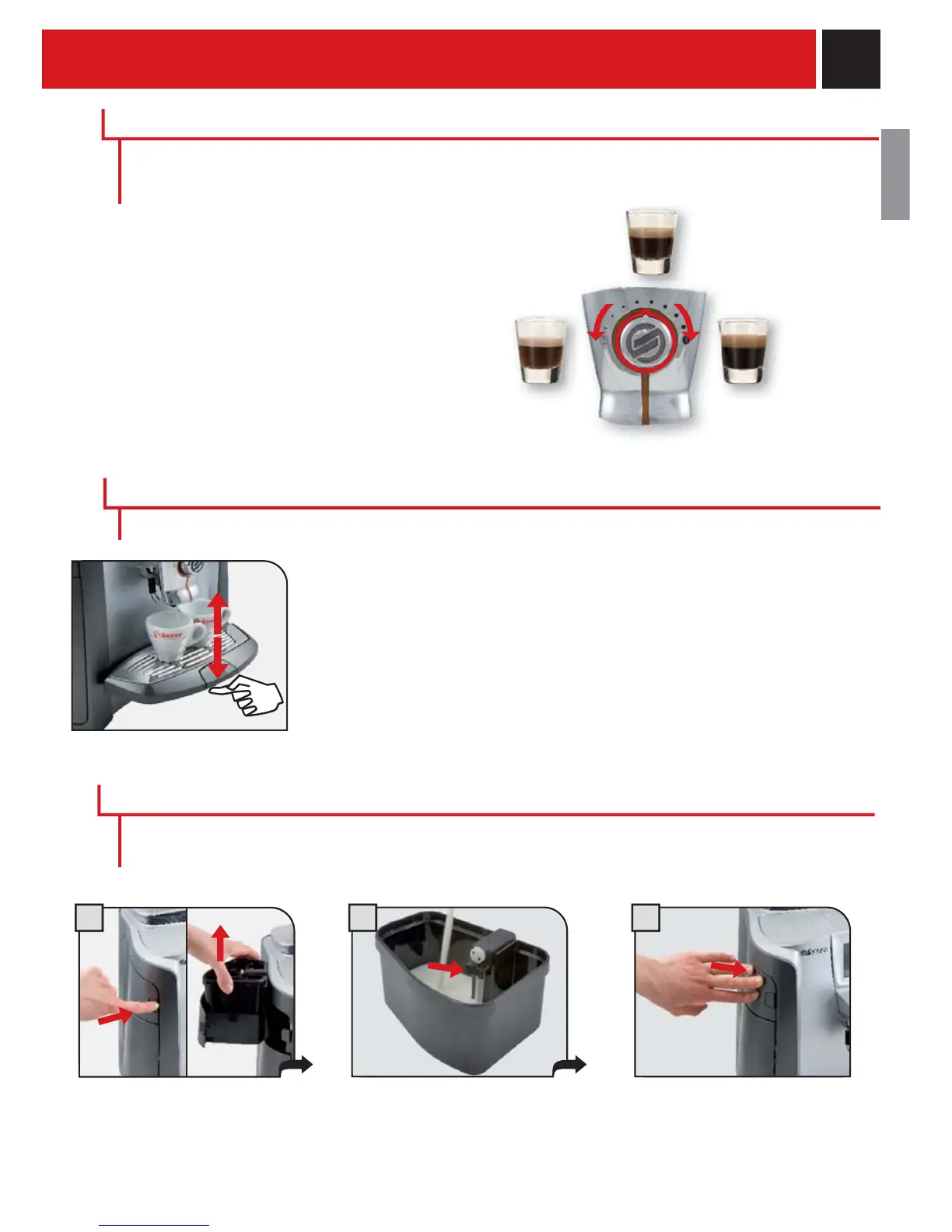
9
MEDIUM
COFFEE
STRONG
COFFEE
MILD
COFFEE
SBS adjusts the intensity of the brewed coffee,
and can even be adjusted while brewing. Any
adjustment has an immediate effect on the
brewing coffee.
COFFEE INTENSITIY
SBS – SAECO BREWING SYSTEM
Height adjustable drip tray.
To raise the drip tray, press lightly on the lower part of the button. To lower the tray,
press lightly on the upper part of the button; when the desired height is reached,
release the button.
Note: There is a red fl oater in the drip tray. When it rises, the tray must be emptied
and washed.
ADJUSTING THE HEIGHT OF THE DRIP TRAY
FILLING THE MILK CONTAINER
ADJUSTMENTS
The SBS system has been carefully designed to give your coffee the intense taste you desire. Simply
turn the dial and you will notice that the coffee goes from mild intensity to strong intensity.
Only the container with the cappuccinatore must be fi lled before preparing beverages with milk. Do not
use milk after the best-before date. (Important! Refer to the instructions for maintenance and cleaning
of the cappuccinatore on page 40).
Adjust the drip tray before dispensing any beverages.
21 3
Open the milk compartment by
pressing the button and remove
the milk container.
Remove the cover and pour in the
milk. DO NOT EXCEED THE
MAXIMUM LEVEL shown in the
fi g u r e .
Replace the lid on the container
and place it back in the milk
compartment. Make sure to
carefully close the compartment.










 To Next Page