26
beverage counters
BEVERAGE COUNTER FUNCTION
This function shows how many beverages have been prepared for every single type of beverage.
hot milk 0
latte macchiato 1
cappuccino 0
espresso macchiato 0
hot water 0
coffee long 15
coffee 0
espresso 0
PROGRAMMING THE MACHINE
This function shows the machine’s potential.
This is the way the “demo” mode
operation begins. The messages that
follow illustrate the machine’s
functionality.
To exit this mode, press anywhere on
the display.
“DEMO” MODE
Note: When this function is activated, the machine is in stand-by and all the functions
are disabled. The “demo” mode is saved even when the machine is turned off by the
main switch.
The next time the machine is turned on, the machine will still be in the “demo” mode.
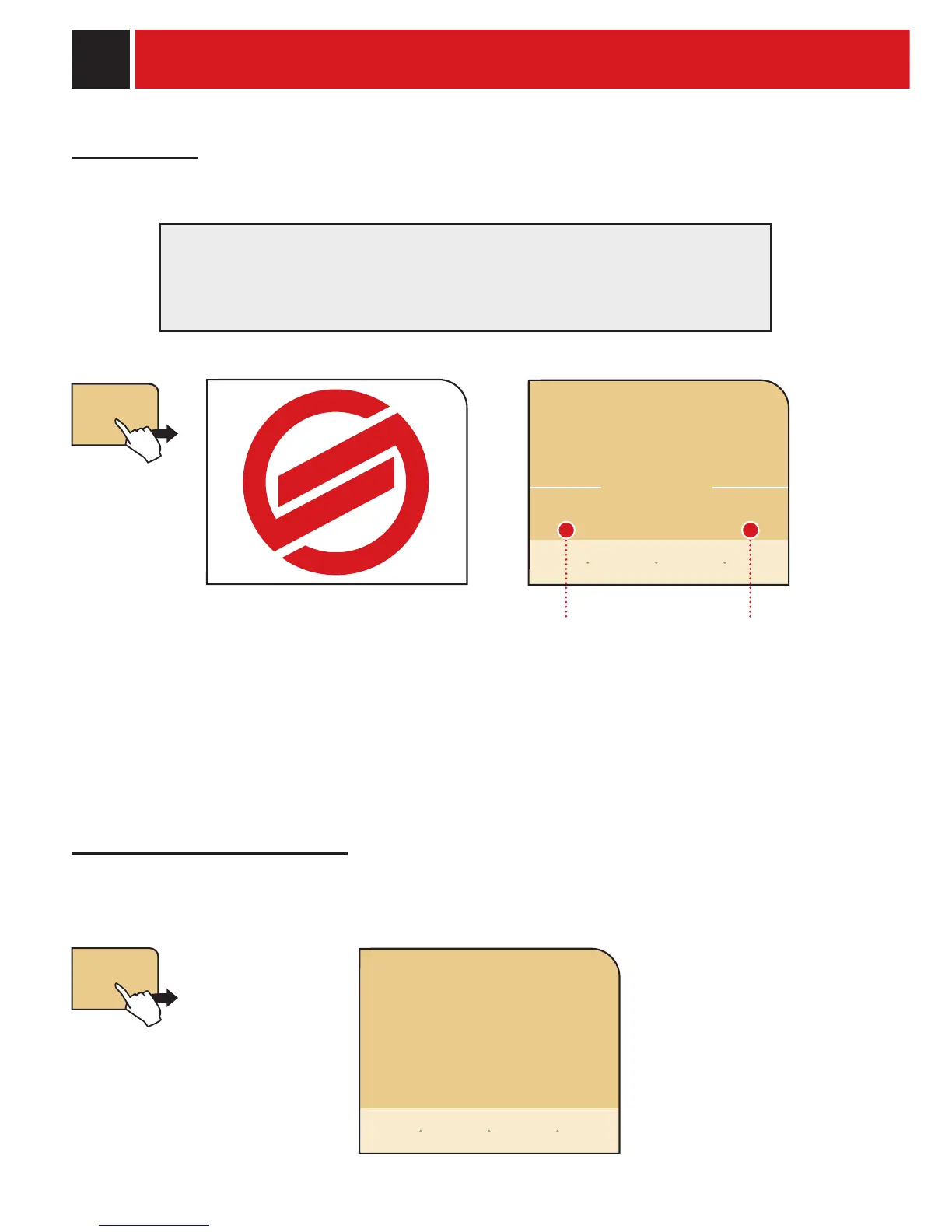
Pressing the demo button on the display shows:
continue the tour exit and activate the
machine’s normal functions
demo
beverage
counters
no yes
leave demo mode?
go back
back to
menu










 To Next Page