37
ENERGY SAVING SETTINGS
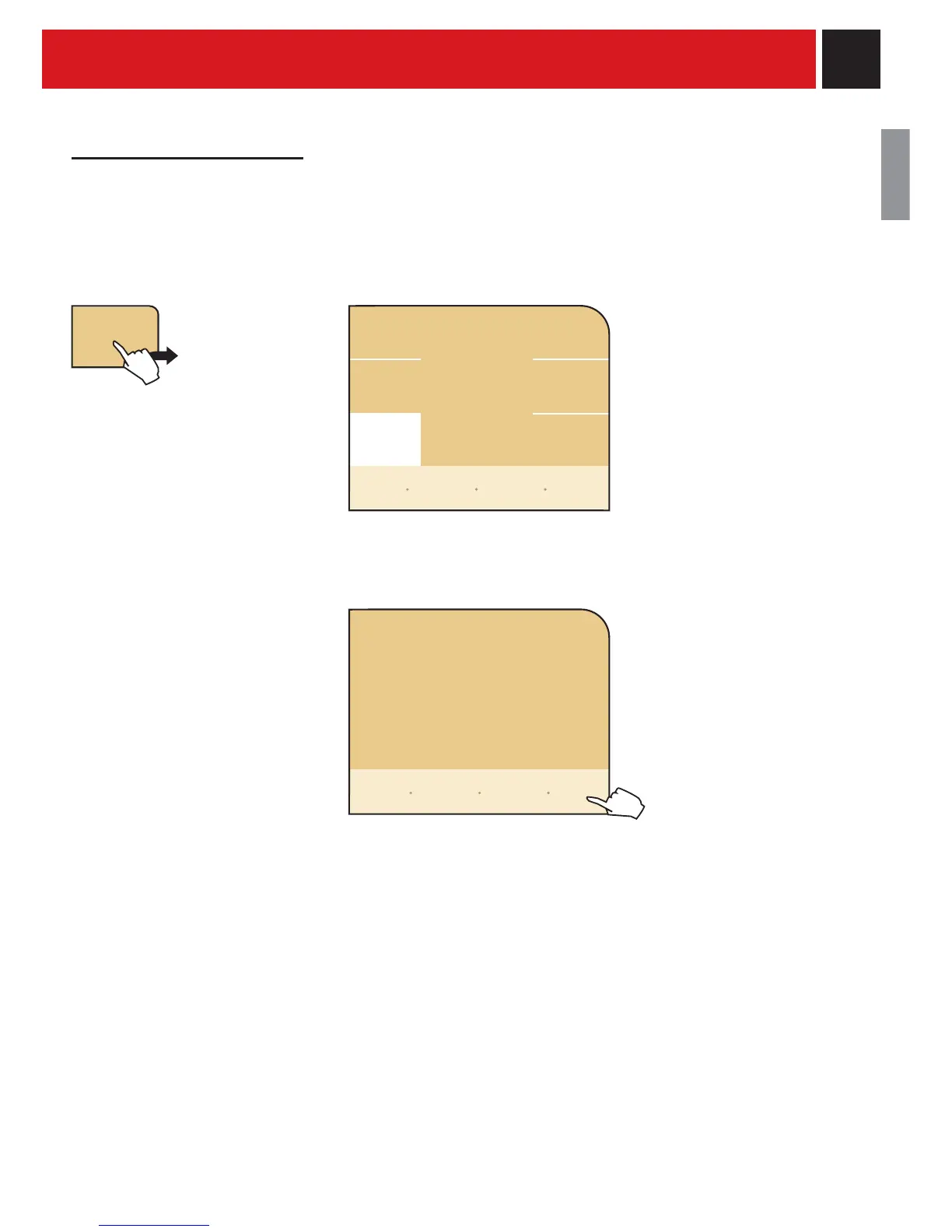
To set after what duration of time, from the last dispensed beverage, the machine will go into stand-by mode.
The default setting is "after 3 hours".
When the selected duration of time has
passed, the display reads “stand-by”.
To activate the machine, press “start”.
After having performed the function
diagnostics and the heating up phase,
the machine is once again ready for
use.
energy
saving
setting
Select the desired time to
activate stand-by.
after
30 min
standby
setting
after
3 hours
after
1 hour
after
15 min
energy
saving
start
go back
restore
default
settings
back to
menu
save
settings










 To Next Page