English
9
78
The factory settings can be
restored for each single
beverage and the restored
settings will be applied only to
that specific beverage. To
restore the other beverages'
settings, enter the menu and
restore the settings.
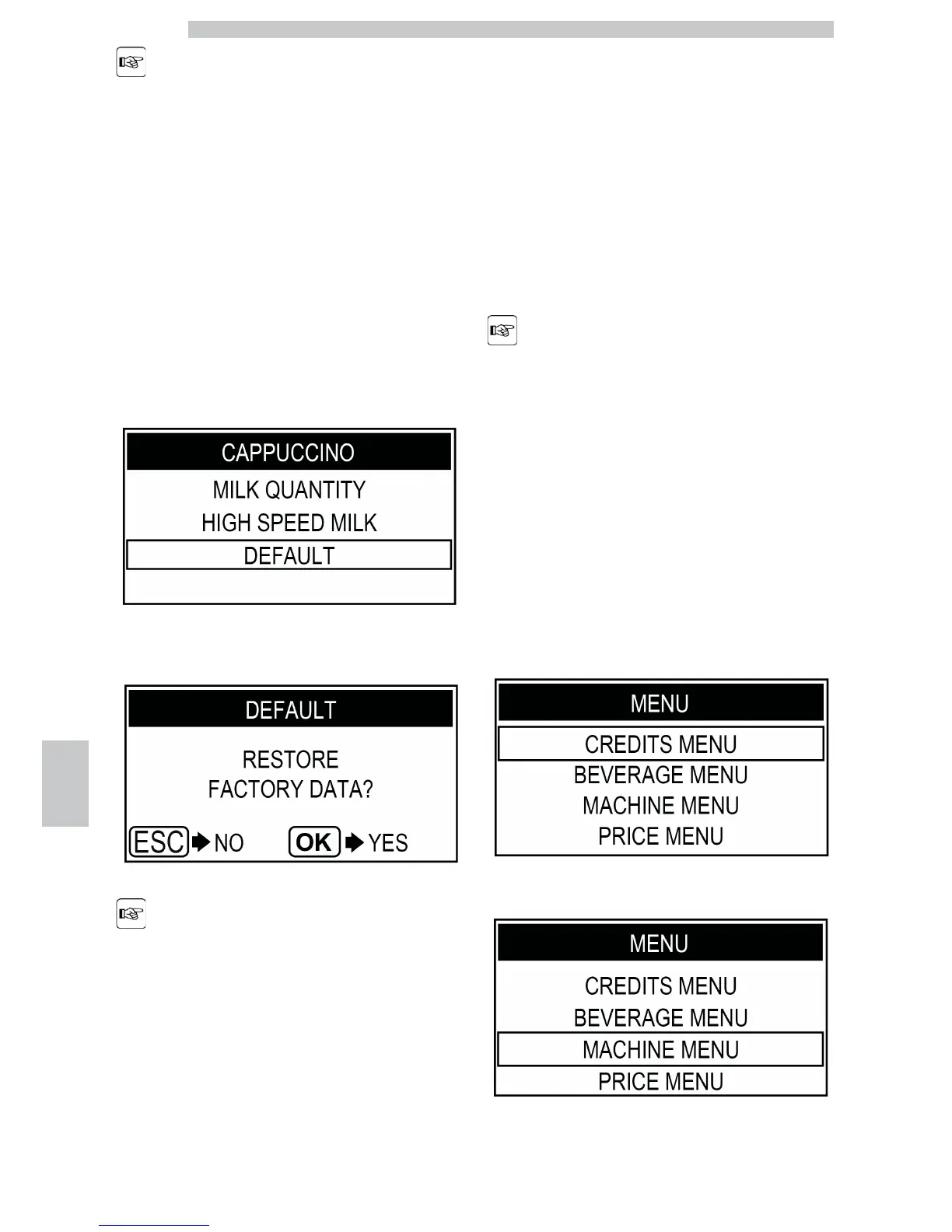
Press the "Clean" button to select the "DEFAULT" menu.
Press the "Coffee" button to access.
The restoring operation
permanently deletes the
stored data. To exit the
procedure, press the
"Special Beverages" button.
Press the "Coffee" button to confirm. The beverage
factory settings have been restored. Press the "Special
Beverages" button once or more times to exit.
9.12.2 Visual Method
This method allows the product length to be set by the
service provider via keypad in visual mode. The product
quantity is adjusted while being brewed. This function is
disabled by default, but it can be activated in order to
perform a quicker setting procedure.
In order to use the
self-learning function,
deselect the HIGH SPEED
MILK function from the
menu (see chapter
"Adjusting Brewed
Products").
Switch to programming mode as described in section
"Access to the Programming Menu".
Press the "Clean" button, to select the "MACHINE
MENU" option.








 To Next Page