VG5 Installation & Quick-Start Manual 67
Classes are described as follows:
A: Major fault. Motor coasts to stop, operation indicator illuminates, and fault contact output (ter-
minals 18 & 19) is activated.
B: Fault. Operation continues, operation indicator illuminates, and multi-function fault signal is
output (when multi-function output is selected). Fault contact output is not activated.
C: Alarm (warning). Operation cannot be performed, and operation indicator illuminates, but no
fault signal is output.
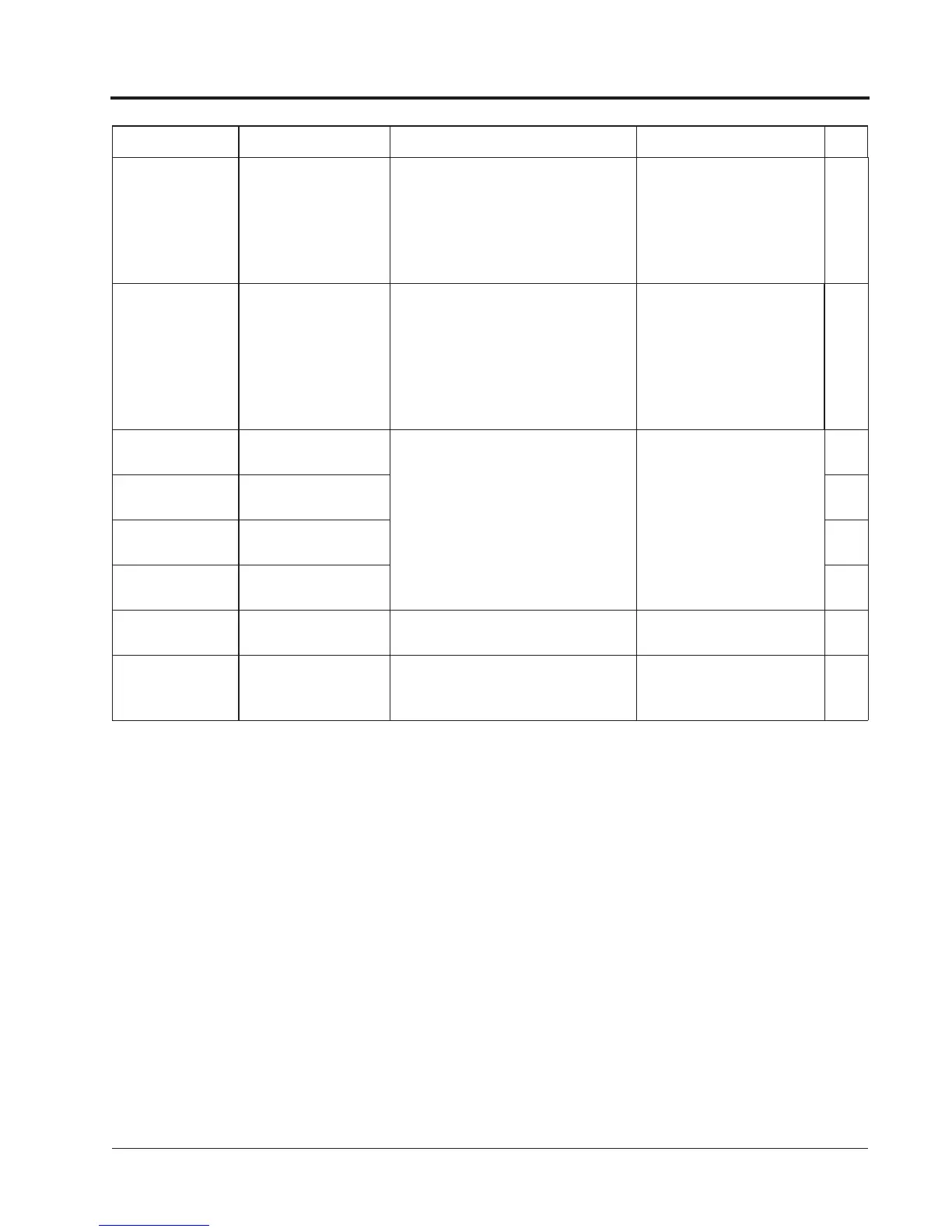
CPF00
COM-ERR(OP&INV)
Control circuit fault 1
(CPF00)
Digital perator trans-
mission fault
·Transmission between the inverter
and digital operator cannot be estab-
lished 5 seconds after supplying
power.
·MPU peripheral element check fault
(on-line)
·Insert the operator connec-
tor again.
·Check the wiring of control
circuit.
·Replace the control board.
A
CPF01
COM-ERR(OP&INV)
Control circuit fault 2
(CPF01)
Digital perator trans-
mission fault
·Transmission between the inverter
and digital operator is established
once after supplying power, but later
transmission fault continues for more
than 2 seconds.
·MPU peripheral element check fault
(on-line).
·Insert the digital operator
connector again.
·Check the digital control cir-
cuit wiring.
·Replace the control board.
A
CPF02
BB Circuit Err
Baseblock circuit fault
(CPF02)
Inverter PCB control board fault. Replace the control board.
A
CPF03
EEPROM Error
EEPROM fault
(CPF03)
A
CPF04
Internal A/D Err
CPU internal A/D con-
verter fault (CPF04)
A
CPF05
External A/D Err
CPU external A/D con-
verter fault (CPF05)
A
CPF06
Option Error
Option connection fault
(CPF06)
The option card is not installed cor-
rectly.
Install the option card again. A
CPF20
Option A/D Error
A/D converter fault in
analog speed refer-
ence card (CPF20)
Option card (AI-14B) A/D converter
fault
Replace the option card. A
Fault Display Name Description Corrective Action Class
Chapter 4 - Diagnostics
Alarm & Fault Displays



 To Next Page