30 Sagemcom · FAX 4560 · FAX 4565 · FAX 4570 · FAX 4575
EN
USING FAX TEMPLATES
Fax Templates
Five fax templates, which you can use, are stored in
your device. With these templates you can quickly
create, for example, a short fax note or an invitation.
1
Press OK, 45 and OK.
2
Use [ to select the template you would like to
print.
3
Confirm with OK. The device prints the template.
4
Fill the template and send it to the desired recip-
ient per fax.
FAX RECEPTION
Receiving Fax Manually
Memory
If you have not changed the factory settings, received
faxes will be printed out automatically. If there is no
paper or toner in your device, the device will store
incoming fax transmissions in its memory. The green
lamp
â on the panel will be lit whenever there is a
fax present in the memory. After you have loaded
paper into the device or inserted a new toner car-
tridge, the saved messages are printed.
Abort fax reception
Memory Philips
The fax memory can store up to 200 pages. Follow
the specifications in the technical data.
Message Memory Full!
Using Service Codes
RECEIVING FAX MANUALLY
Receiving Fax Manually
Select manual fax reception under fax reception
mode (see also chapter on Setting the Fax Reception
Mode
, Page 42). The device will not receive faxes on
its own. This setting is useful, when you want to
receive faxes via a modem connected to a computer.
You can start fax reception manually, by pressing
o.
RECEIVE FAXES SILENTLY
Silent Fax Reception
Set the number of rings 0 (see also chapter setting
the number of rings
, page 40) and set the fax recep-
tion mode to fax mode (see also chapter setting the
fax reception mode
, page 42), in order to receive
faxes without your device ringing.
RECEIVING FAXES ONTO USB
STORAGE MEDIUM
Introduction
With fax reception onto a USB storage medium, the
device saves incoming faxes onto a connected USB
storage medium. Fax messages are saved as TIFF
files with receipt date and time.
Print Document from USB Storage Medium
Use the Print Document from USB Storage Medium
function to print the saved fax messages (see also
chapter on Printing Document from USB Storage
Medium, page
37)
Function not available
1
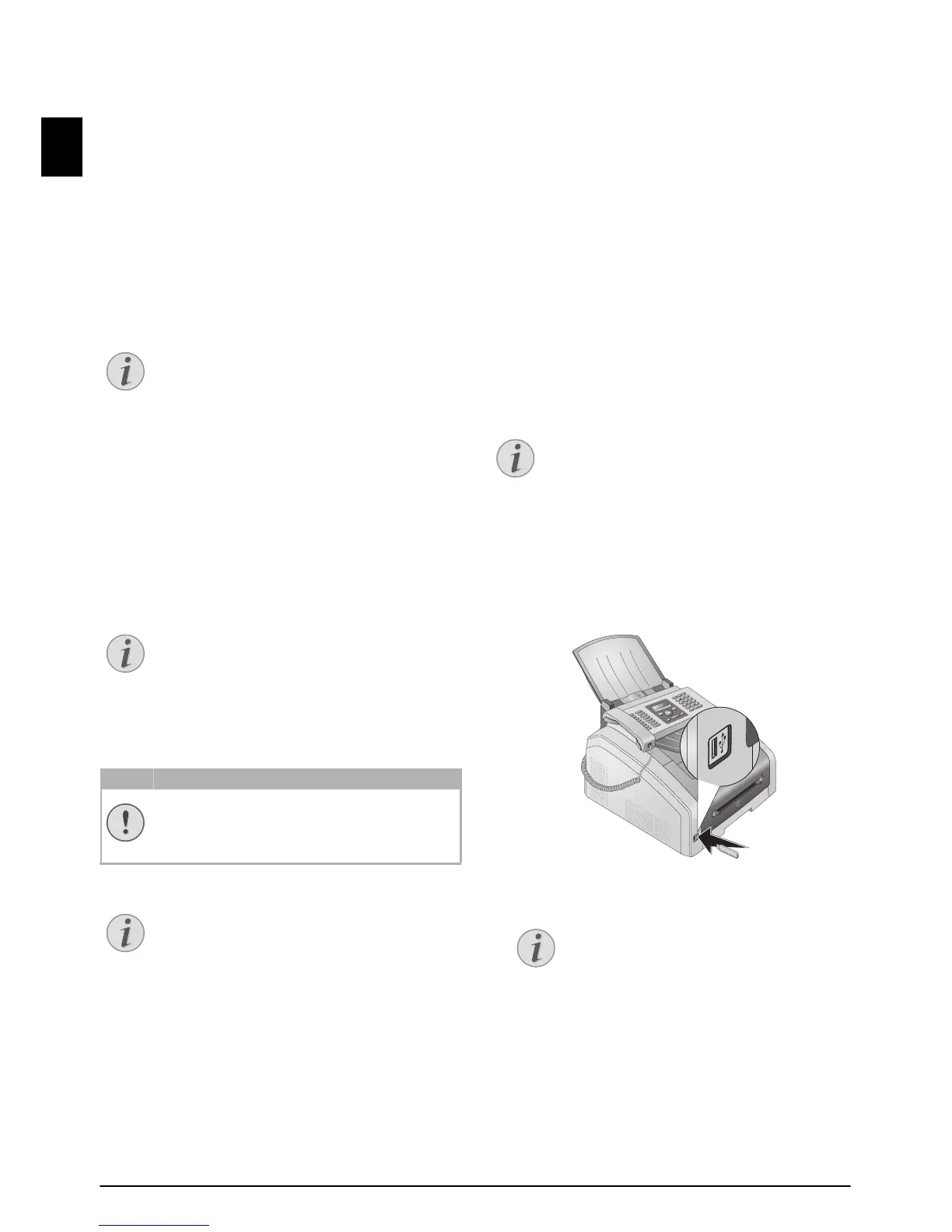
Make sure that a USB storage medium is con-
nected to the USB host port on the front of the
device. Connect a USB storage medium to the USB
host port as required.
2
Press OK, 914 and OK.
3
Use [ to select whether you would like to turn
the function on or off.
4
Confirm with OK.



 To Next Page