58 Sagemcom · FAX 4560 · FAX 4565 · FAX 4570 · FAX 4575
EN
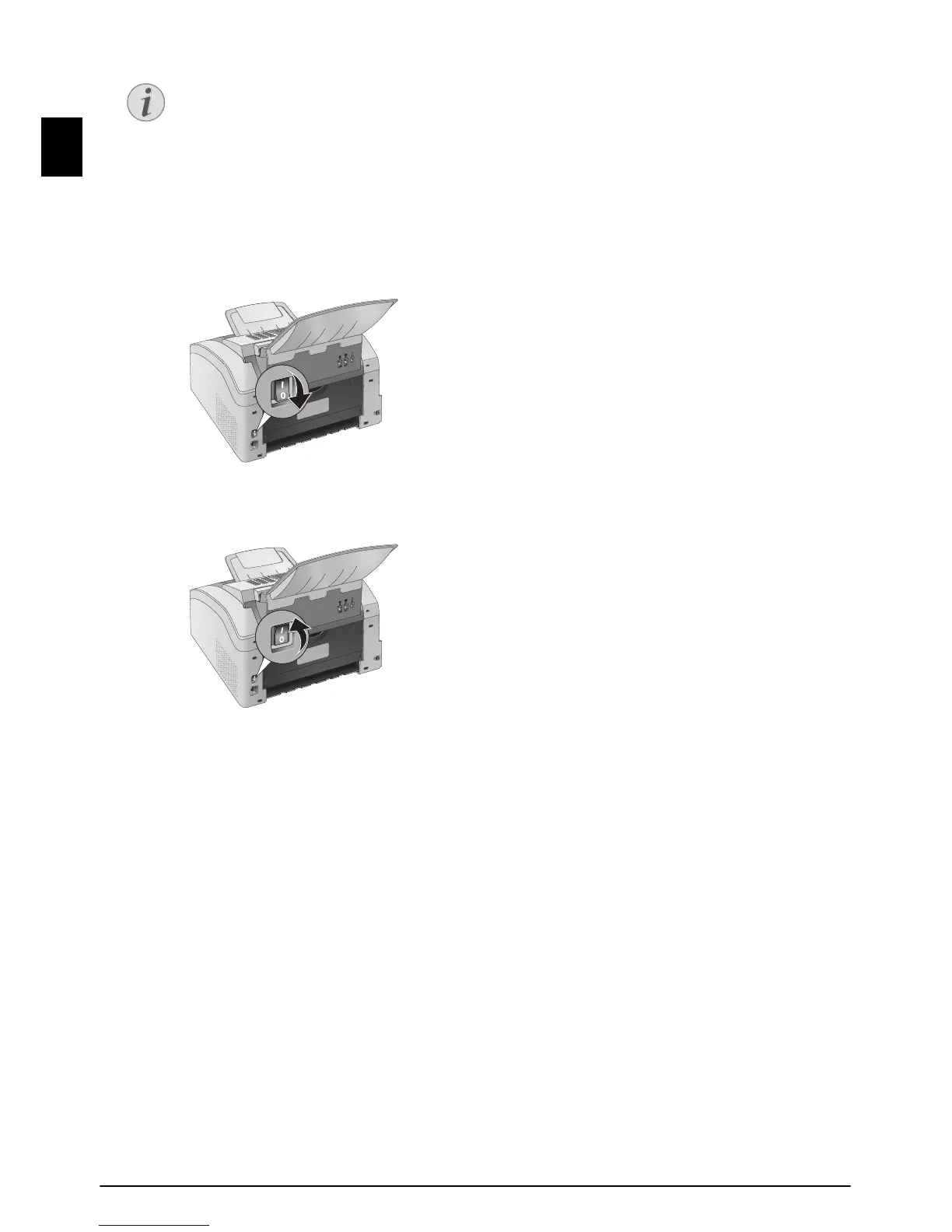
POWER CYCLING
Power Cycling
If a problem occurs that cannot be corrected with the
instructions in this user manual (see also the help
below), follow the steps given here.
1
Switch the device off using the on/off switch on
the rear.
2
Wait at least ten seconds.
3
Switch the device on using the on/off switch on
the rear.
4
Follow the instructions on the display. If the prob-
lems repeats, please contact our technical cus-
tomer service or your retailer.
Spaltenumbruch
CANCELLING ENTRY
If you have entered the incorrect code,
you can cancel the entry with NO.



 To Next Page