Copier · Loading Documents 33
EN
8 COPIER
LOADING DOCUMENTS
Specifications for Documents
Unsuitable Documents!
1
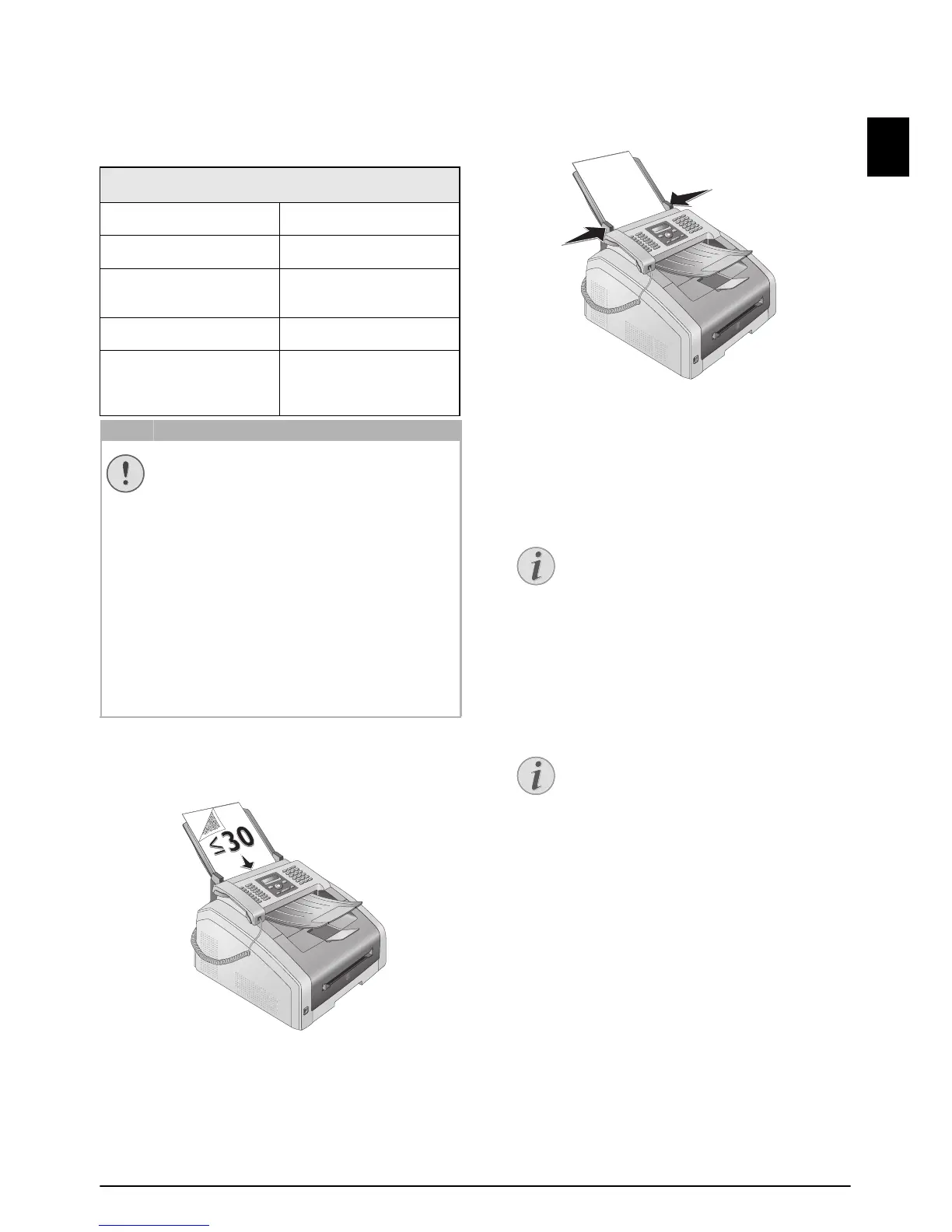
Insert the documents face down into the docu-
ment feeder. The lower most document will be fed
in first. You can insert up to 30 documents (80¦g/
m²)
at a time.
2
Push the document guide inwards, so that it lies
level on the documents.
3
Set the desired resolution. You can choose
between: DEFAULT (for documents without spe-
cial features), FINE (for documents with small
print or drawings), SFINE (for documents with
many details) and PHOTO (for photos). Press
f.
The configured resolution appears on the display.
Press f again to change the resolution.
Spaltenumbruch
SPECIFICATIONS FOR DOCUMENTS
Width of Documents
140¦–¦218¦mm
Length of Documents
128¦–¦600¦mm
Paper Weight of the
Documents
60¦-¦90¦g/m²
Capacity
30 page (80¦g/m²)
Manufacturer’s Recom-
mendation for Optimum
Operation
A4 · A5 · Letter · Legal
(80¦g/m²
UNSUITABLE DOCUMENTS!
Do not insert any documents into the device
that ...
... are wet, have been edited with correction
fluid, are soiled or have a coated surface.
… that are written on with a soft pencil,
with paint, chalk or charcoal.
… originate from newspapers or magazines
(printing ink).
… that are held together with office or
notebook staples or with tape or glue.
… are pasted with note papers.
… are creased, crumpled or torn.
SETTING THE RESOLUTION FOR THE
COPIER
There are different levels of resolution
available for copying documents. Select
the function
Make Copy Using User-
Defined Settings
, in order to set the res-
olution level, (see also chapter Make
Copy Using User-Defined Settings
, page
34).
SET RESOLUTION
You can select the default resolution
setting (also see chapter
Set Resolution,
page 41).



 To Next Page