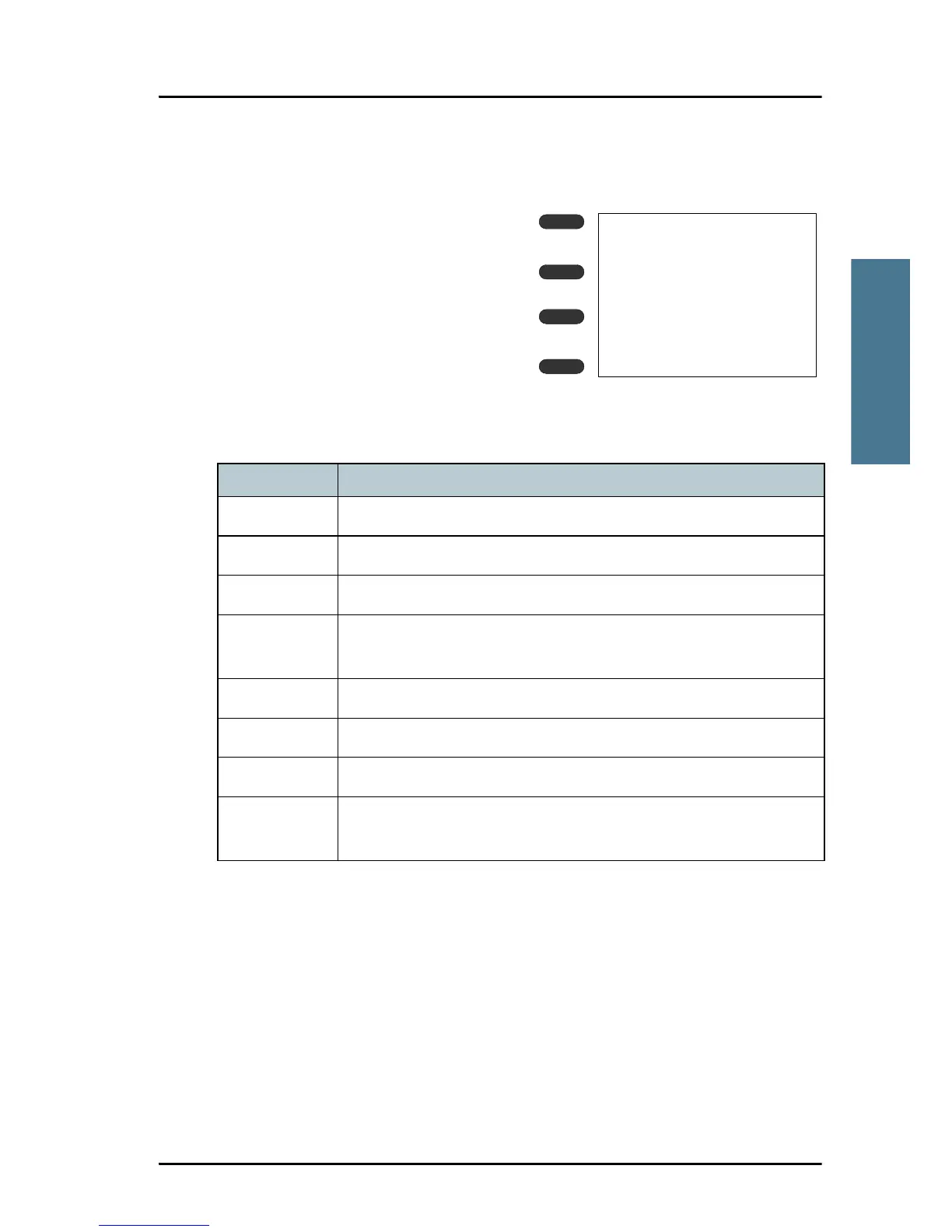
Soft-key functions
A number of functions of the SAILOR
6222 VHF DSC are accessed and set
using the four soft keys to the left of the
display. The current function of a soft
key is shown in the display next to the
soft key.
Use the soft key MORE to display further
soft key functions.
The following soft-key functions are available from top-level standby:
Soft key Function
CALL To make DSC non-distress calls
ALERT To make a distress call with assigned category
DROBOS Make a distress relay call on behalf of someone else
POS Current position from GPS, including UTC time and MMSI
number
SCAN Scanning menu with start, stop and tag function
PHBOOK Phone book
LOCAL Local mode, 10 dB attenuation
SETUP Setup pages for Radio setup, Channel setup, Power Supply,
DSC setup, DSC call logs, System setup and Controller setup.



 To Next Page