Chapter 2: Operation
34 Handling multiple calls — DSC and voice
Handling multiple calls — DSC and voice
The SAILOR 6222 VHF DSC can control multiple DSC sessions simultaneously
with a VHF communication session. All sessions can keep track of their session
state and the communication channel used. They are handled in their
respective sessions, in the order as they are started up.
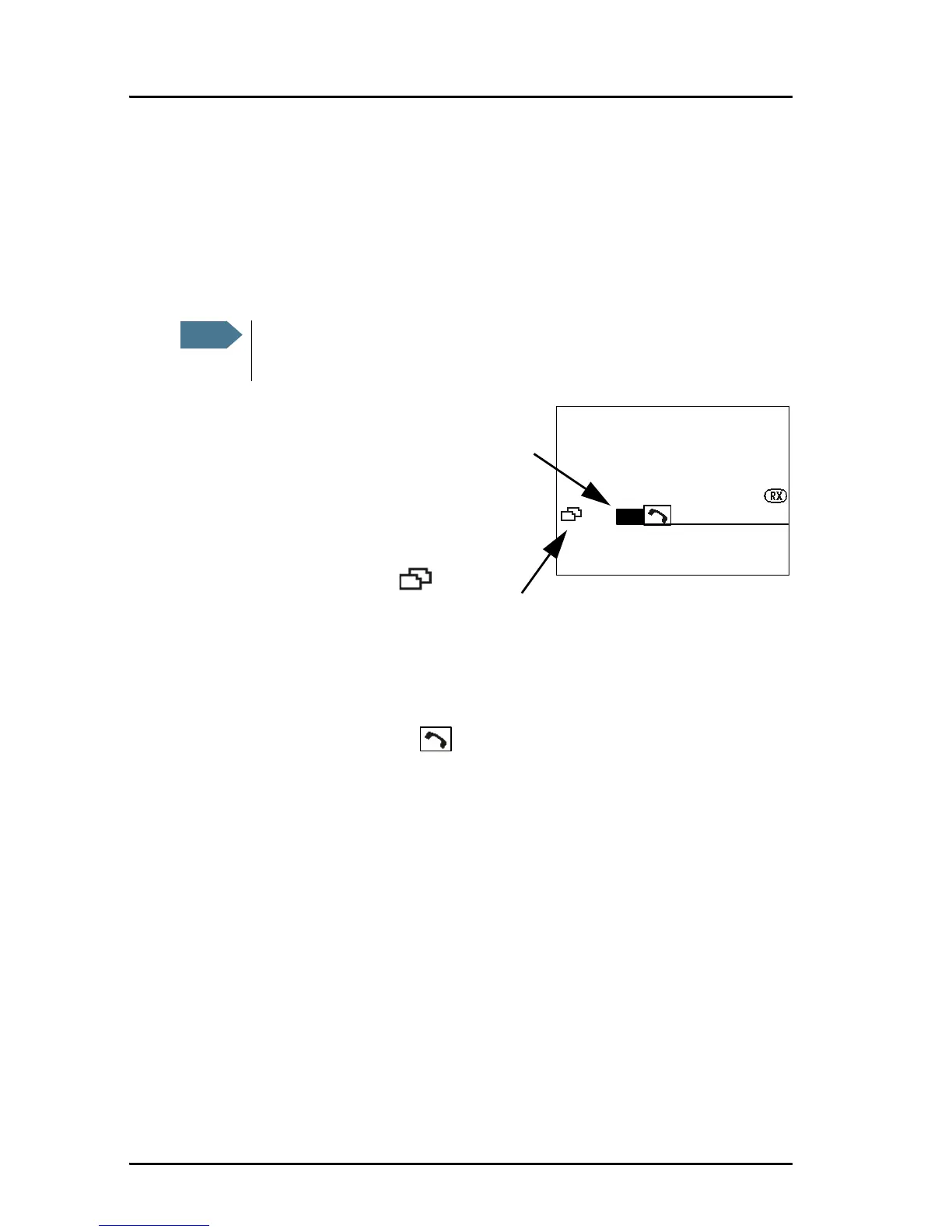
You can toggle between the
ongoing calls/sessions, that means
that a call — or session — can be on
hold or active. If there are several
calls ongoing, they are shown in
the display with their respective
state (active, on hold, requiring
attention). Use the soft key to
leaf through all ongoing calls or
sessions. The DSC sessions on hold
can receive calls that are pertinent to the session, even when the session is
not displayed.
The example on this page shows that two sessions are ongoing, the inverted R
is a routine DSC call (active), is a non-DSC initiated voice
communication (on hold). Press the soft key ACTIVE to make the voice session
active and put the DSC call session on hold.
Session state icons D, U, S, R and V
Session icons in the session view inform you of the category of the DSC call or
Voice communication:
•D — Distress
• U — Urgency
•S — Safety
• R — Routine



 To Next Page