US channels: Overriding LOW power for channels 13 and 67
When running in US mode you can override low power on the alternative call
channels 13 and 67. Do as follows:
1. With the VHF radio set to 13 and 67, press PTT on the speaking device.
2. Press the soft key OVRIDE to transmit with full power.
When you release the PTT button, the transmission power goes back to
low.
Watch
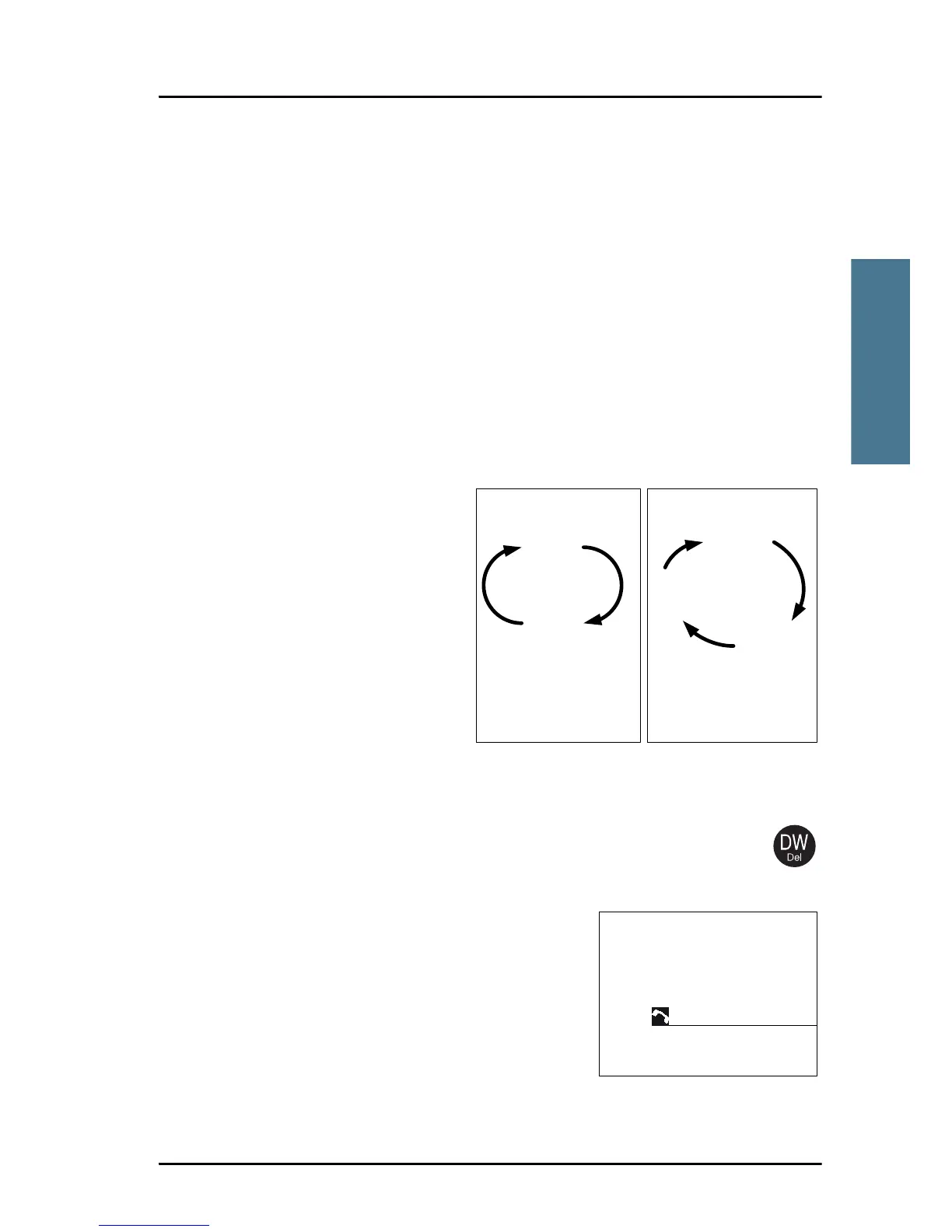
The SAILOR 6222 VHF DSC radio
has a watch function with dual
or triple watch. In dual watch,
the working channel and
channel 16 are watched. In triple
watch the working channel,
channel 16 and the programmed
call channel are watched. You
can select the working channel
in any watch mode by turning
the selector wheel knob. If there
is a signal in one of the watched channels, the display shows the channel in
which the signal is received.
To start the watch function press the key DW.
The radio enters the
watch mode and the text WATCH with the channel numbers watched
is shown below the current channel number.
To stop the watch function press the key DW
again or PTT on the speaking device.
For instructions how to setup TRIPLE WATCH
see Radio setup on page 39.



 To Next Page