VHF radio communication
Basic VHF operation
You can make VHF calls using the Handset or another speaker device.
Quick guide to radio telephone calls
1. Press the PTT button on the speaker device. When the TX indicator
lights up in the display, the transmission is active.
2. To enable reception of a radio signal release the PTT button.
Receiving a radio telephone call on channel 16
When you hear your call name in the
loudspeaker, proceed as follows:
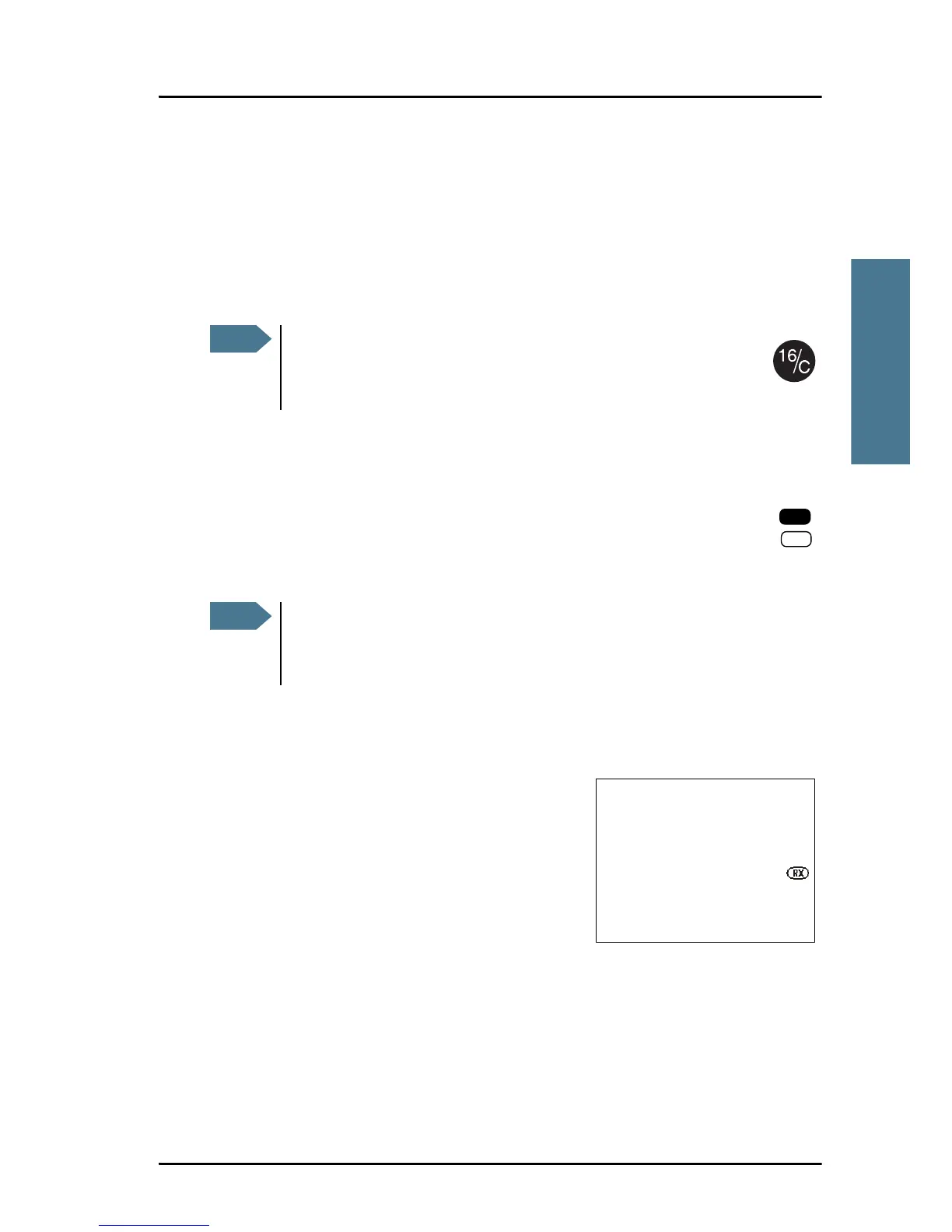
1. The symbol RX shows that the radio is
receiving on the channel displayed.
2. Lift the Handset or take another speaker
device.
3. Press the PTT button. The symbol TX shows that the radio is transmitting on
the channel displayed.
4. Repeat the name of the station calling you and say: “This is [your ship’s
name]”.
A single, short press on the 16/C key always brings you to
channel 16, the international calling and distress channel,
no matter what state the radio is in.
Press PTT only when you are talking. Always say “Over.” just before
releasing the PTT button.
One transmission is limited to 5 minutes duration.



 To Next Page