Chapter 2: Operation
16 VHF radio communication
5. Suggest a working channel other than 16 by saying: “Channel [suggested
channel number]”.
6. Say: “Over.” and release the PTT button to allow the caller to confirm the
suggested new channel.
7. Switch to the new channel using the keypad or by turning the selector
wheel knob to the agreed channel and begin your conversation. Press PTT
only when you are talking.
Making a radio telephone call on channel 16
To make a radio telephone call, proceed as
follows:
1. Select channel 16.
2. Lift the Handset or take another speaker
device.
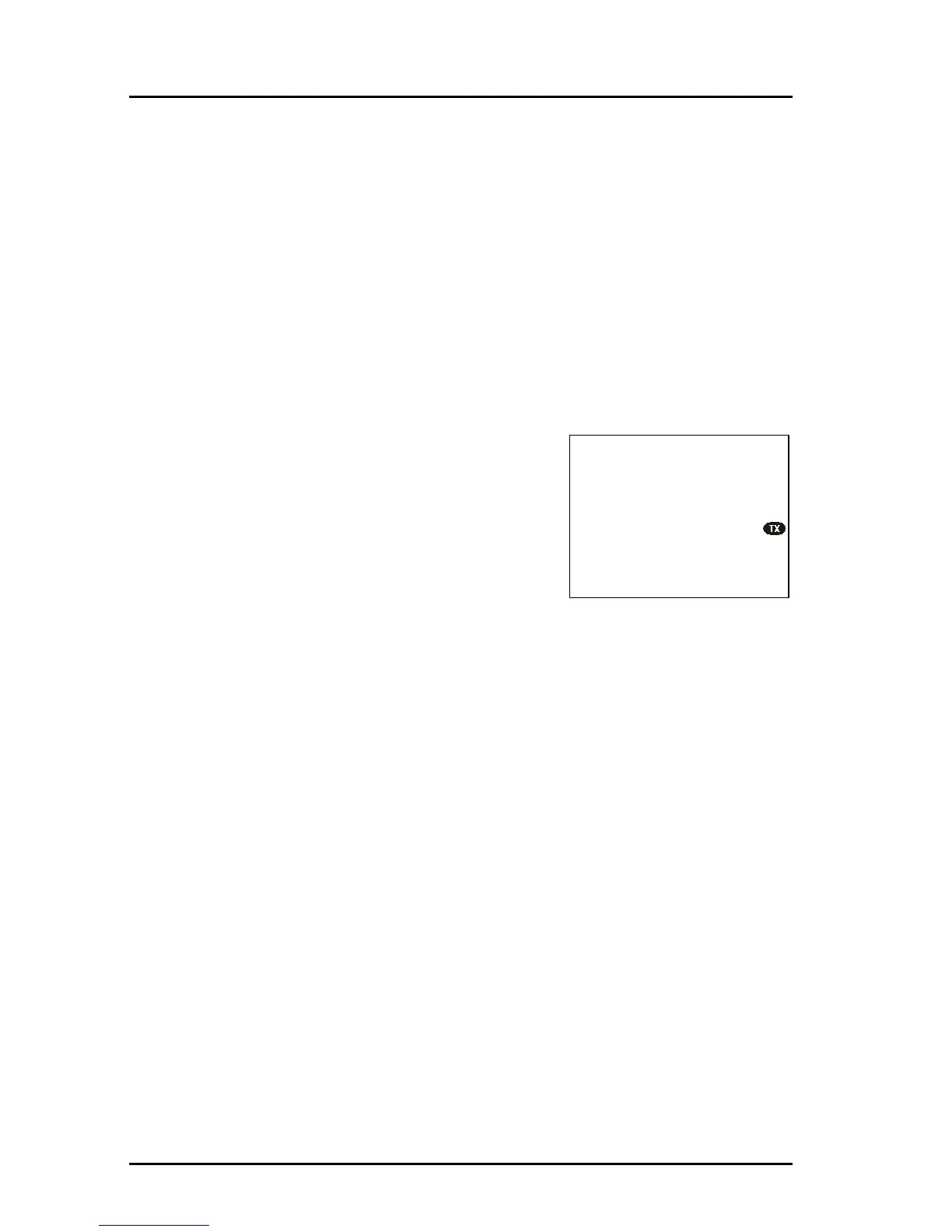
3. Press the PTT button. The symbol TX shows
that the VHF radio is transmitting on the working channel displayed.
4. Say the name of the station you are calling three times.
5. Say: “This is [your ship’s name]”.
6. Say: “Over.” and release the PTT button to listen. The symbol RX shows
that the radio is receiving on the working channel displayed
7. When answered, agree upon a working channel other than 16.
8. Switch to the new channel by entering the channel number to the agreed
channel and begin your conversation.
VHF channels
You can change channels whenever the channel designator is displayed. Enter
the channel using the keypad or turn the selector wheel knob to browse
through all channels that are available in the selected channel table. Only
valid channel numbers are accepted. When browsing channels they appear in
the display in the following order:



 To Next Page