• Primary channels
• Weather channels (if any)
• Private channels (if any)
With a long press on the selector wheel knob the radio changes to channel 16
for the channel tables INT and BI, and to channel 9 for the channel tables US
and CA.
For more information on how to setup channels setup see Channel setup on
page 41. Contact your local dealer if you are interested in having private
channels.
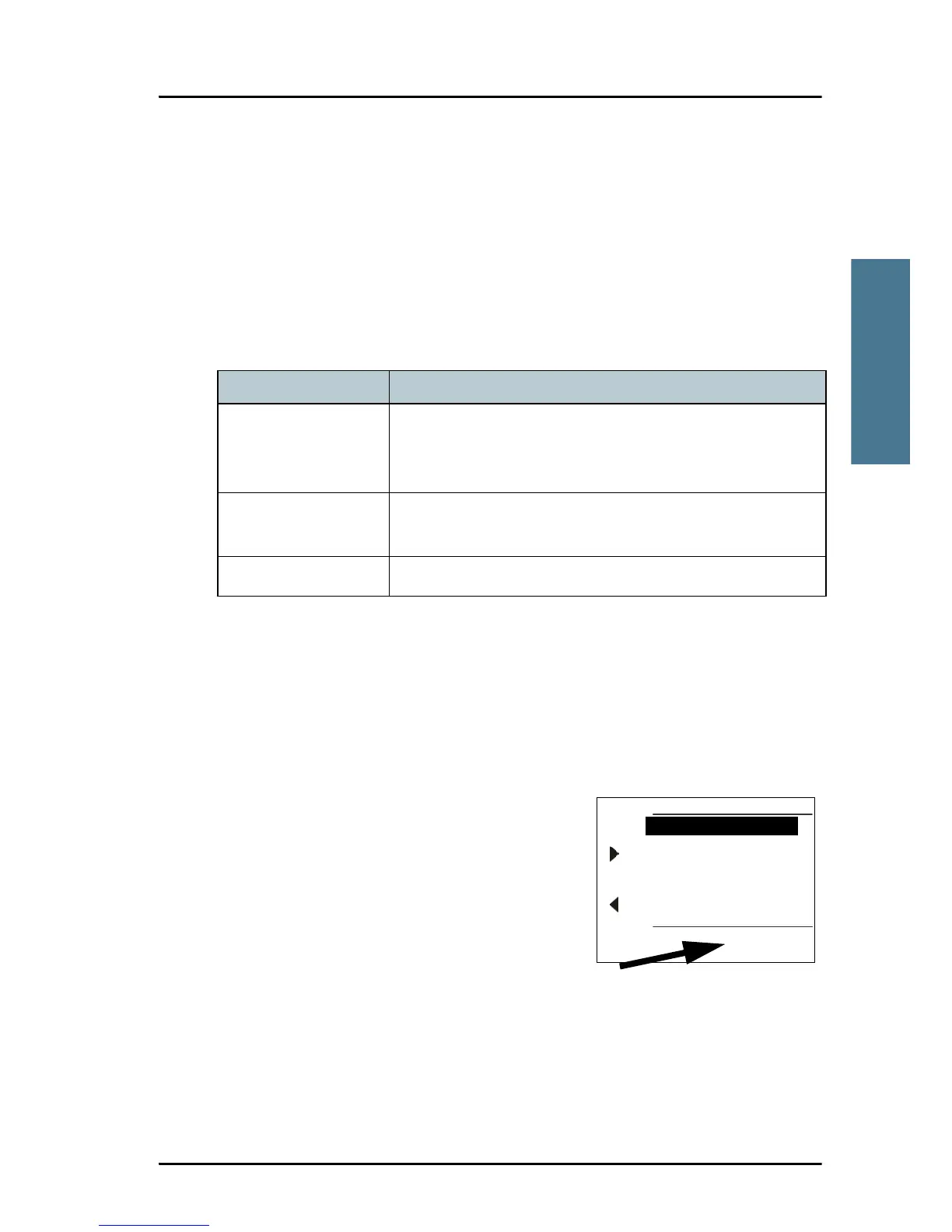
Channel information always available in the display
For some functions and for setup pages, the
channel and radio information has moved to
the bottom section of the display. You can
change channels whenever the channel
designator is displayed.
The channel number displayed in this section
always reflects the communication channel on
which the radio is tuned into for
communication. If PTT is pressed the radio
transmits on the displayed channel. If a signal is received, it is received on the
displayed channel.
VHF channel table Description
Primary channels
(no prefix)
For details see Maritime channels on page 61.
For instructions how to change a channel table see
Channel setup on page 41.
Weather (WX) Weather channels have the prefix W. (For US and CA
channels only.)
Private (PRIV) Up to 100 user-defined private channels.



 To Next Page