Chapter 2: Operation
44 Setup
DSC call logs
Use the soft keys and to leaf through all logs.
System setup
DSC Self Test You can set the radio to run a DSC self test.
OFF: Disabled (default)
RUN: Run test.
For further details about this test see DSC routine
testing on page 50.
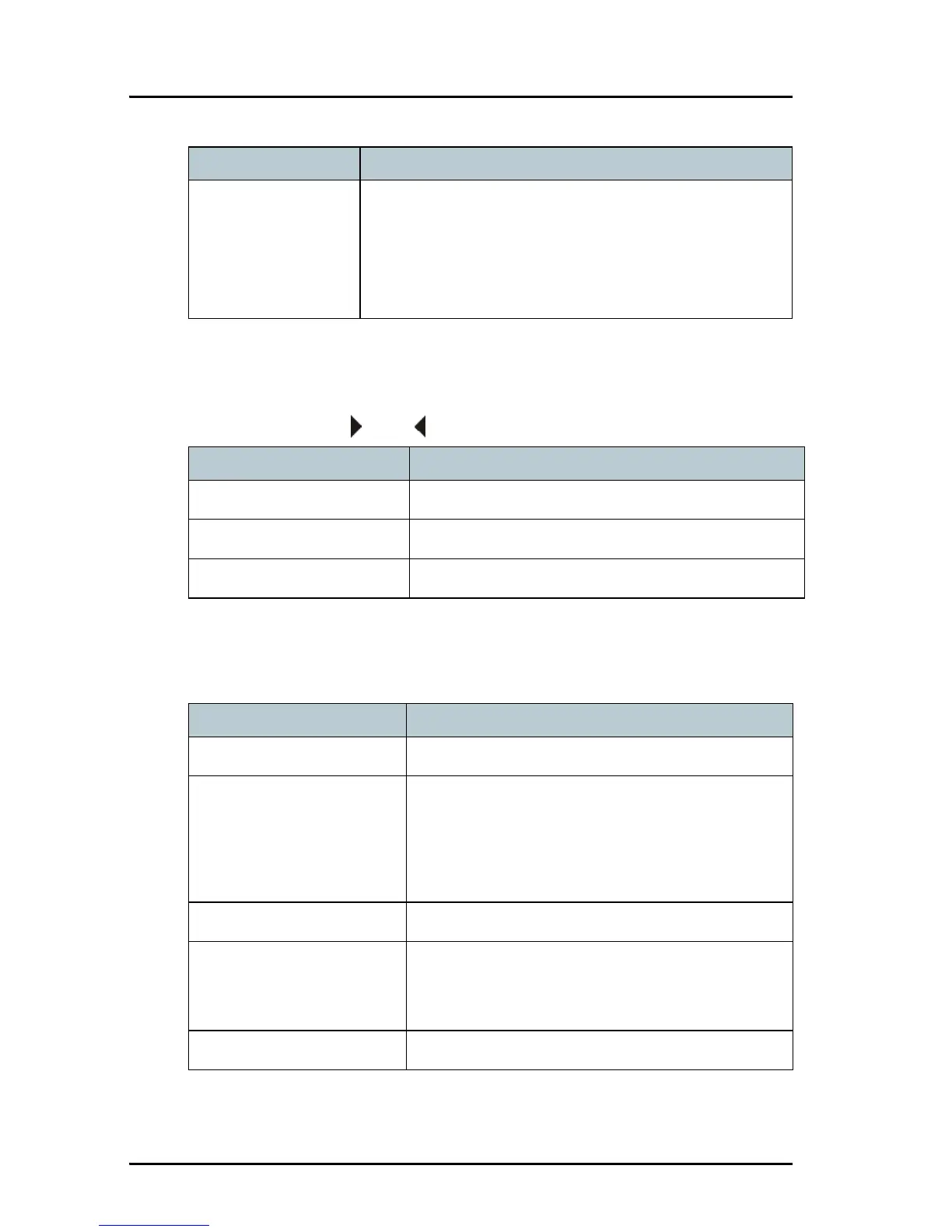
DSC setting Description
DSC call log Description
Received Distress Shows a log of up to 20 received distress calls.
Transmitted Calls Shows a log of up to 20 transmitted calls.
Received Calls Shows a log of all received non distress calls.
SYSTEM SETUP Description
System time & Date View and set system time and date
Inactivity timeout Inactivity time-out to exit functions (e.g. in
setup) and return to the application.
Range: 1 to 30 minutes, in 1 minute steps
Default: 10 min.
Language English
Color theme Changes the display colour.
0: Black text on white background
1: White text on black background
NMEA input (baud rate) 4800 (cannot be edited)



 To Next Page