Chapter 2: Operation
20 Scan
Scan
The radio has a scanning function for tagged voice channels. Any available
voice channel, including weather and private channels, can be tagged and
added to the scanning sequence. As default the radio scans with priority
scanning of channel 16. If a signal is received while in any scanning mode,
only channel 16 continues to be watched.
If there is a signal in one of the scanned channels, the display shows the
channel in which the signal is received. If PTT is pressed while scanning, the
scanning stops, the radio is tuned into the displayed channel and transmission
starts immediately on the displayed working channel.
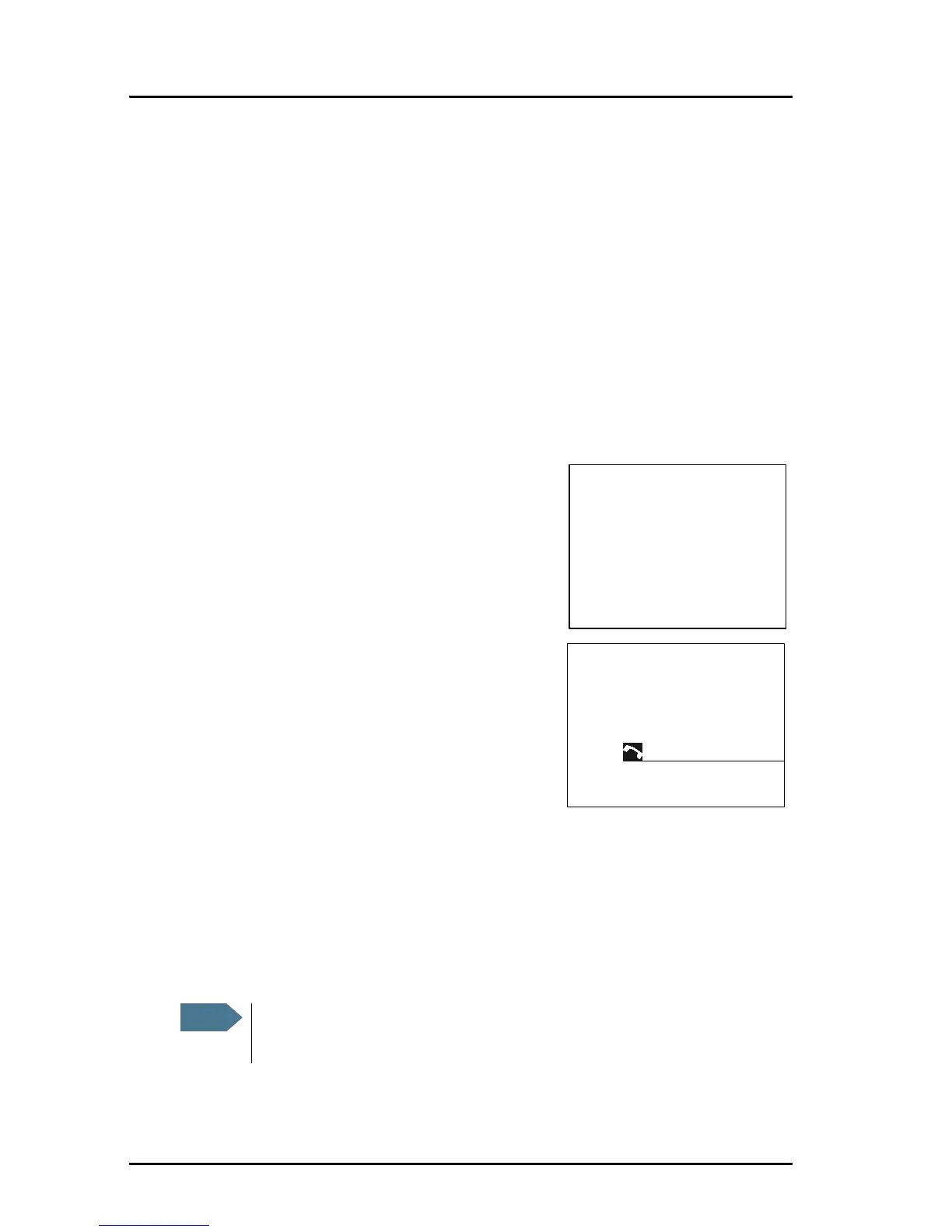
To start scanning press the soft key SCAN. The
SCAN menu is shown. Press START to start
scanning. To leave the SCAN menu, but not the
scanning procedure, press EXIT.
To stop scanning press SC STOP, QUIT if not in
the SCAN menu, or press PTT on the speaking
device.
To tag a channel for scanning turn the selector
wheel knob until the wanted channel is in the
display. Then press the soft key TAG. The
display shows the channel number and the
word TAG at the right side of the display.
To remove a channel from the scanning
sequence turn the selector wheel knob until
the tagged channel is displayed. Then press the soft key TAG to remove the
tag.
To see all tagged channels press the soft key FILTER and turn the selector
wheel knob. Press the soft key EXIT to leave the FILTER function.
For details how to set up the scanning function see Radio setup on page 39.



 To Next Page