Channel setup
Para-
meter
Description
Channel
Mode
To select the channel table for the primary channel. Channel
tables available: INT, BI, US, CA. See also VHF channel table on
page 17.
Band-
width
Selection of the bandwidth for the fixed pre-programmed
channels. This is recommended from Radio Regulations:
Wide: Wide band is 25kHz channel bandwidth (default)
Narrow: Narrow band defines a channel bandwidth of 12.5kHz
INT.
Channels
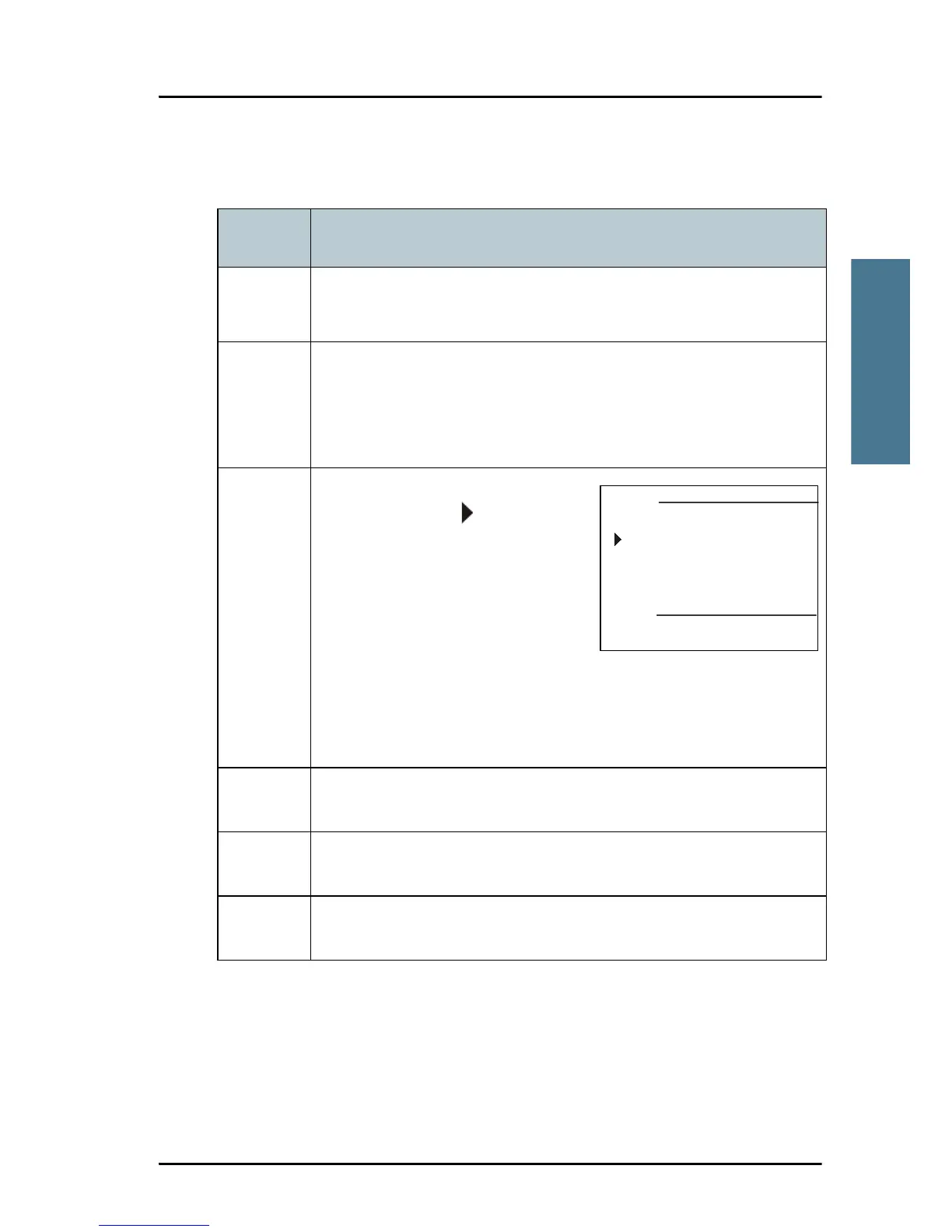
You can view the channel settings.
Press the soft key to advance
the channel numbers.
Bandwidth: WIDE (default) or
NARROW
Tagged for scan: OFF (default) or
ON
If there is a requirement to change a setting, contact your
authorized dealer.
Press the soft key EXIT to return to CHANNEL SETUP.
BI.
Channels
As described above.
US.
Channels
As described above.
CA.
Channels
As described above.



 To Next Page