icon will appear on the LCD. The time will automatically
synchronize to the internet per an hour.
Note:Time synchronize method: Synchronized through internet
UTC time server.
WiFi Connection and Weather Servers
11. Register with WeatherCloud.net
Note: This is best done on a computer desktop or laptop.
Visit : https://weathercloud.net/ and enter a Username, Email and
Password(It is your Login password of the websiteIt, not your email
password. So no privacy will be exposed).
11.1 Sign Up
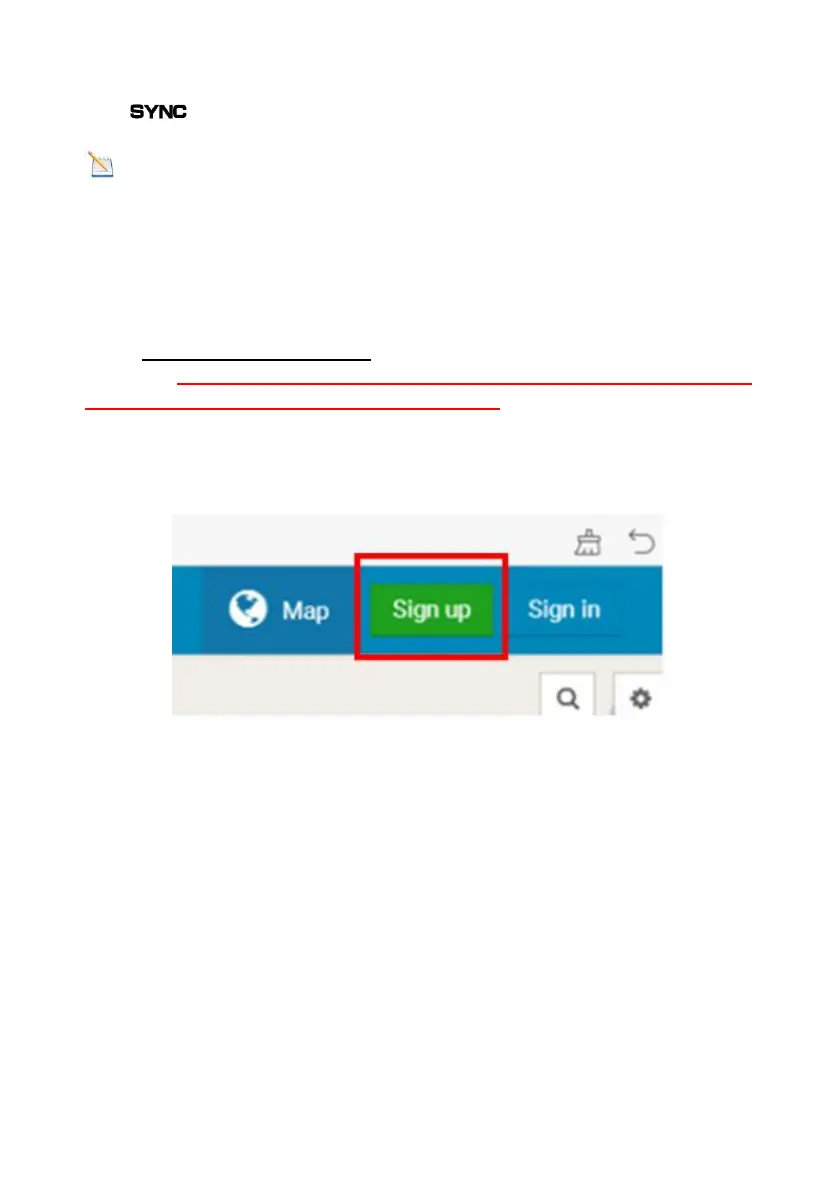
1) Click Sign up as below
Figure 17
2) As shown below, enter a Username, Email and Password then Click
Sign up.



 To Next Page