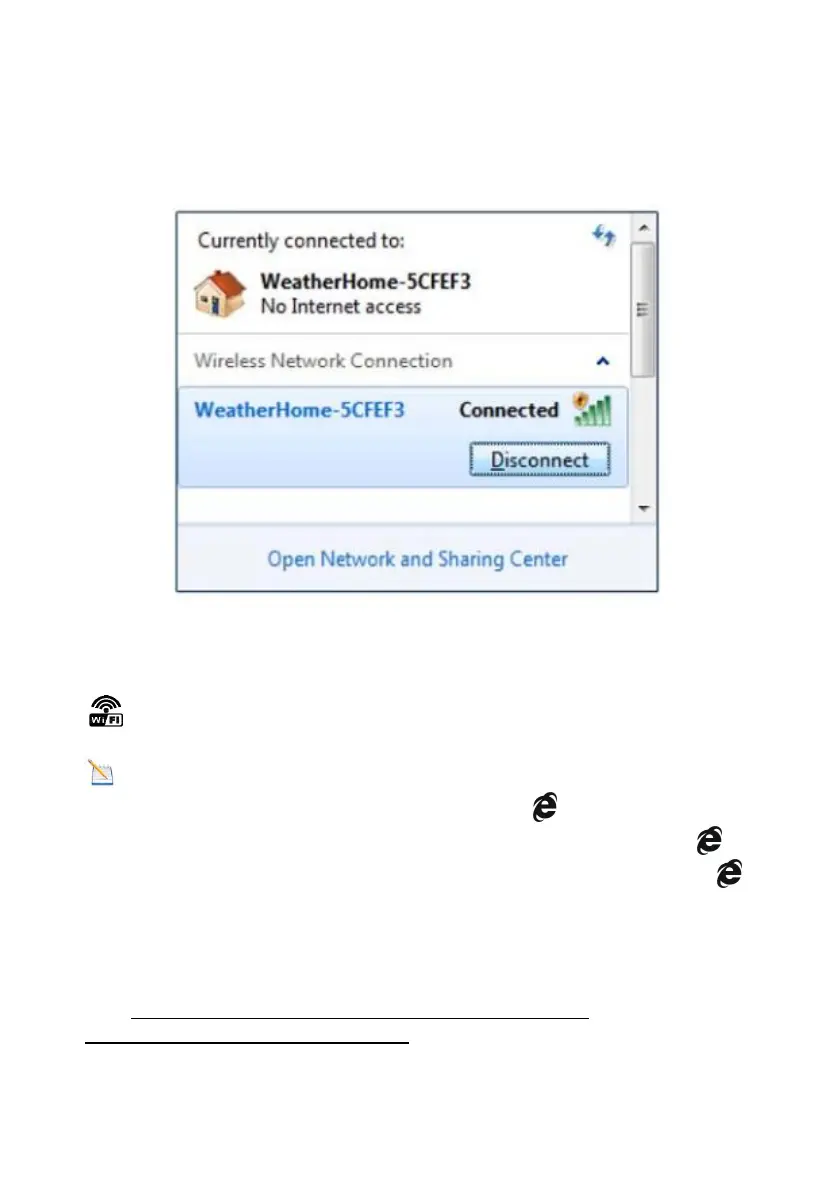
13.8. Once the setup is completed, disconnect your device from the
console WiFi. Otherwise,the console will automatically exit WAP mode.
(Figure 46)
Figure 46
If the connection is successful, the Wi-Fi console’s status Wi-Fi icon
will stop flashing and remain on.
NOTE: When the console successfully connects to your any
website of weather servers, the data signal icon will appear on the
LCD display (behind the Outdoor humidity). If the data signal icon is
flashing, the console is currently uploading to the server. If the icon
disappears, the console is not connected to the weather server for more
than 30 minutes.
13.9 Viewing your Data on Weather Underground
Visit:http://www.wunderground.com/personal-weather-
station/dashboard?ID=STATIONID



 To Next Page