11.2 Add a weather station device (it may take a few
minutes).
Figure 23
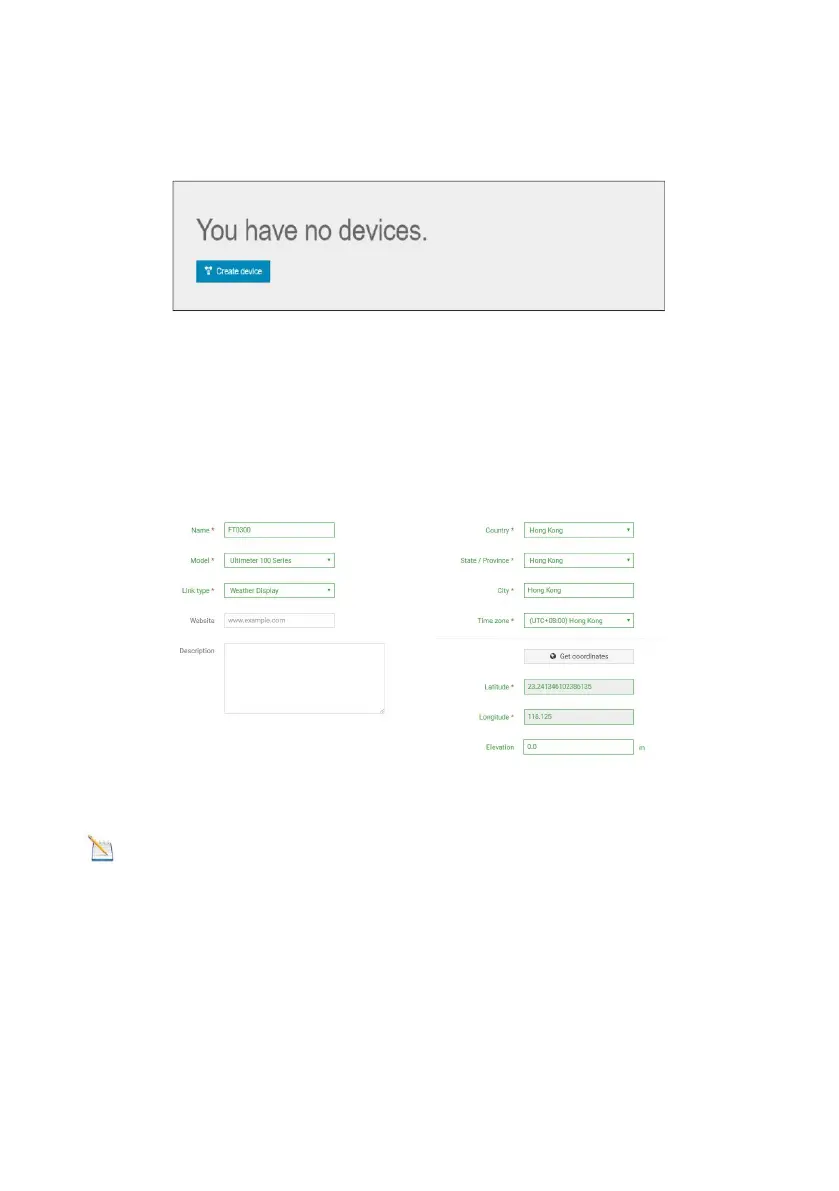
1) After sign up you will be prompted to add a device/ Select “Create
device” and enter your station’s information: Blanks with red * must be
filled in.
Figure 24
Note: You can select any Model number and Link type in the
above blanks.
2) As shown below, click Get coordinates to identify your location of on
the map, then click Done to confirm..



 To Next Page