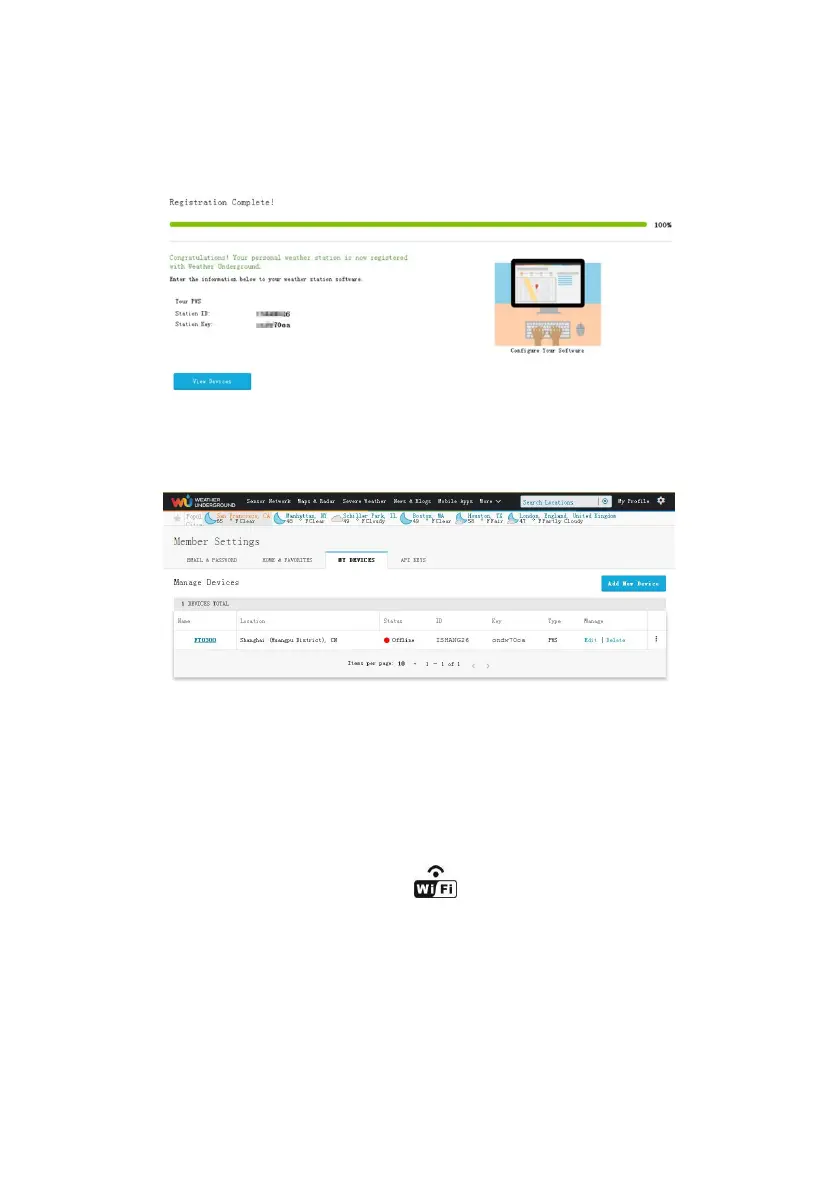
11) As shown below, after registering the host successfully, please
record Station ID and Station Key information for later use (refer to
13.6).
Figure 38
12) As shown below, registration is done successfully.
Figure 39
13.WiFi Setup(Connect your Device to the
Console’s WiFi)
When you first power up(AC) the console, or press and hold the
MIN/MAX/- button for three seconds in normal mode, the console
icon(behind the Outdoor humidity)) will flash to signify that it has
entered WAP (wireless access point) mode, and is ready to enter for
WIFI settings.
You can use your desktop, laptop, tablet, or smart phone to connect to
the console’s WiFi. The console’s network name begins with
WeatherHome, followed by a unique code.



 To Next Page