018
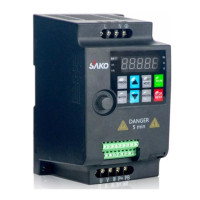
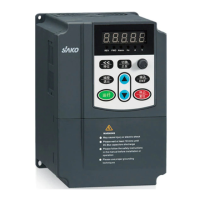
3.1 Operation Panel Keys
3 Operation Panel and Operation Method
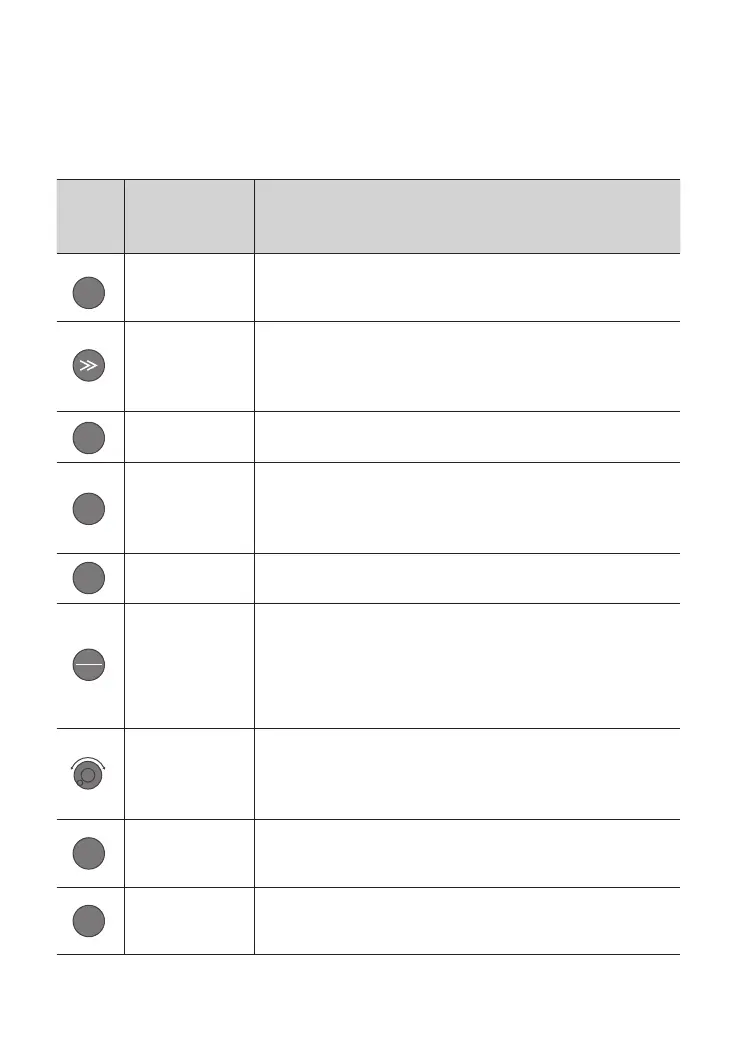
Key Name Function Description
Programming
/escape key
Enter or escape from programming
Shift/monitor
key
Choose the bit of the data which is to be set and modied
when the VFD is in edit status; switch monitor parameter to be
shown when the VFD is in other modes.
Enter key Enter into sub-menu items or conrm data.
Function key
According to the setting of function parameter FE.01, jog
or reverse run, and frequency clearance is available when
pressing this key under keypad mode.
Run key Enter into run mode under keypad model.
Stop/reset
key
In common run status the VFD will be stopped according to
set mode after press this key if run command channel is set as
keyboard stop eective mode.
The VFD will be reset and resume normal stop status after
pressing this key when the VFD is in malfunction status.
Analog
potentiomet
er knob
Set the frequency; when F0.07=0, digital encoder can set the
frequency as linkage control with increase/decrease key.
Increase key
Data or function code increase (speed up the increasing rate by
keeping pressing the key)
Decrease key
Data or function code decrease (speed up the decreasing rate
by keeping pressing the key)
PRG
FUNC
RUN
▲
▼
ENTER
STOP
RESET
+-


 To Next Page