10
GB
Note:
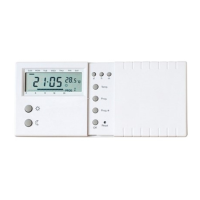
I, Temperature may not be 20°C as the diagram shown and the
Output-On indicator may activate after a few seconds, depending
on different situations.
II, Do not use a pencil to push the reset button. The graphite residue of
a pencil can cause a short circuit and damage the control centre.
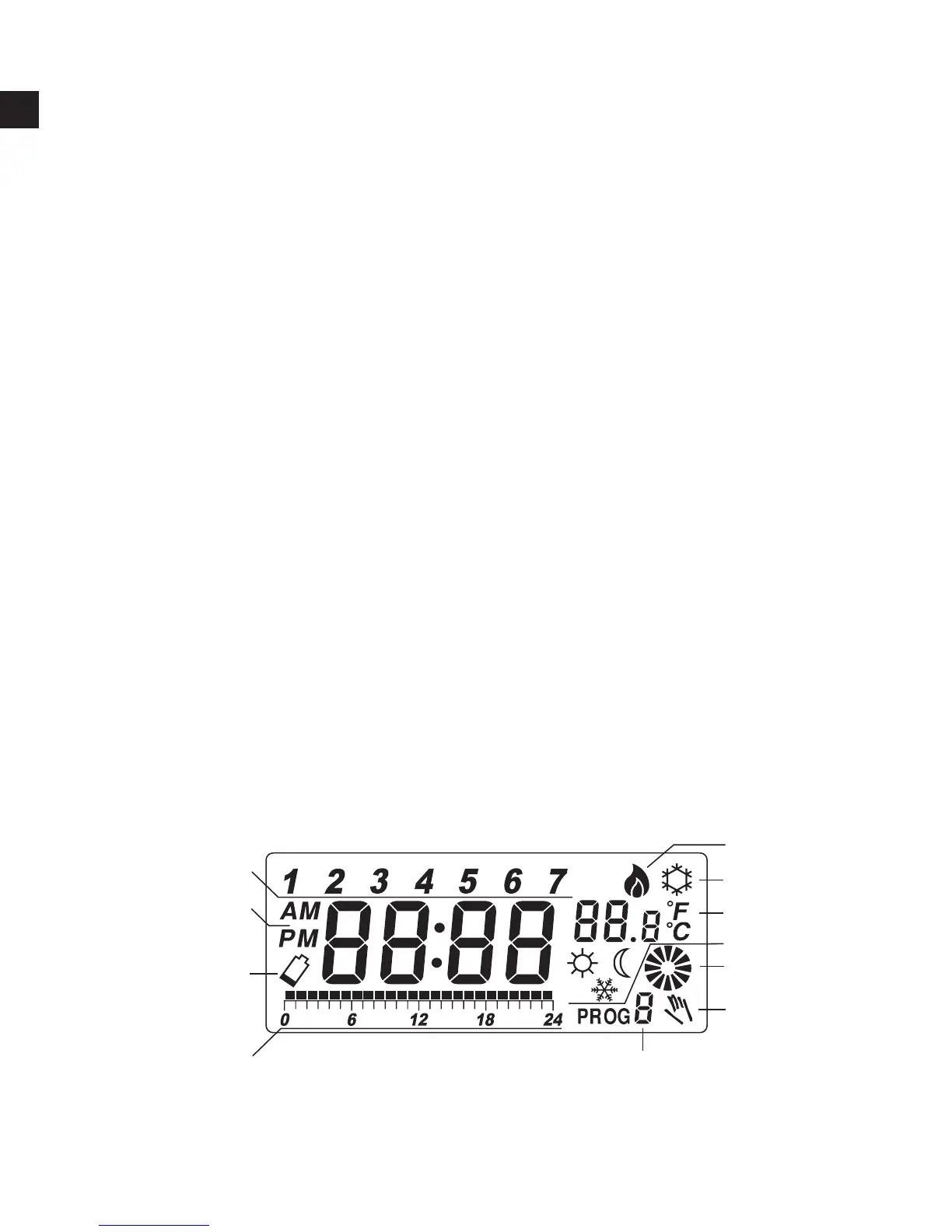
LCD
1 Day of the week Indicator
2 Time
3 Temperature
4 Program Number
5 Program Prole Indicator
6 Frost Protection
7 Manual Override Indicator
8 Output-On Indicator – will be displayed and rotates if the ouput is
on. It will disappear if the output is off
9 Low Battery Indicator – will be displayed if the voltage of the
batteries drop to a certain level. Please change the batteries as
soon as possible.



 To Next Page