17
GB
5, View/Change Programs
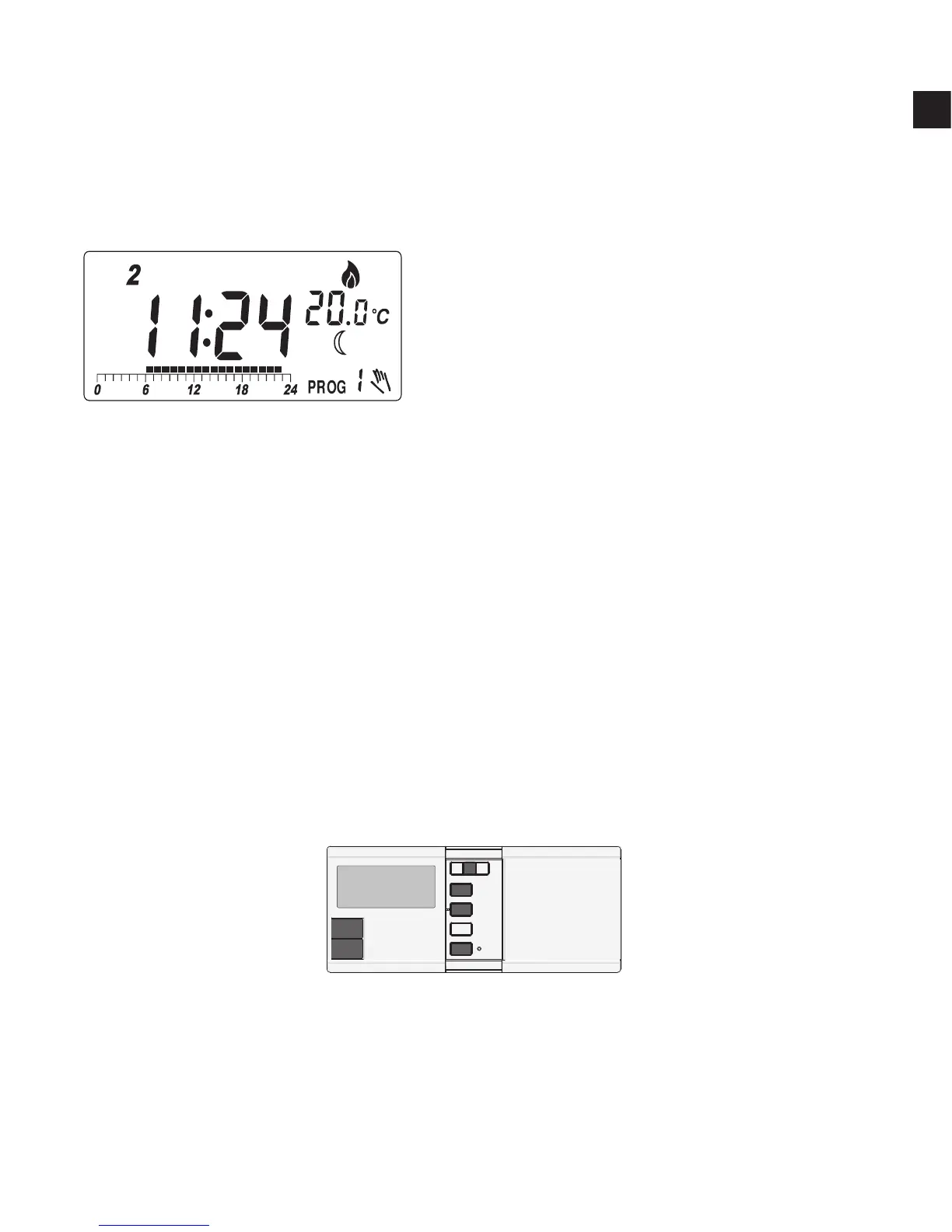
Press Prog, the program of the current day is ready to be changed.
Press Prog again to advance to the next day and the program of
that day will be shown.
Press Prog# to change the program.
Program 6, 7 and 8 are user-dene programs. You can use
☼
or
to
change the distribution of comfort or economy temperature and h to
review the setting. Press OK to return to normal operation mode.
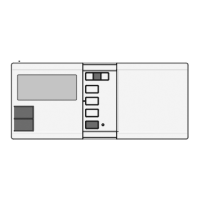
Buttons used:
There are altogether nine programs available, as the diagram
shown:
III, Press OK or just leave no key
pressed, the thermostat will
return to normal mode
Note:
I, A ‘hand’ appears when the
current temperature mode is
being overrode.
II, The setting will change rapidly
by pressing and holding the
keys.



 To Next Page