12
GB
2, Set day/time
To set day, press d. Similarly, press h to set hour and m to set
minute.
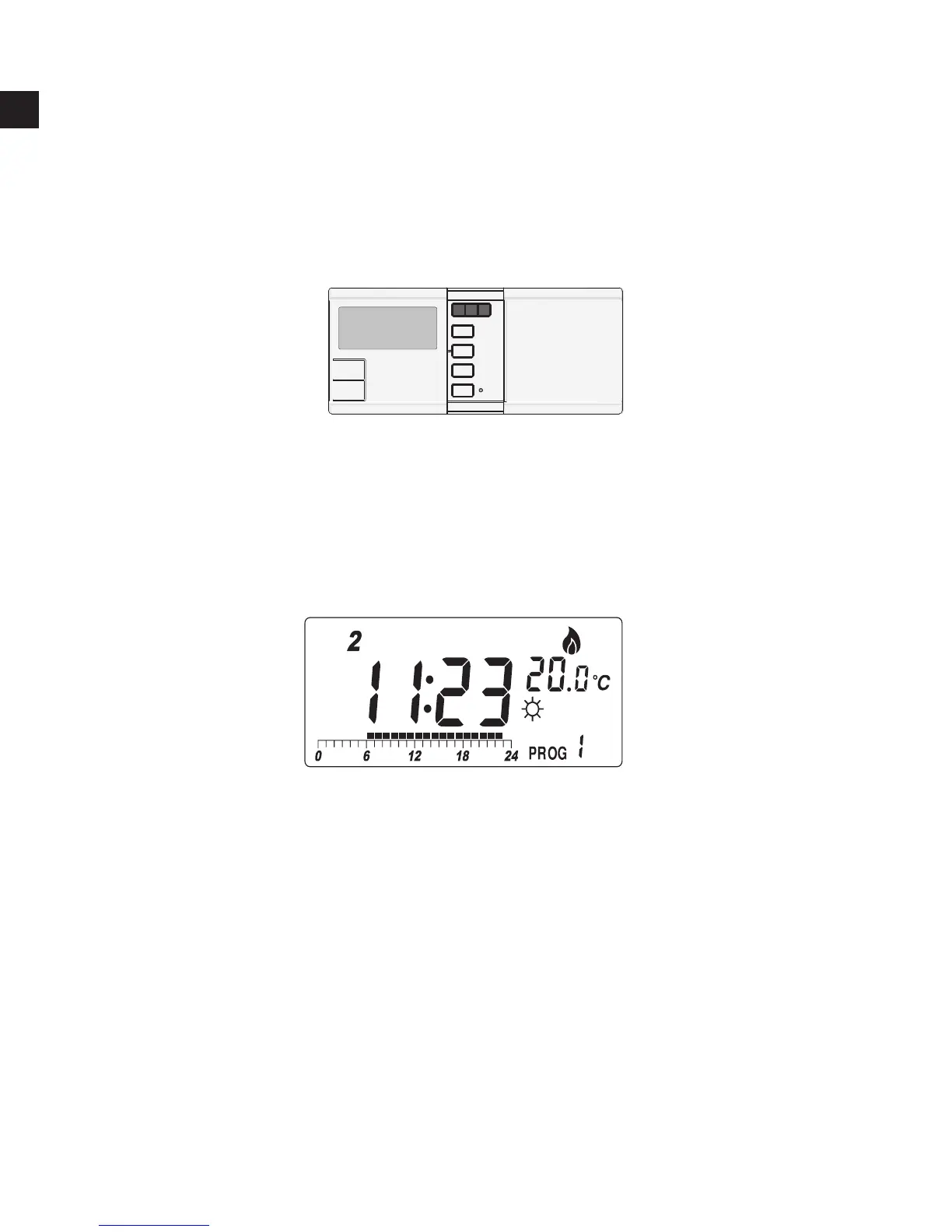
Buttons used:
Example:
When start or after reset, the time is 00:00, Sunday. To set the clock
to current time (e.g., 11:23, Tuesday), press d for day, h for hour
and m for .
Note: When you press and hold the keys for few seconds, the day/
time will change rapidly. Release when the desired setting comes.



 To Next Page