14
GB
I V
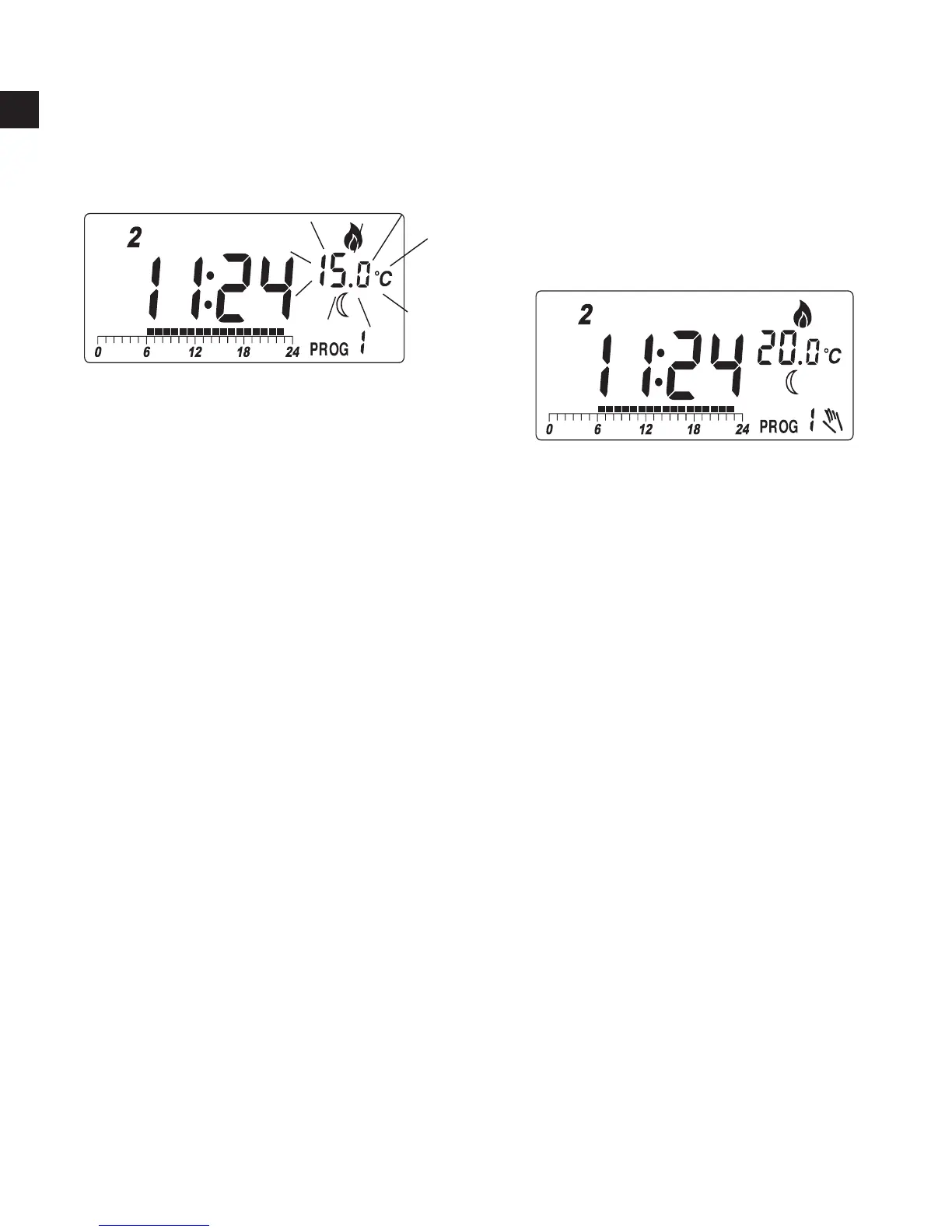
,To review economy temperature,
press
:
V, You can press
key again to
set the economy temperature,
or press OK to return to normal
operation mode.
Note:
I, The temperature setting range is 5° to 30°C.
II, To lower the setting, enter View/Change temperature mode and
press
☼
or
until it reaches 30°C and then the setting will return
to 5°C. Continue to pressing until the desired setting comes.
III, The setting will change rapidly by pressing and holding the keys.
IV, Please note the temperature mode indicator. A
☼
means the
comfort temperature is being viewed or changed. A
indicates
economy temperature. If is shown, it is defrost temperature. Defrost
temperature is always at 7°C and is not changeable.
V, It is not always necessary to use the OK key to return to normal
operation mode. After couple seconds of no key pressed it will
automatically return to normal mode.



 To Next Page