16
GB
Time hold
Timer hold is an alternative to manual override. Press and hold
☼
(or
) key for few seconds, the hold time will appear. Press the key
again to set the hold time. Press OK to return to normal operation
mode. The maximum can be set is 24 hours. In the hold period the
temperature will not be affected by the program.
When timer hold is active, pressing the corresponding temperature
mode key (e.g.,
☼
if comfort mode is being held) will show the
remaining hold time. The remaining hold time can also be changed
by using the same key. If another temperature mode key is pressed
(e.g., if comfort mode is being held), the timer hold will be cleared.
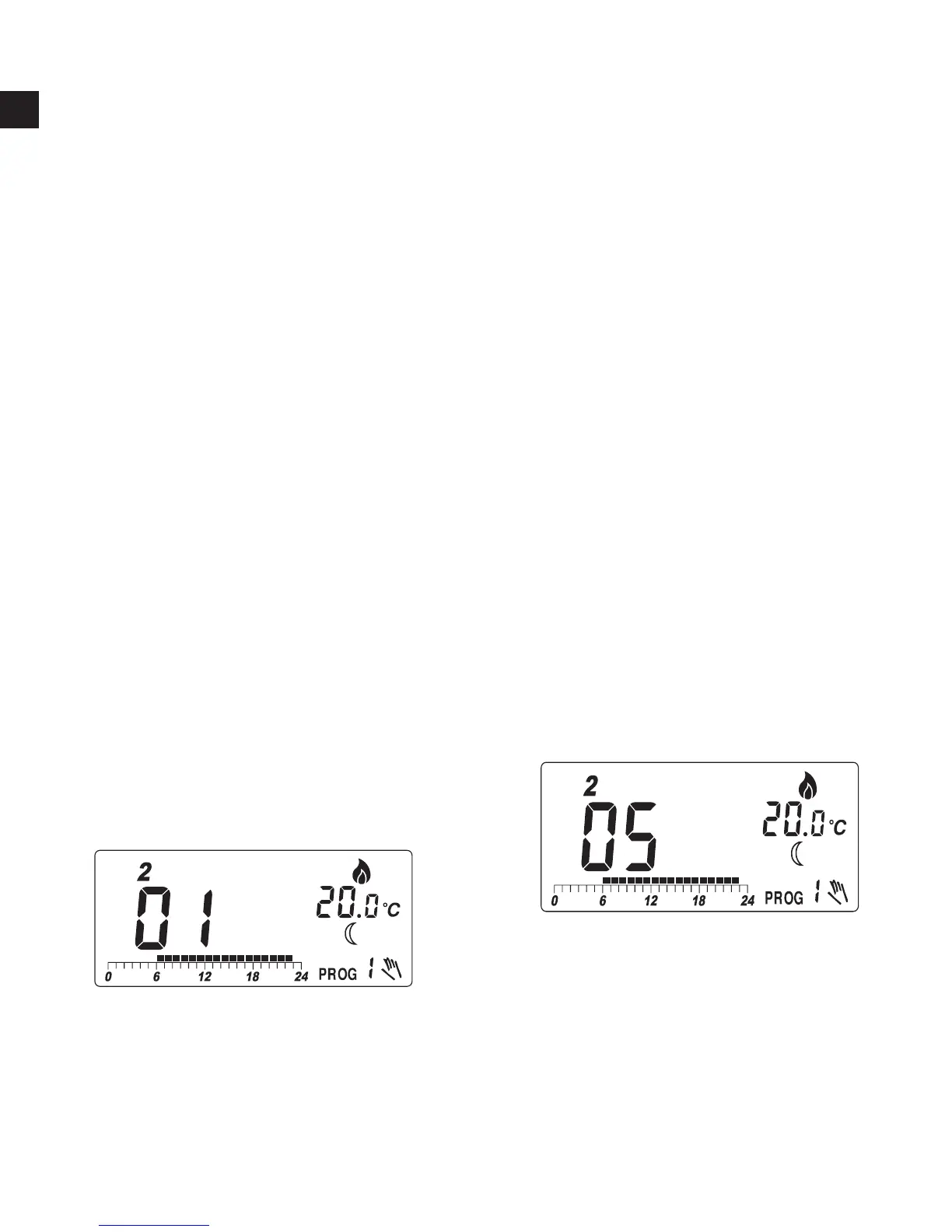
Example:
I, To change the current setting
from comfort to economy for
5 hours, press and hold
for
few seconds. The hold time will
appear.
II, The hold time is 1 hour. Press
to change the hold time to
5:



 To Next Page