13
GB
3, View/Change temperature
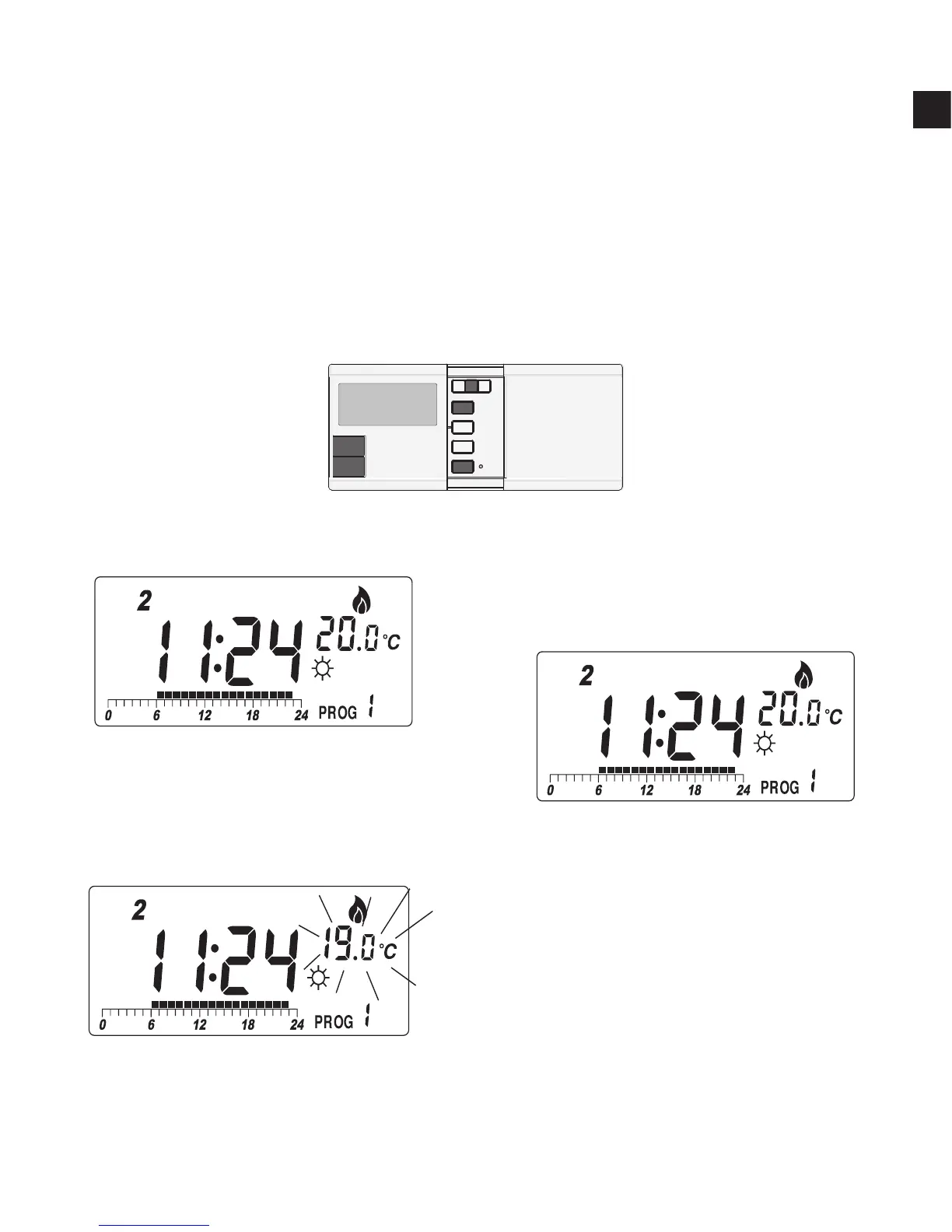
Press Temp, and the thermostat enter View/Change temperature
mode. The LCD will show the setting of the current temperature
mode (
☼
,
or
) which will be ashing. Press
☼
or
to review
or change the temperature. Press OK to directly return to normal
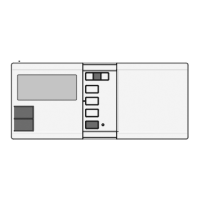
operation mode. Buttons used:
Example:
I, In normal mode…
II, Press Temp. The setting
of comfort temperature is
ashing:
III,To change, press
☼
. For
example, to change to 20.0°C,
press
☼
5 times:



 To Next Page