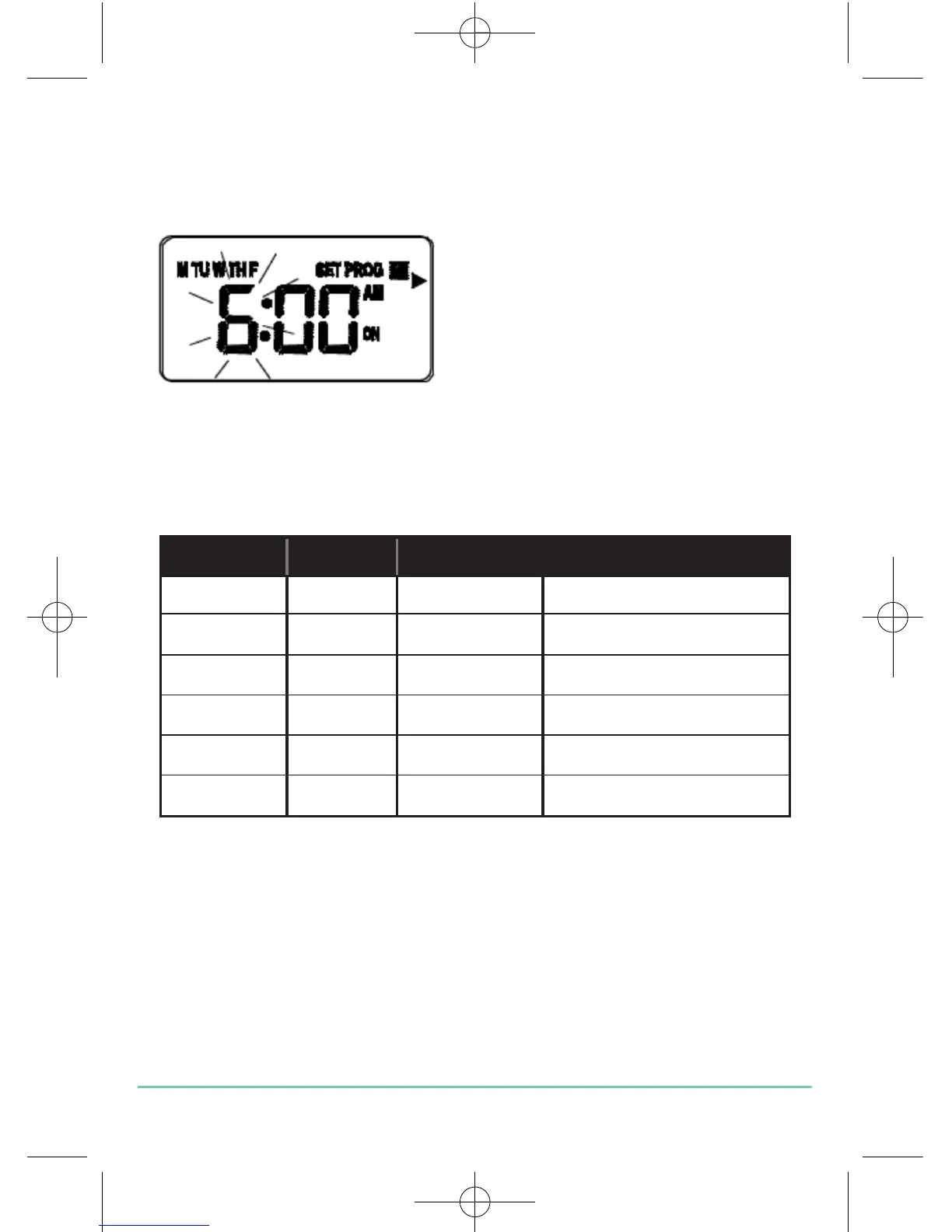
Press the SELECT key to confirm the Weekday or Weekend selection. Once
this is set, the ‘Hour’ will flash to indicate that it is the selected item and is
the next item to be adjusted:
Press the UP or DOWN key to adjust
the hour setting to the desired value,
and confirm your selection by
pressing the SELECT key.
Pressing the SELECT key allows you to step through each of the items to be
reviewed or adjusted within the programmes in the following sequence:
Programme Status Function Sequence
1 ON Hour Minutes
1 OFF Hour Minutes
2 ON Hour Minutes
2 OFF Hour Minutes
3 ON Hour Minutes
3 ON Hour Minutes
…before then allowing you to cycle back to Programme 1. Pressing the SET
key at any time will confirm the setting and return to the programme set
selection.
EP101 INSTRUCTION MANUAL
13



 To Next Page