OPERATING MODE SELECTION
The EP101 operating mode is selected by pressing the MODE key.
There are four operating modes for the controller:
ON, ONCE, AUTO and OFF
The mode can be changed when the controller is in NORMAL mode by
pressing the MODE key. Each key press will cycle the operation mode as
follows:
ON ONCE AUTO OFF ON
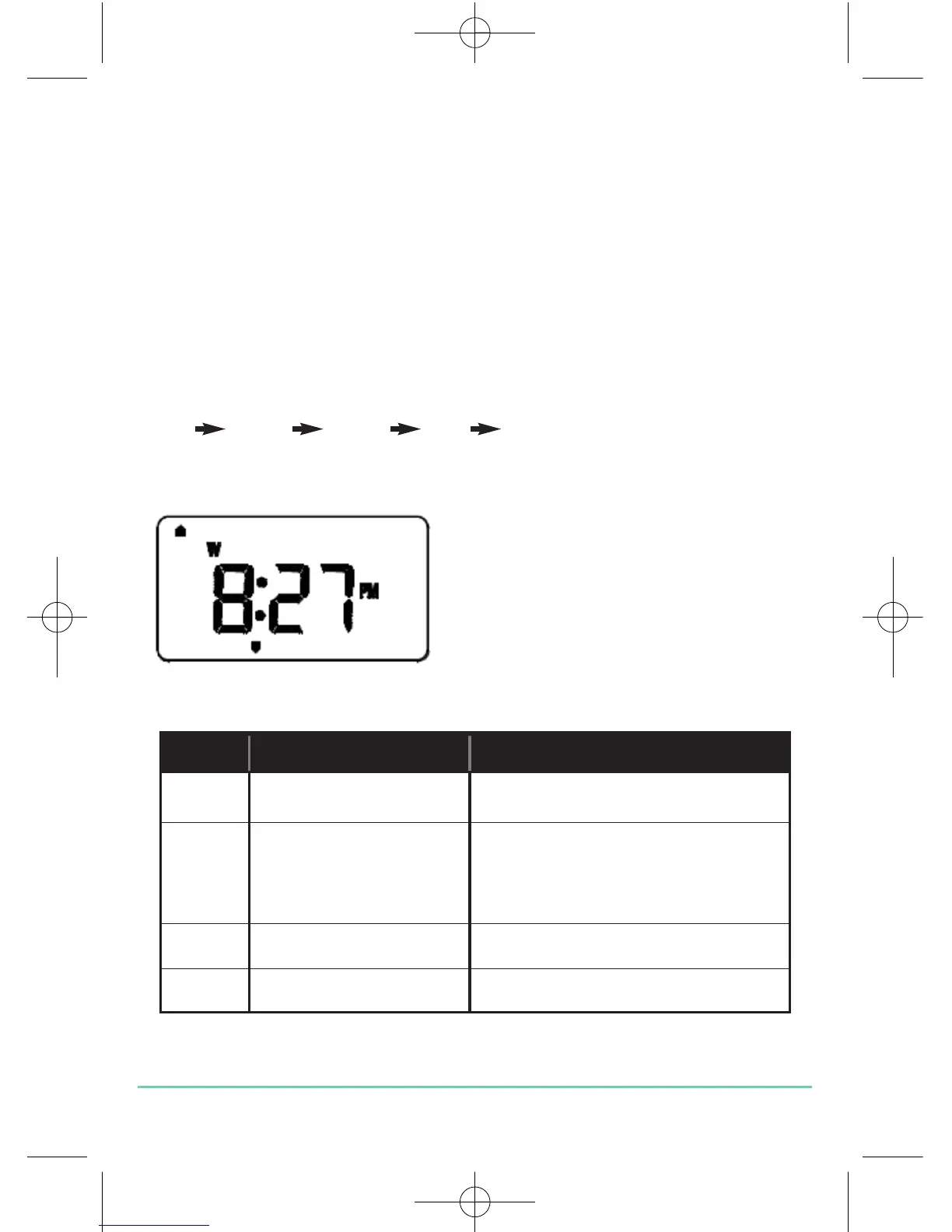
The mode indicator changes to indicate the selected operating mode:
The operating mode functions are:
Mode Possible selections Function
ON ON Continuously on
ONCE ON, ONCE On for one period per day
(from Programme 1 ON
to Programme 3 OFF)
AUTO ON, ONCE, AUTO Automatic programme control
OFF ON, ONCE, AUTO, OFF Continuously off
EP101 INSTRUCTION MANUAL
16


 To Next Page