7 Day Mode
The EP101 also offers a 7 day programming mode, which allows you to
programme three different sets of on/off times for each day of the week to
give a total of 21 separate programme settings.
To review or change a programme, press the SET key when the EP101 is in
Normal mode. This will change the unit status to Programme Setting
mode.
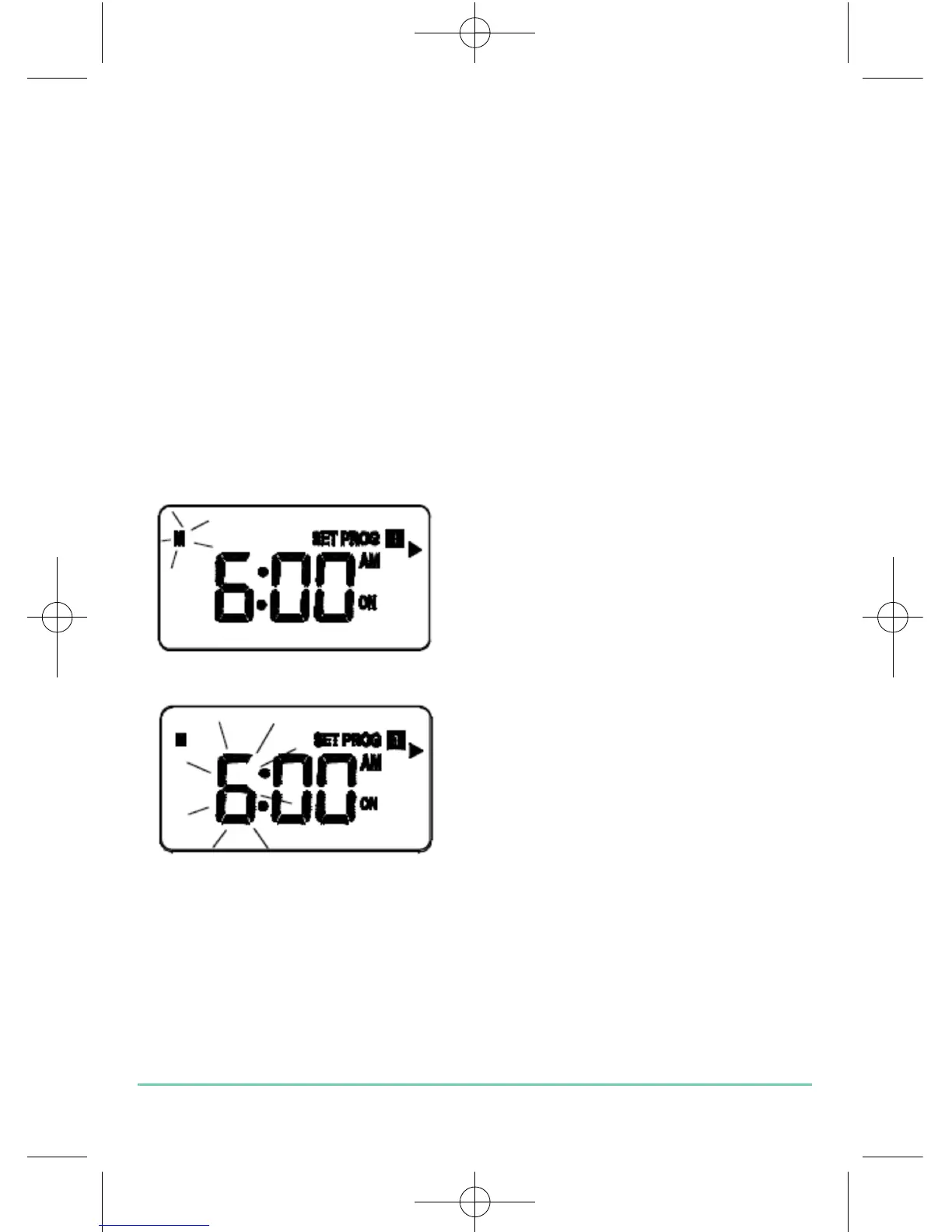
The controller will display programme number 1 and SET PROG, with all
other indicators cleared. The weekday will be flashing to indicate the
selected item is ready to be adjusted.
Press the UP or DOWN key to change
the display to indicate the single day
you want to programme:
Pressing the SET key at any time when
in programming mode will return the
EP101 into Normal mode. Press the
SELECT key to confirm the Day
selection. Once this is set, the ‘Hour’
will flash to indicate that it is the
selected item and is the next item to
be adjusted:
Press the UP or DOWN key to adjust the hour setting to the desired value,
and confirm your selection by pressing the SELECT key.
EP101 INSTRUCTION MANUAL
14


 To Next Page