OTHER FUNCTIONS AND CONTROLS
Backlight
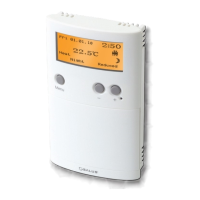
The backlight of the EP101 is switched on automatically whenever any of
the keys are pressed. The backlight will remain illuminated for
approximately 5 seconds after the last key press, except if you are
changing settings within the Clock, Programme or Temporary Override
modes – in this case the backlight will remain illuminated throughout the
setting change process.
The backlight will not illuminate if there is no mains supply to the
controller.
Daylight Saving
When enabled, the clock will automatically change from Greenwich Mean
Time (GMT) to British Summer Time (BST) on the last Sunday in March at
2:00am. The clock will automatically change back to GMT on the last
Sunday in October at 2:00am.
Reset Button
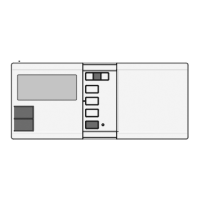
The Reset Button is provided as a way to restore the heating controller to
its default factory settings. Pressing this button will delete any
previously entered settings.
EP101 INSTRUCTION MANUAL
19


 To Next Page