PROGRAMMING
The ERT50 230v makes programming a very
straightforward operation because of the intuitive menu
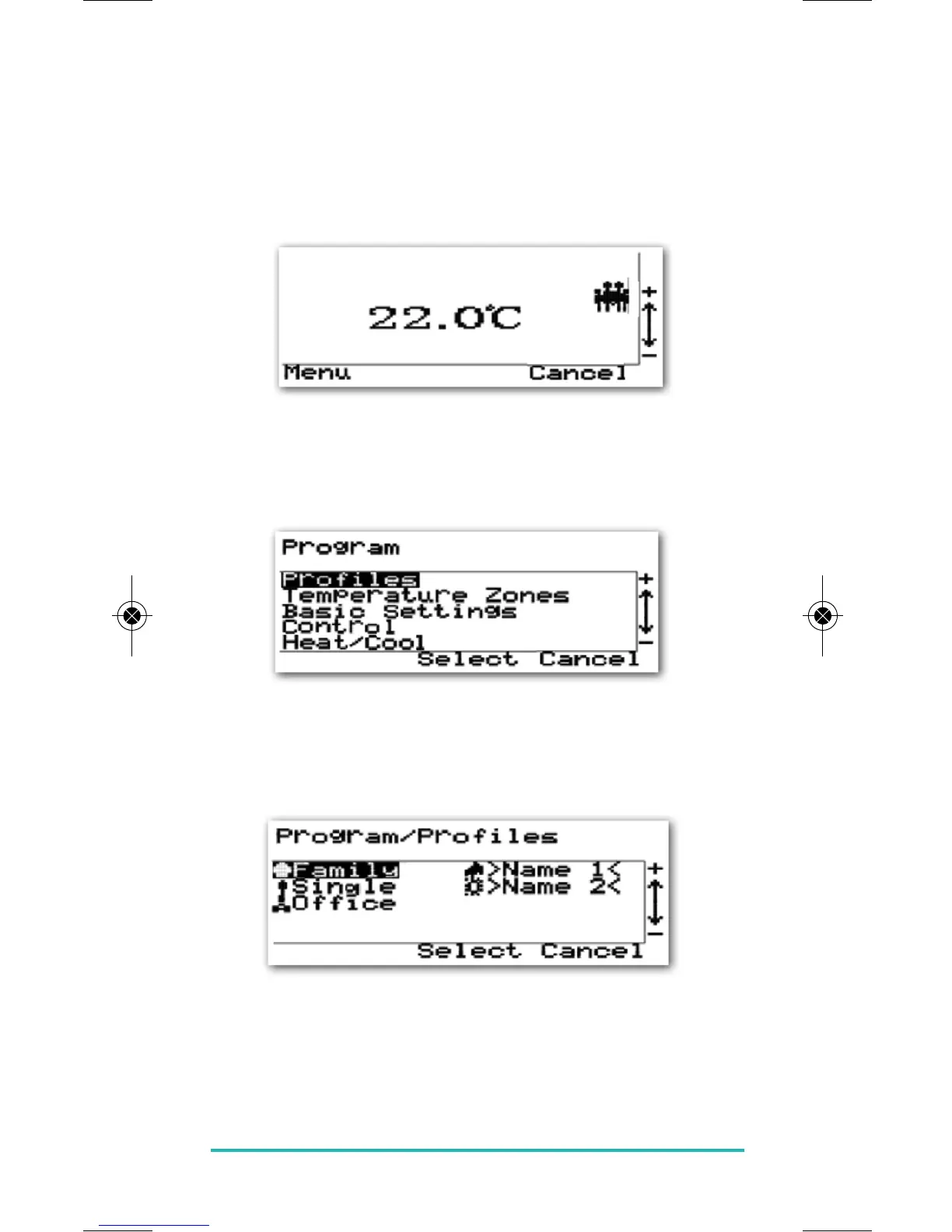
structure. To access the Programming menu, you need to
press the CANCEL key, and then press the SELECT and
CANCEL keys together.
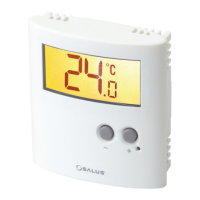
The Program menu has five options: Profiles, Temperature
Zones, Basic Settings, Control and Heat/Cool. Here we will
only cover programming the Profiles and Temperature
Zones, as the other settings have been covered elsewhere.
Profiles:
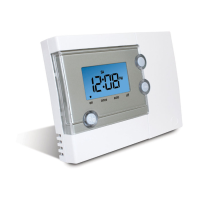
Selecting the Profile menu item from the Program screen
will open a new menu listing the five installed Profiles.
Use the PLUS or MINUS keys to select the profile that you
want to work with, and press the SELECT key to open the
setting menu for that profile. Press the CANCEL key to exit
to the previous menu without making changes.
ERT50 230v INSTRUCTION MANUAL
25


 To Next Page