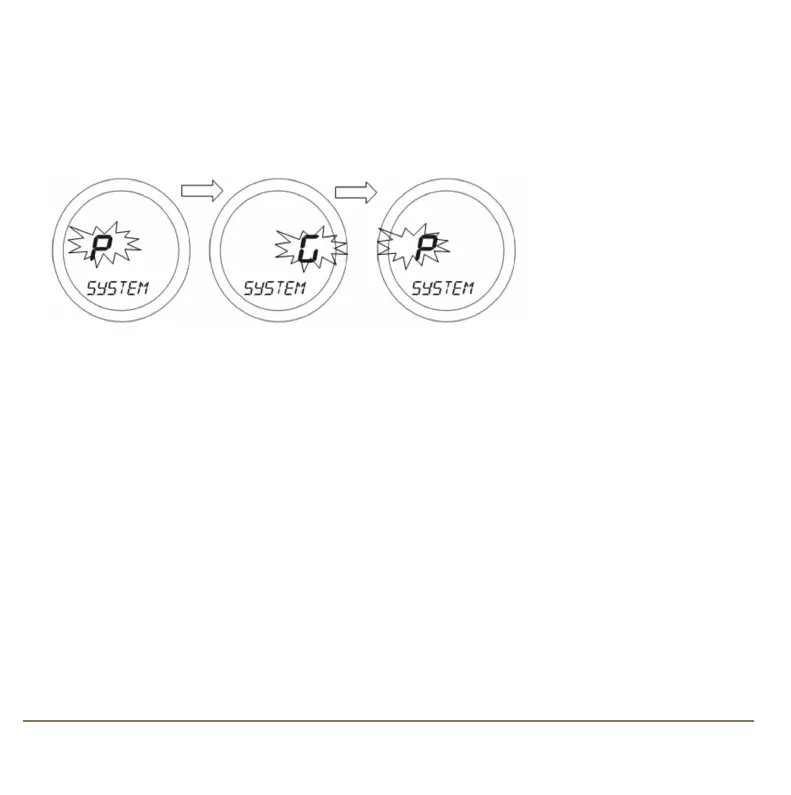
SYSTEM MENU
The SYSTEM menu allows the installer to match the operating mode of the controller with the
installed heating system. The controller can operate in two distinct modes – Pumped (P – the default
setting) or Gravity (G) mode.
On entering the menu, use the Touch Ring to scroll to the preferred option (P or G), and confirm the
choice using the OK button. Use the Arrow key to return to the previous screen display.
19SP220 INSTRUCTION MANUAL
SP220 Manual Ver 005.qxd:Layout 1 5/1/11 10:54 Page 19



 To Next Page