2-2
Module 5 – Connected Fan Coil Controls
Keypad & Display – Fan Coil Controls
Section 2
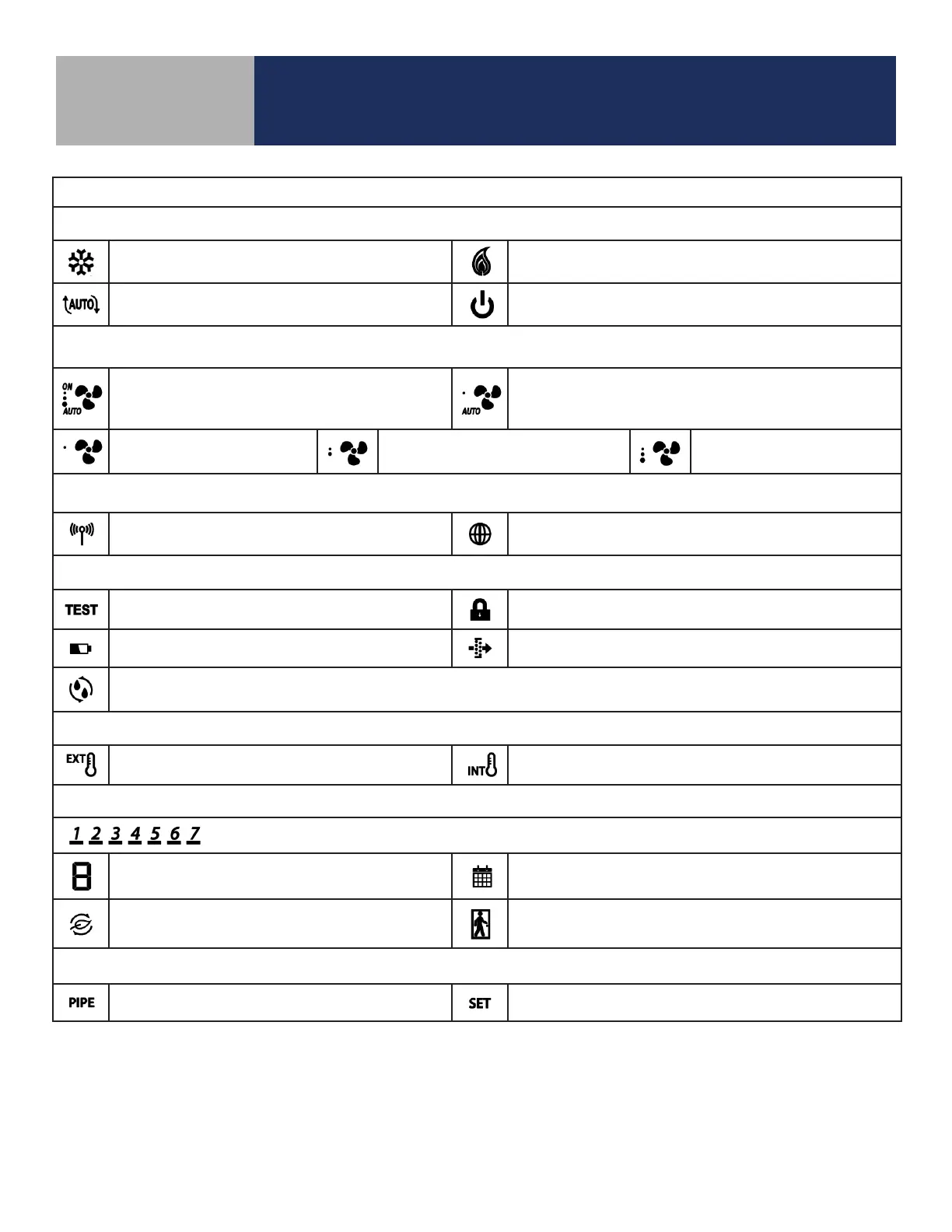
Table 2.2: Display Icons
Heat/Cool/Off Modes
Cooling (Animated when cooling is on)
Heating (Animated when heat is on)
Auto Heat/Cool Changeover
Off
Fan Modes
ON – Indicates Constant Fan Enabled
3 Dots – High Speed
AUTO – Automatic Fan Speed
– Constant Fan Disabled
1 Dot – Low Speed
AUTO – Automatic Fan Speed
Fixed Fan Speed – Low Fixed Fan Speed – Medium Fixed Fan Speed – High
Wireless/Internet Indications
Device connected to local network Device connected to SALUS Smart Home Service
Test/Key Lock/Battery/Filter
Test Mode (Special Code 22) Keys Locked Mode
Battery Low (ST103 Wireless Remote Only) Change Filter (Timer expired)
Accessory Output On (Humidifier, Dehumidifier, ERV or HRV)
Internal/External Temperature Sensor
External Sensor Indication (wired or wireless)
Internal Sensor Indication (Only visible in TEST Mode)
Schedule Indications
Day of the week (Mon = 1, Tue = 2, Wed = 3, Thu = 4, Fri = 5, Sat = 6, Sun = 7)
Schedule Interval (1-6) - Specifies time interval
of scheduled temperature changes
Schedule Indicator – When shown, the Thermostat is
following a schedule
Setback Indicator – Setback input is activated
AWAY State Indicator – Displayed when the Fan Coil
Thermostat is set to AWAY, using setback temperatures
Multifunction Temperature Indication
Pipe temperature reading shown Setpoint temperature reading shown



 To Next Page