7-5
Section 7
SC102ZB/ST103ZB Installation and Operation Manual
Device Joining & Pairing
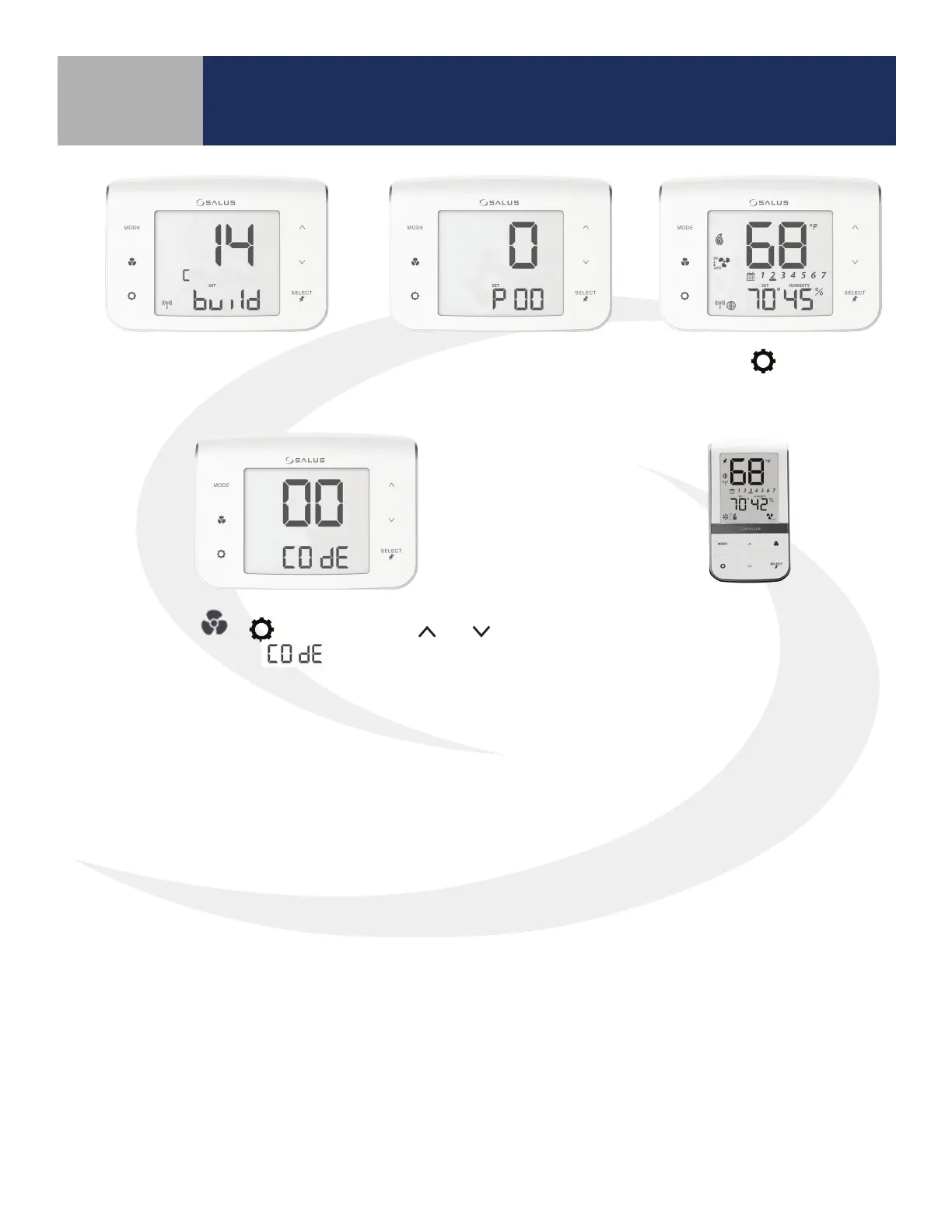
Next, the SC102ZB Fan Coil
Controller enters Parameter
Setup.
Press the
key to enter
the operation screen.
Once network building is complete,
the controller will display the radio
channel number being used.
Press MODE +
+ keys
simultaneously to enter
functions.
After pulling the battery tab on the
ST103ZB Fan Coil Remote, it will
automatically pair with the SC102ZB.
Use the
and keys
to set digits to “00”.



 To Next Page