SAM4s ER-655II v1.2 Program Mode Programming 151
Clerk Programming
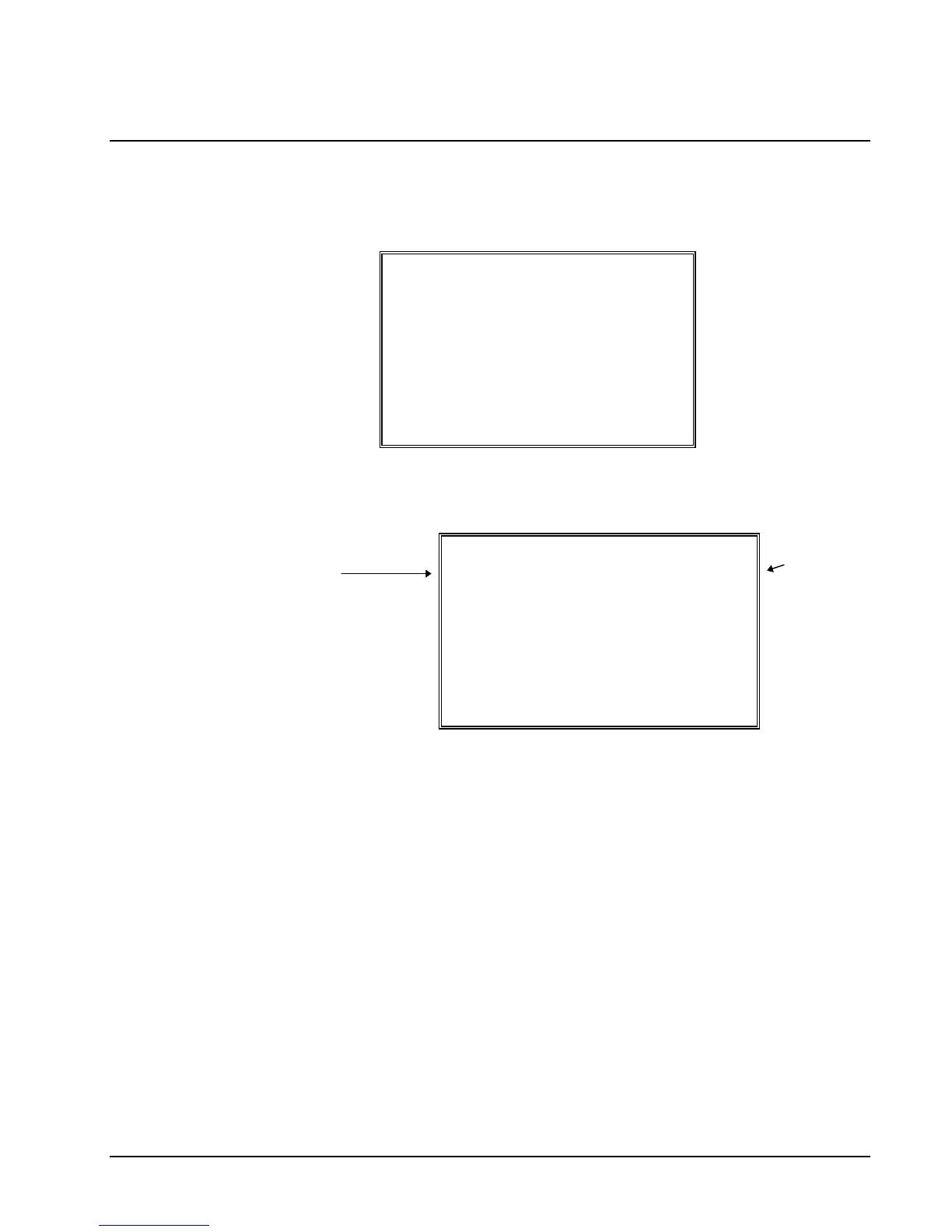
1. At the PGM control lock position menu, press 6 for CLERK. The CLERK
NUMBER screen displays:
CLERK NUMBER
CLERK NO ? (1-??) 0
2. Enter the clerk number 1-99, (the actual number of clerks is set in memory
allocation). Press the ENTER key to display the CLERK # programming screen:
CLERK #1 PROGRAMMING
NAME
PASSWORD 0
DRAWER ASSIGN(0-2)1
Press
ENTER
to
advance
the arrow
to the next
option.
escriptor
Type the descriptor using
the Program Overlay. The
overlay is automatically
activated when the cursor
is pointing at the DESC
field.
3. Refer to "Clerk Programming - Reference Information" to make choices or
changes on the screens provided.
4. After making new entries or changes for a function key, press the CLEAR key to
finalize and return to the PROGRAM MODE screen.


 To Next Page