62 Operating Instructions SAM4s ER-655II v1.2
Currency Conversion
If you normally accept currency from neighboring nations, you can program the SAM4s ER-
655II to convert the subtotal of a sale to the equivalent cost in the foreign currency. You can
set up four separate conversion functions for different foreign currencies. To do this, you
need to program the conversion factor. For example, if the US dollar (home currency) is
worth 1.3720 Canadian dollars (foreign currency), the conversion factor is 1.3720. See
"Function Key Programming" in the "Program Mode Programming" chapter to set a
conversion factor.
Note: When a function is located on a function look up menu key, you access the function by
pressing the appropriate function look up key, then pressing the numeric digit corresponding
to the function you wish to select. On the default keyboard, the CONV1 function is function
#7 on the function look up 1 menu, so to use the CONV1 function, you would first press
FUNCTION LOOK#1, then press the numeric 7 key.
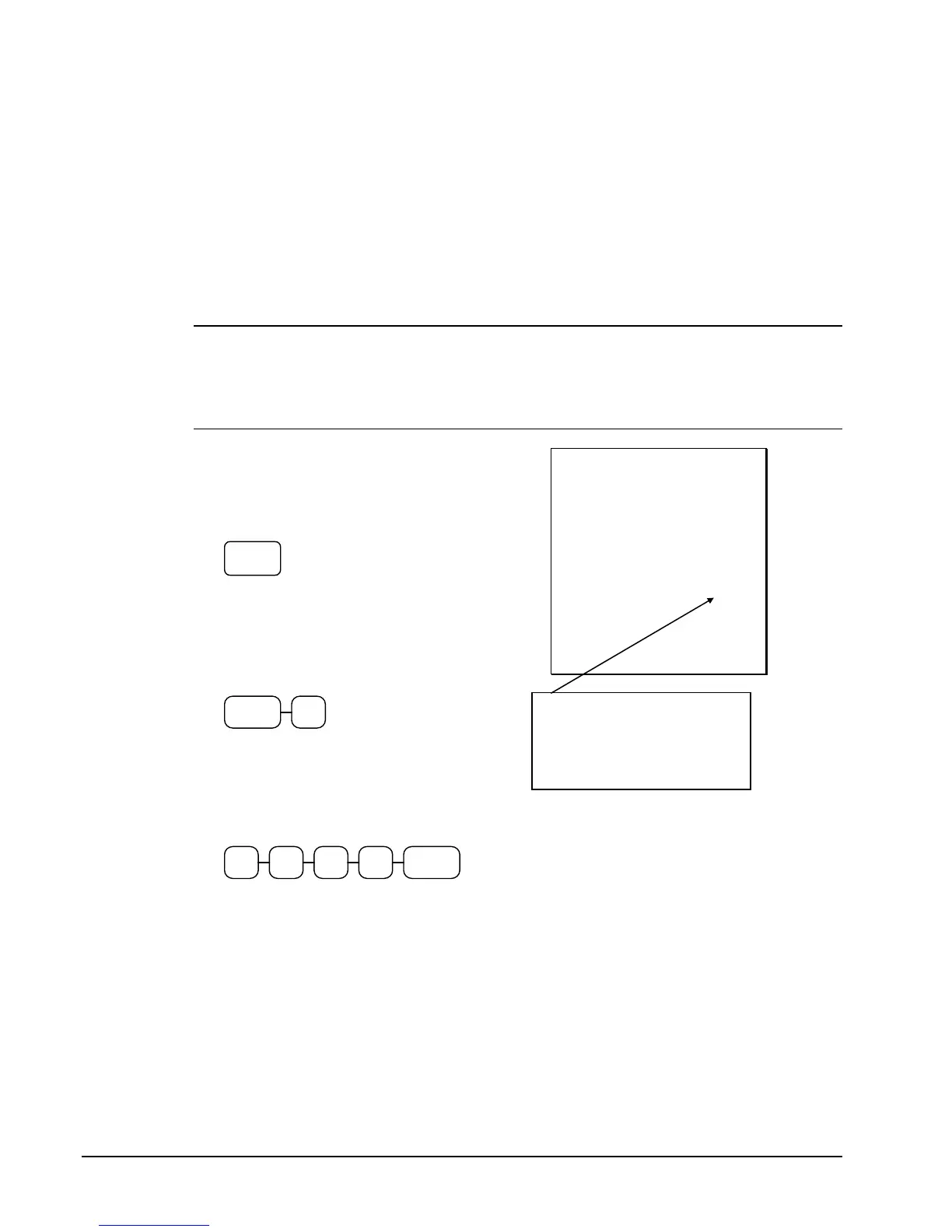
1. Register the items you wish to sell.
2. Press the CONV1 key if it is located on
the keyboard:
CONV1
or, if the conversion is located on a
function look up key press FUNCTION
LOOK2, then press the digit
representing the CONV1 function:
FUNCTION
LOOK#2
7
3. The amount due in foreign currency is
displayed.
4. Enter the amount of the foreign currency
tender, Press CASH:
CASH
ENTER
0 01 0
5. The display will indicate the amount of
foreign currency tendered and display
$5.17 change due. The change due is
computed in home currency!
THANK-YOU
CALL AGAIN
08/15/1999 SUN TIME 08:33
PLU1 T1 $2.00
TAX1 $0.12
TOTAL $2.12
CONV 1 ¥2.90
CHANGE RATE @1.3720
HOME AMT. $10.00
CHANGE $5.17
CLERK 1 000011 00001
The currency symbol you
program will display here. See
"Print Option Programming" in
the "Program Mode
Programming" chapter.



 To Next Page