58 Operating Instructions SAM4s ER-655II v1.2
Check Cashing
Check cashing means exchanging cash for a check. If you wish to cash checks, you must
place a CHKCASH key on the keyboard. See "Function Key Assignment" in the "Program
Mode Programming" chapter.
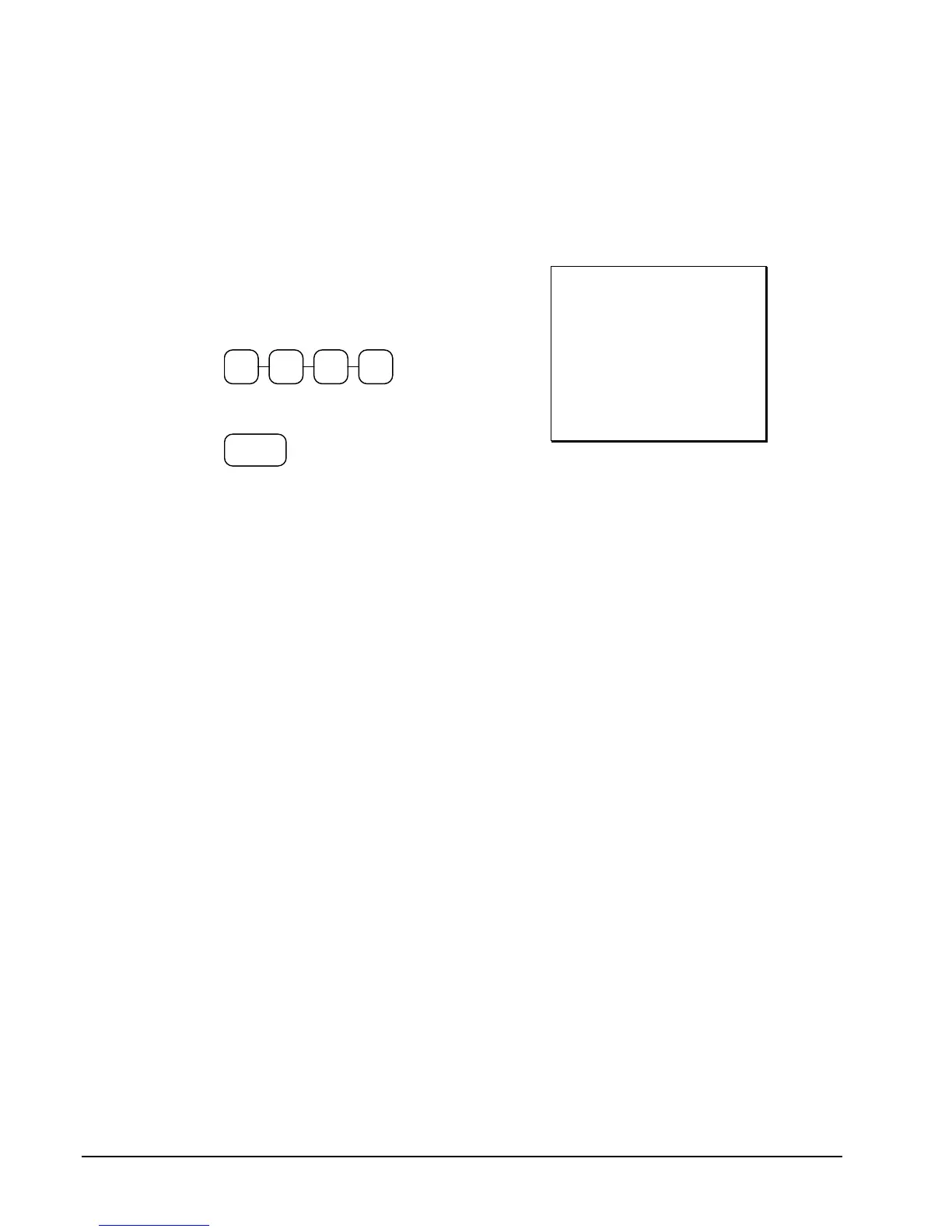
1. Enter the amount of the check tendered
by the customer. For example, for
$20.00 enter:
0 0 02
2. Press CHKCASH:
CHK
CASH
3. The display will indicate the amount of
the check and the cash change.
THANK-YOU
CALL AGAIN
08/15/1999 SUN TIME 08:33
***CHKCASH***
CHECK $20.00
CASH -20.00
CLERK 1 000011 00001



 To Next Page