HCUBE-102S User Manual
Cutter Settings
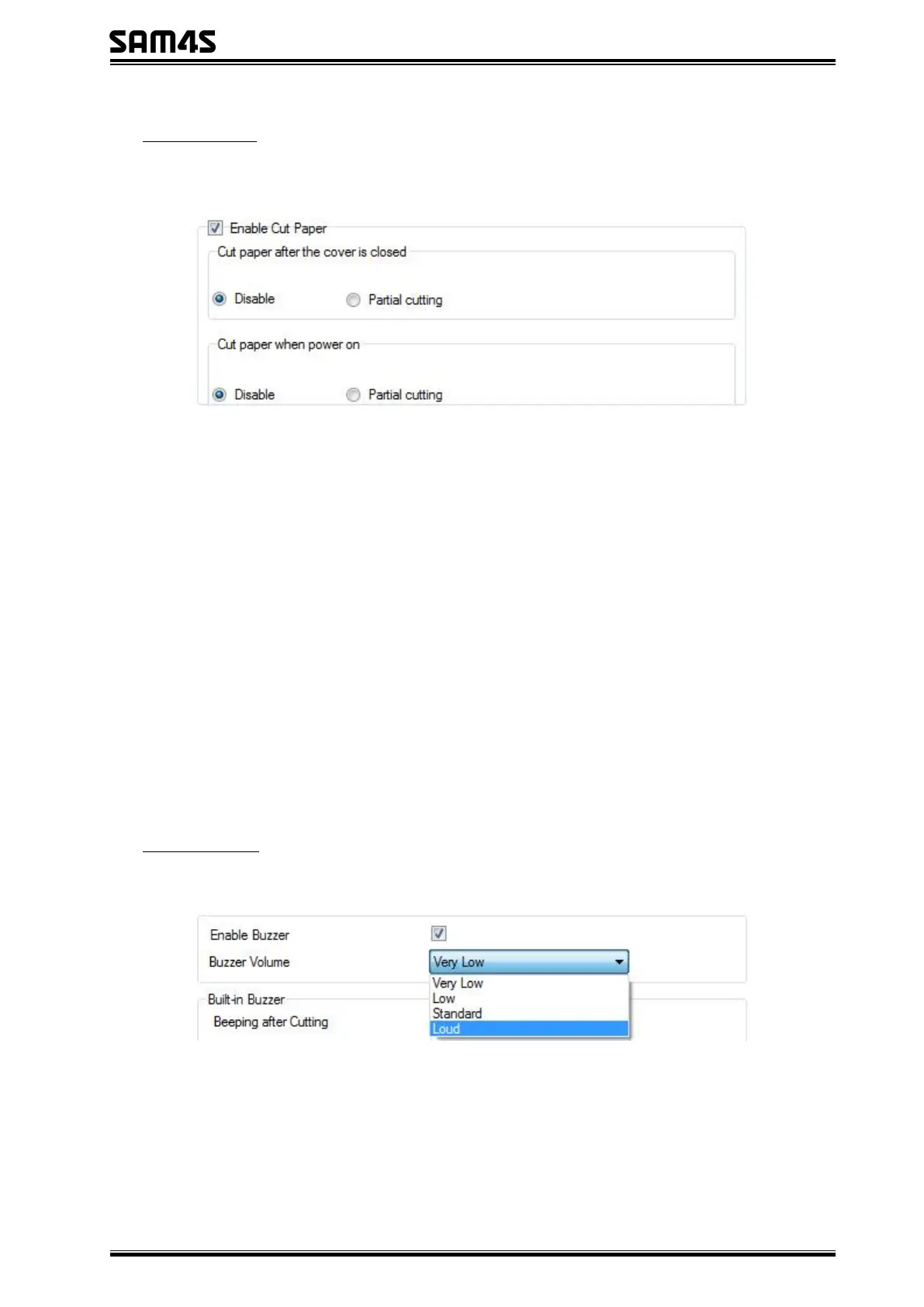
Enable or disable “Cut paper after the cover is closed” / “Cut paper when power on”.
Enable “Cut paper after the cover is closed”:
When the printer closes the cover, it will automatically cut the paper.
Disable “Cut paper after the cover is closed”:
The printer does not cut the paper automatically after closing the cover.
Enable “Cut paper when power on”:
The printer will automatically cut paper when it is powered on.
Disable “Cut paper when power on”:
The printer does not cut paper automatically after it is powered on.
Buzzer Settings
Buzzer Volume: Very Low/Low/Standard/Loud



 To Next Page