9
Setting Input and Output Levels - continued
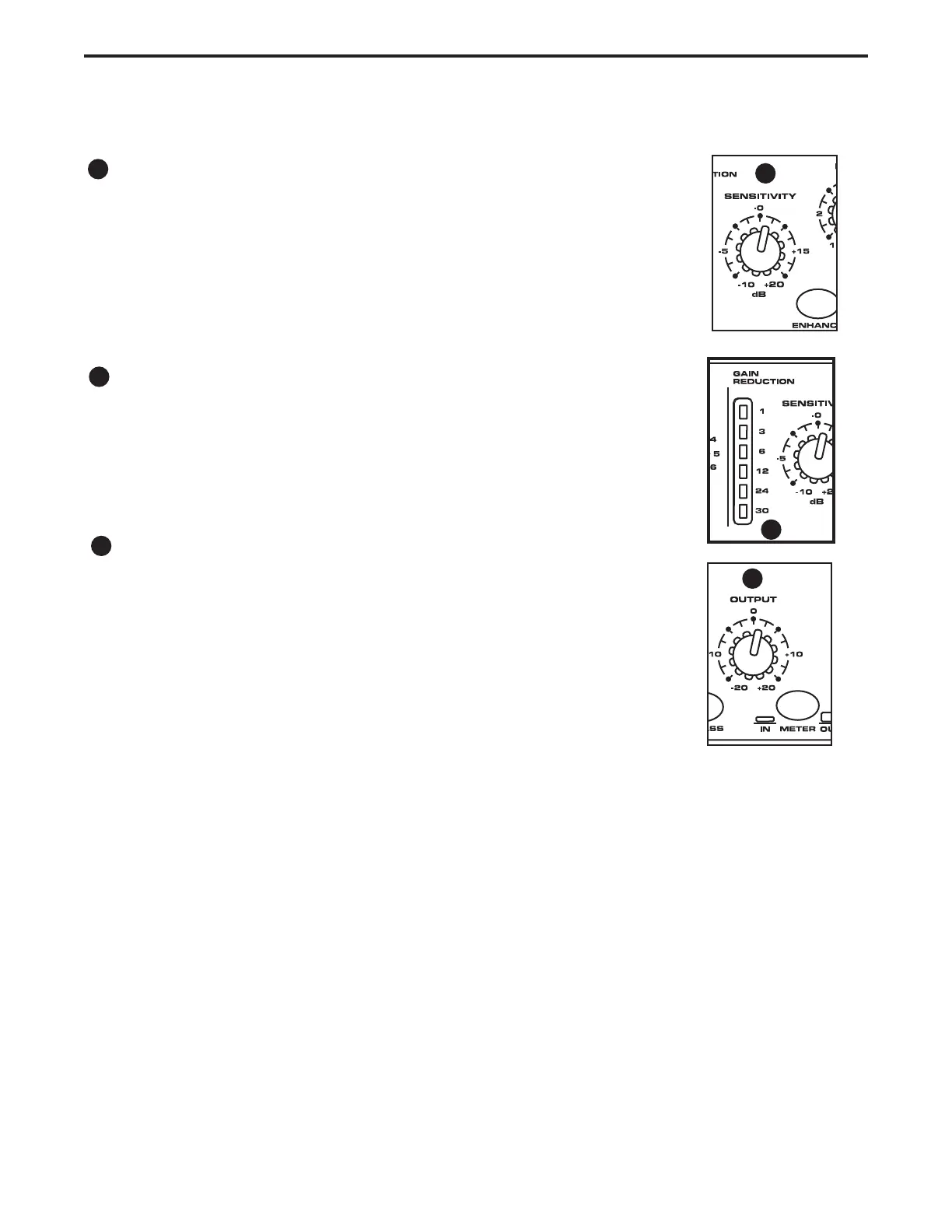
SENSITIVITY
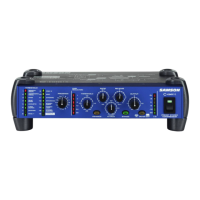
It is important to undertstand how the C com 16’s SENSITIVITY control works
since it has a dual purpose. First, to control the input level, and second, to con-
trol the relative threshold level for the comressor cicuit. The C com 16 has a
fixed threshold level and by using the SENSITIVITY control you can adjust the
relative threshold level and thereby the total amount of gain reduction. Slowly
raise the SENSITIVITY control, and monitor the INPUT LEVEL meter until you
reach the desired amount of level and the INPUT METER reads between -6
and 0.
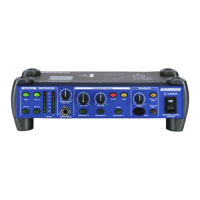
GAIN REDUCTION METER
The GAIN REDUCTION meter is a six segment LED display showing the amount
of gain reduction in dB’s with a scale of 1, 3, 6, 12, 24 and 30.
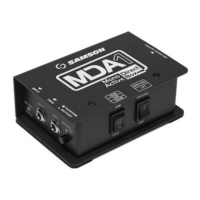
OUTPUT
Once you have set the amount of gain reduction using the SENSITIVITY con-
trol and GAIN REDUCTION METER, you can use the OUTPUT control to set
the desired OUTPUT level. Sometimes called ‘make-up gain”, the OUTPUT
control will let you get back to the same level signal that was at the input before
the application of gain reduction. Slowly raise the OUTPUT control, and monitor
the I/O meter until you reach the desired amount of output level. Use the I/O
meter and the BYPASS switch to check the gain. By switching the BYPASS in
and out, you can check to see if the level is matching, and compare the sound
with the compression on or off.
Now that you have the basic input and output level set, you can raise the SENSITIVITY control to “squeeze” the signal
and add more compression. If necessary, use the OUTPUT contol to add and “make-up gain” that you may need to get
back to the same output level after the compresson. Use the I/O and GAIN REDUCTION Meters to monitor the signal lev-
els.
Using the Program Pre-sets
Your C com 16 comes pre-programmed with 15 extremely useful pre-sets covering many common com-
pression applications. It’s simple to get great compression on your sound just by dialing up a preset and
adjusting the levels. When you select a pre-set using the PROGRAM selector, the C com 16 automati-
cally adjusts all the compressor’s control parameters to a factory pre-set level.
Keep in mind that while the Program pre-sets are labeled for typical use, you may find that a Program
works well for an entirely different application. As always, experience is the best teacher, so don’t be
afraid to experiment with different Program presets on any sound and let your ears decide. Use the
BYPASS switch to compare the sound in and out and if the sound is better with the C com 16 engaged,
you’ve got it.
Operating The C com 16
6
7
6
7
8
8


 To Next Page