USING THE ENHANCER
ENHANCER
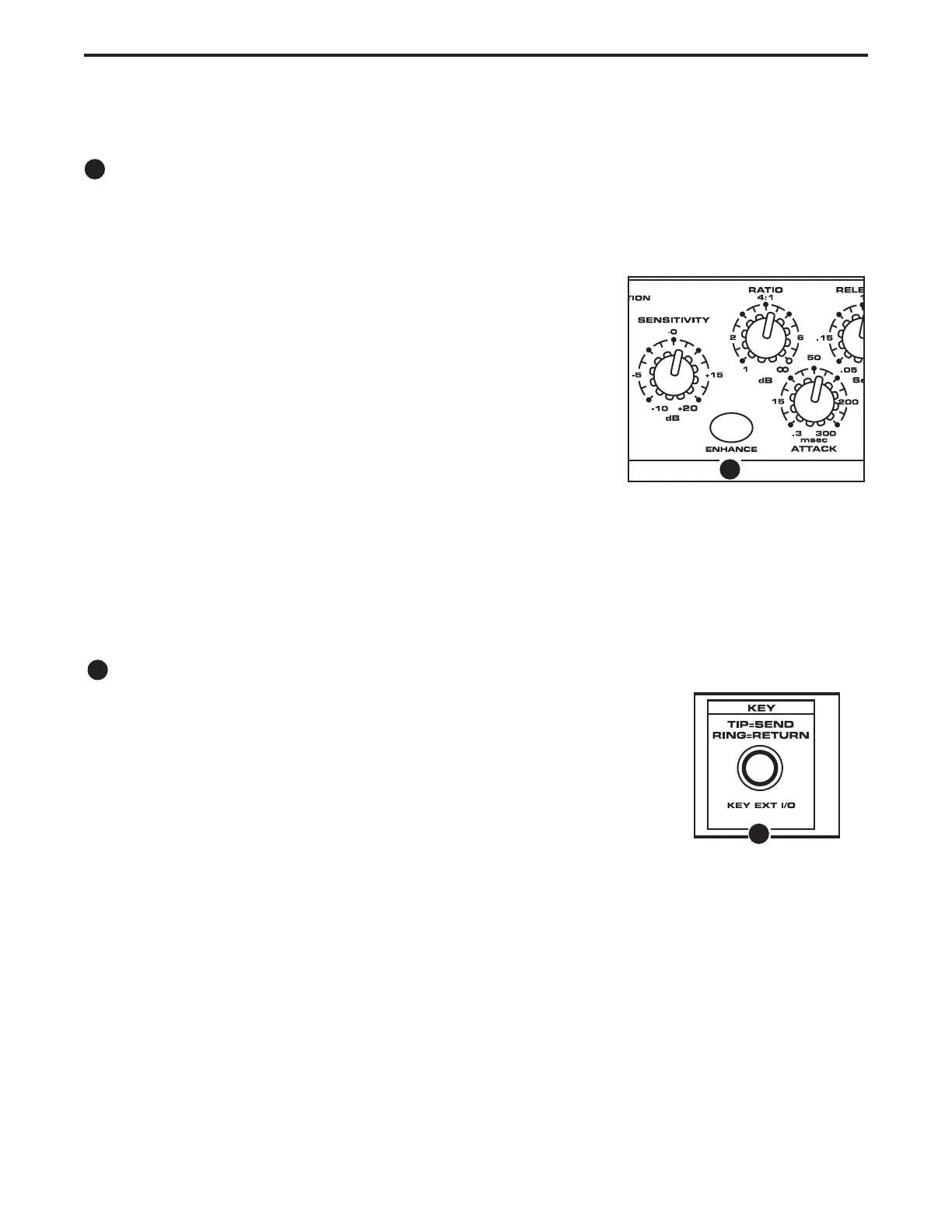
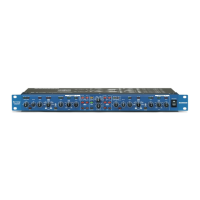
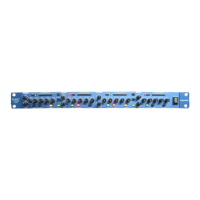
The C Com 16’s ENHANCER switch can be engaged to activate the EFR (Enhanced Frequency
Recovery) circuit. By engaging the ENHANCER, the C Com 16 EFR restores the high frequency content
that can be lost when high gain reduction is applied. The C Com 16 EFR achieves this by adding back
the high-end of the original signal in an amount that is equal to the amount of gain reduction.
• Follow the section above, “SETTING UP THE C Com 16” for nor-
malizing the controls and run a signal such as a CD through the C
Com 16.
• Set the PROGRAM switch to 13; STEREO COMP.
• Press the BYPASS switch to the IN position so that the green LED
is on.
• Turn up the SENSITIVITY control until you reach 12 to 24 dB of
gain reduction.
• Engage the ENHANCER switch and listen to how the high end is restored.
12
USING THE KEY EXT I/O INSERT JACK
KEY INSERT
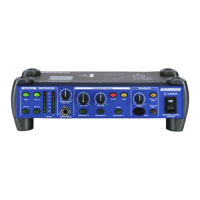
The C com 16 features a KEY insert jack which allows you to externally con-
trol the compressors trigger signal. Using the KEY insert jack, you can patch
in an external processor to affect the compressors trigger. A typical applica-
tion for external processing of the KEY signal is inserting a graphic equalizer
to filter. The KEY insert jack is internally wired so the TIP is the KEY SEND
and the RING is the KEY RETURN.
Operating The C Com 16
13
14
14
13


 To Next Page