18
Tilting and Stacking the C com 16
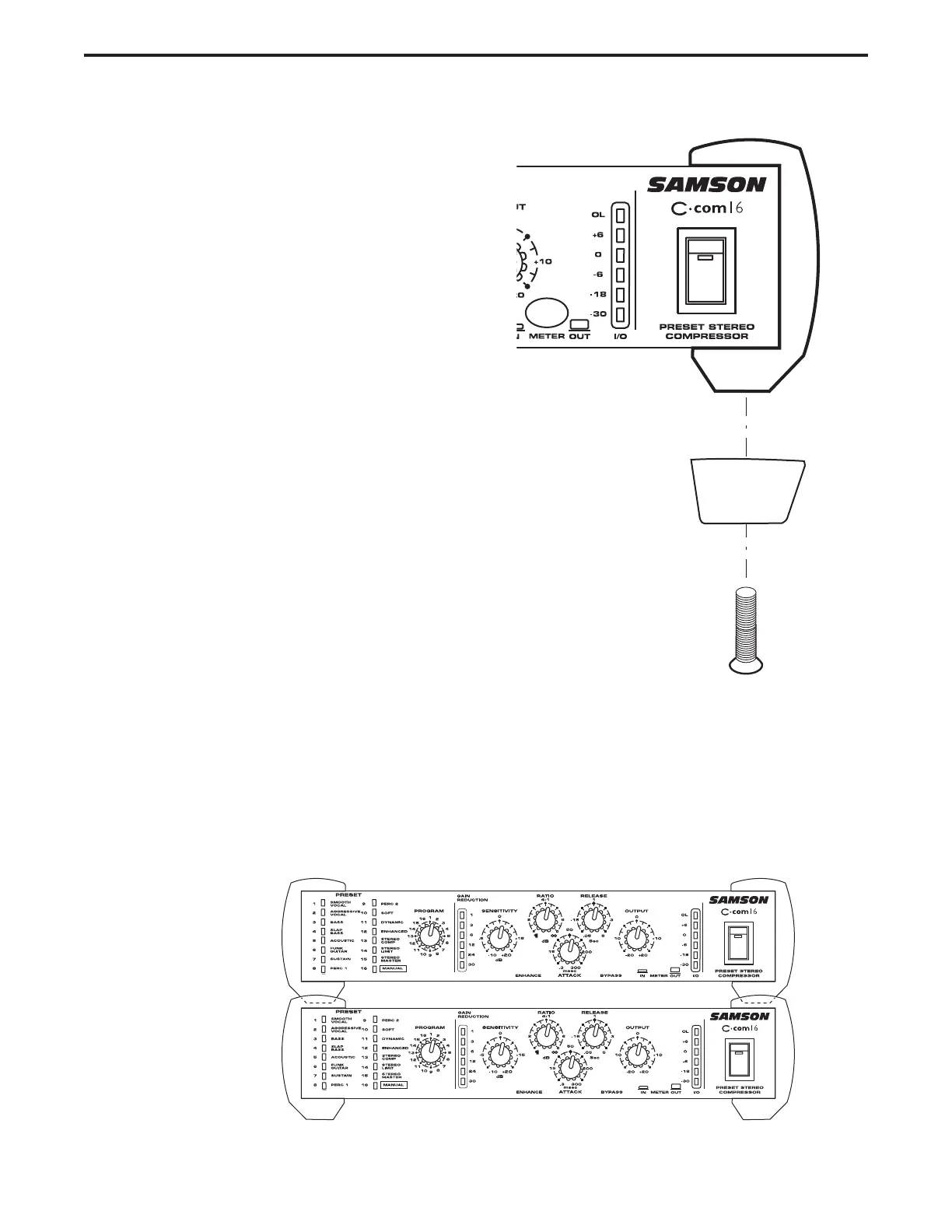
Installing the Tilting Feet
You can install the tilting rubber feet included with
your C com 16 so that you can set the unit at a
comfortable operating angle on a workstation or
desktop. Follow the simple instructions below to
install the tilting feet.
• Remove the bottom screw from right front
bumper.
• Identify the right tilting foot by the locating
“R” marking on the inside top.
•Position the angled foot under the right
bumper as shown in the drawing.
• Use the included 4 x 10mm screw to attach
the foot.
• Repeat the steps above for the front left
bumper.
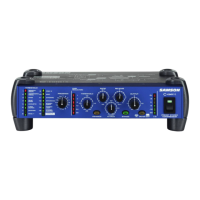
Stacking the C com 16
You can stack one C com 16, or any other Samson C Class units, on top of each other by simply lining
up the bumpers.
Important Note: When stacking the C COM 16, be sure that only the bottom unit has the tilting feet installed.


 To Next Page