11
Operating The C Com 16
Operation the C com 16 In MANUAL Mode - continued
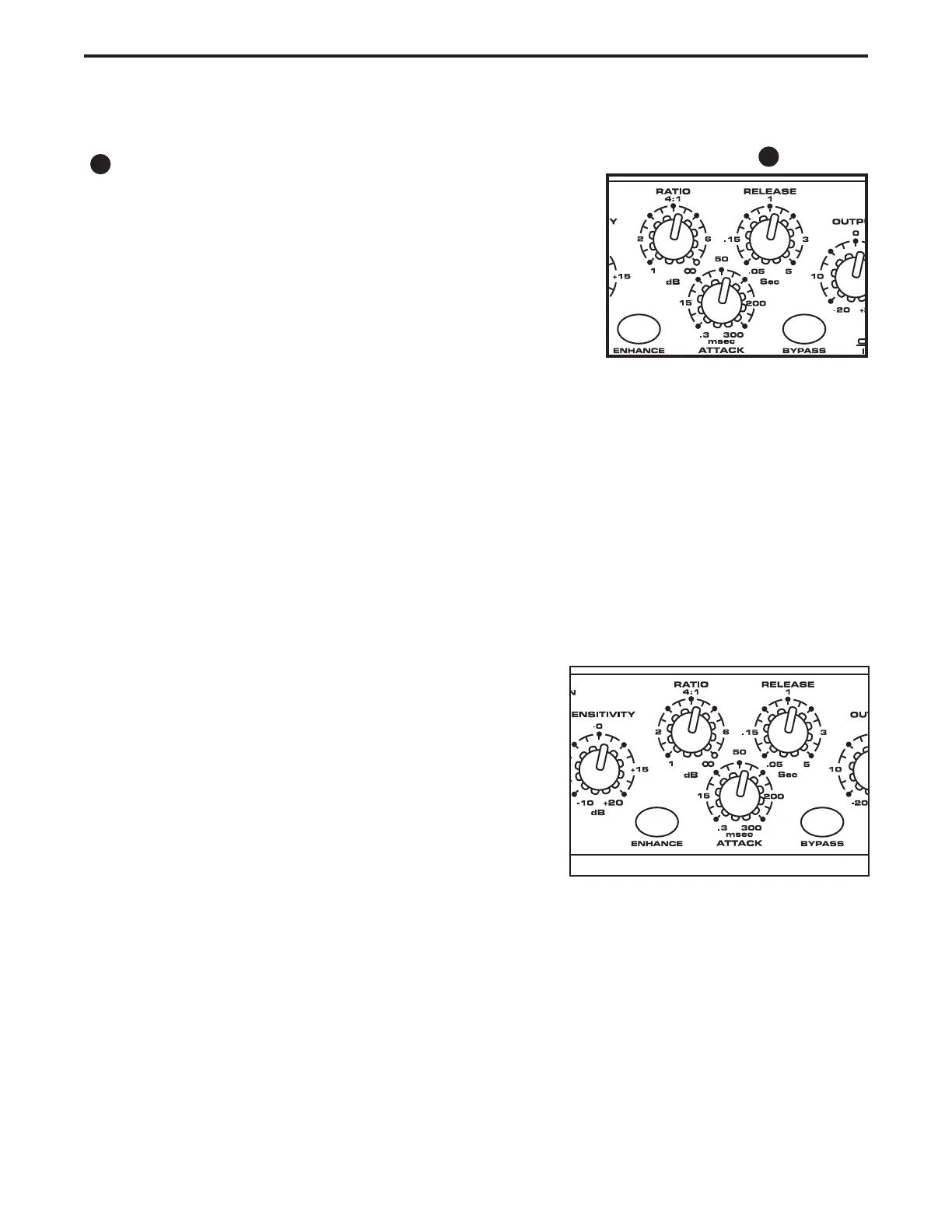
RELEASE
The RELEASE control is used to set how long the compressor
takes to return the input signal back to its original level once the
signal falls below the threshold level. The C com 16’s range for
release time is from 50ms to 5 seconds.
Compressing a Signal in Manual Mode
C Com16’s compressor section can be used for a variety of gain management tasks including printing
signals to a multi-track recorder, as a mix-down effect, mastering, and for increasing the loudness of a
live PA system. To begin compressing your signal in MANUAL mode, follow the steps below:
• Use the PROGRAM control to select number 16; MANUAL.
• Follow the section above, “SETTING UP THE C Com 16” for normalizing the controls, and the section
“Setting Input and Output Levels” to set the starting input and output levels.
• Press the BYPASS switch to the IN position so that the green LED is on.
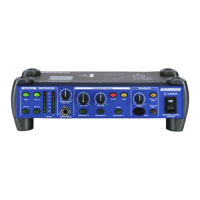
• Adjust the Ratio to 2:1.
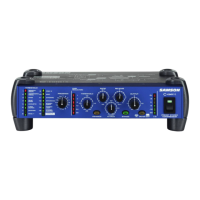
• Now, gradually turn up the SENSITIVITY level and listen for
the compression. For a visual representation, the amount of
compression is indicated on the GAIN REDUCTION meter.
• Press the METER switch to the OUT position.
• Now, by using the I/O METER and BYPASS switches, adjust
the OUTPUT level to make up the gain and match the original
signal.
• Experiment with manually controlled ATTACK and RELEASE times.
Once you have set the basic input and output level and the RATIO, ATTACK and RELEASE controls in MANUAL mode,
you can raise the SENSITIVITY control to “squeeze” the signal and add more compression. If necessary, use the OUTPUT
contol to add any “make-up gain” that you may need to get back to the same output level after the compresson. Use the
I/O and GAIN REDUCTION Meters to monitor the signal levels.
12
12


 To Next Page