17
CONNECTING THE C Com 16 - continued
IN-LINE
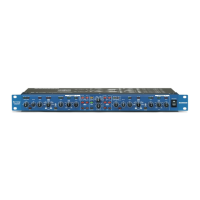
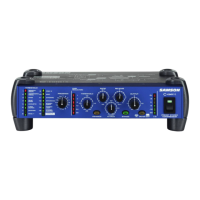
In live sound operation the C Com 16 can be installed in-line between a mixer and equalizer or power amplifier.
For these applications the C Com 16 provides both 1/4" TRS connectors connectors to easily interface with most
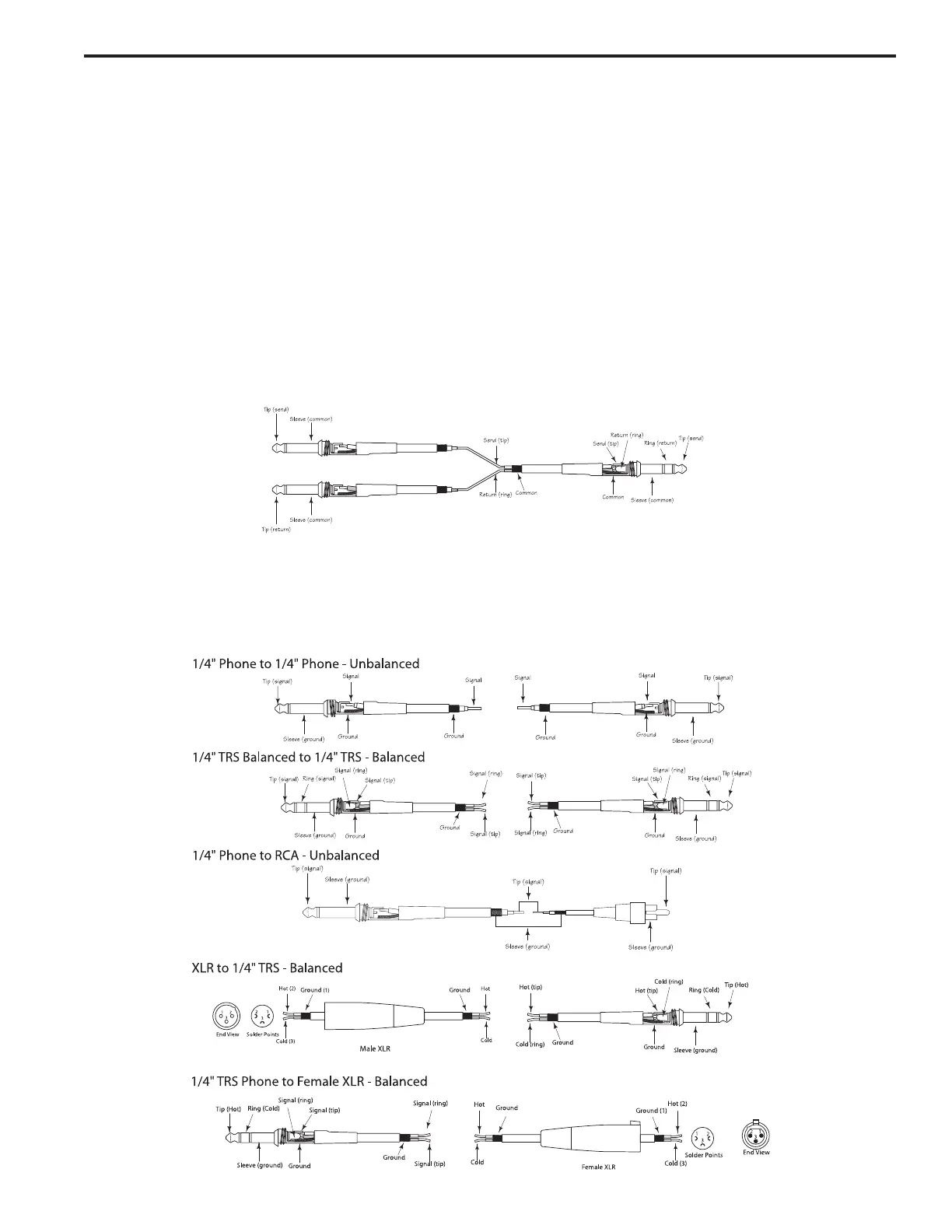
any professional audio device. Follow the wiring examples below for your particular installation.
C Com 16 Connections
Insert Cable 1/4” male TRS connector to two male 1/4”
in send and return configuration.
CONNECTING THE C Com 16
There are several ways to interface the C Com 16 to support a variety of applications. The C Com 16 features
servo-balanced inputs and outputs, so connecting balanced and unbalanced signals is possible without any sig-
nal loss. The C Com 16 can be used on a single instrument by connecting to a channels insert points, or on an
entire mix "in-line" between a mixer’s outputs and a power amp or equalizer.
INSERT POINTS
Many mixers today provide channel and bus or group inserts. Insert points are input and output patch points that
interrupt the channel or bus signal so that external processors can be connected. Channel insert points are ideal
for connecting to when using the C Com 16 to process a single channel like a vocal, bass or guitar. Bus insert
points are ideal for compressing groups of instruments like vocals, strings or drums. If you are connecting to a
channel’s insert points, you may have a single TRS jack for Send & Return. In this case, use an Insert Cable
that is configured like the one in the wiring diagram below.


 To Next Page