14 KA 5578-E EN
Operation
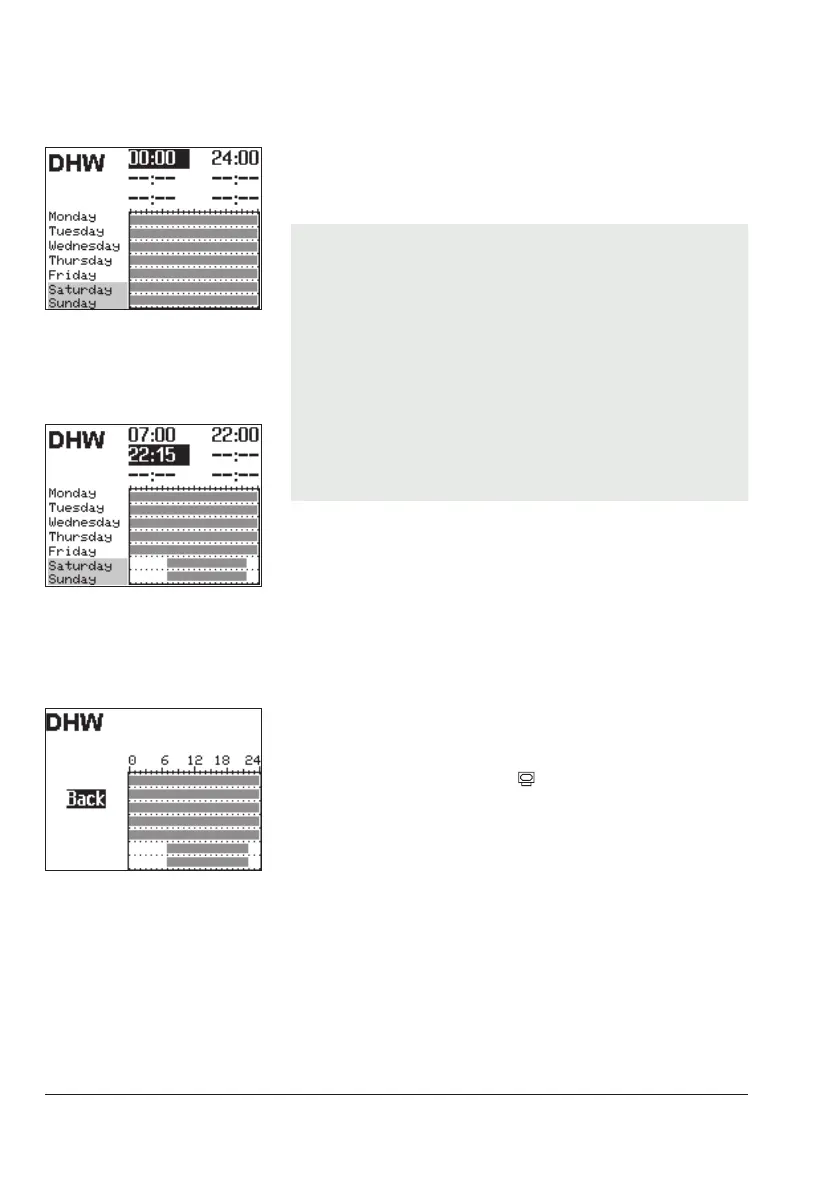
¼ Activate editing mode for the period/day.
The start time of the rst time-of-use period can now be
edited (inverted reading).
q Change start time.
(in steps of 15 minutes)
¼ Conrm the start time.
The stop time of the rst time-of-use period can now be
edited.
q End stop time.
(in steps of 15 minutes)
¼ Conrm the stop time.
The start time of the second time-of-use period can now
be edited.
To set the second and third times-of-use periods, repeat
steps with gray background. If no further times-of-use are to
be programmed for the selected time period/day, exit the
menu by conrming the indicated start time twice (2x Û).
Proceed in the same manner to program further periods/
days.
After setting all times-of-use:
q Select 'Back'.
¼ Exit the times-of-use setting.
Turn the rotary switch back to
(operating level).



 To Next Page